
DOWNLOAD THE APP


Customer Services
Copyright © 2025 Desertcart Holdings Limited
DOWNLOAD THE APP
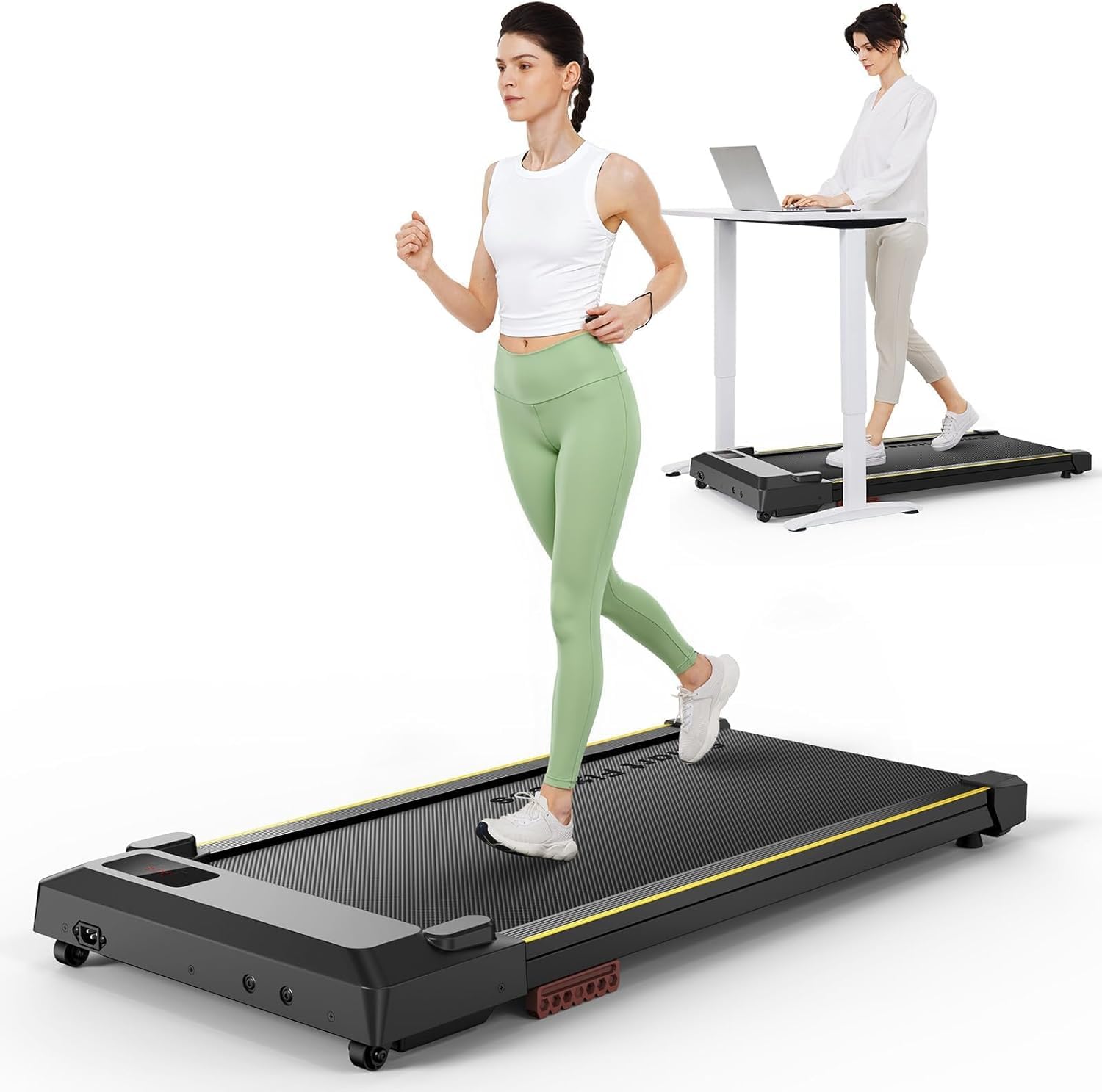
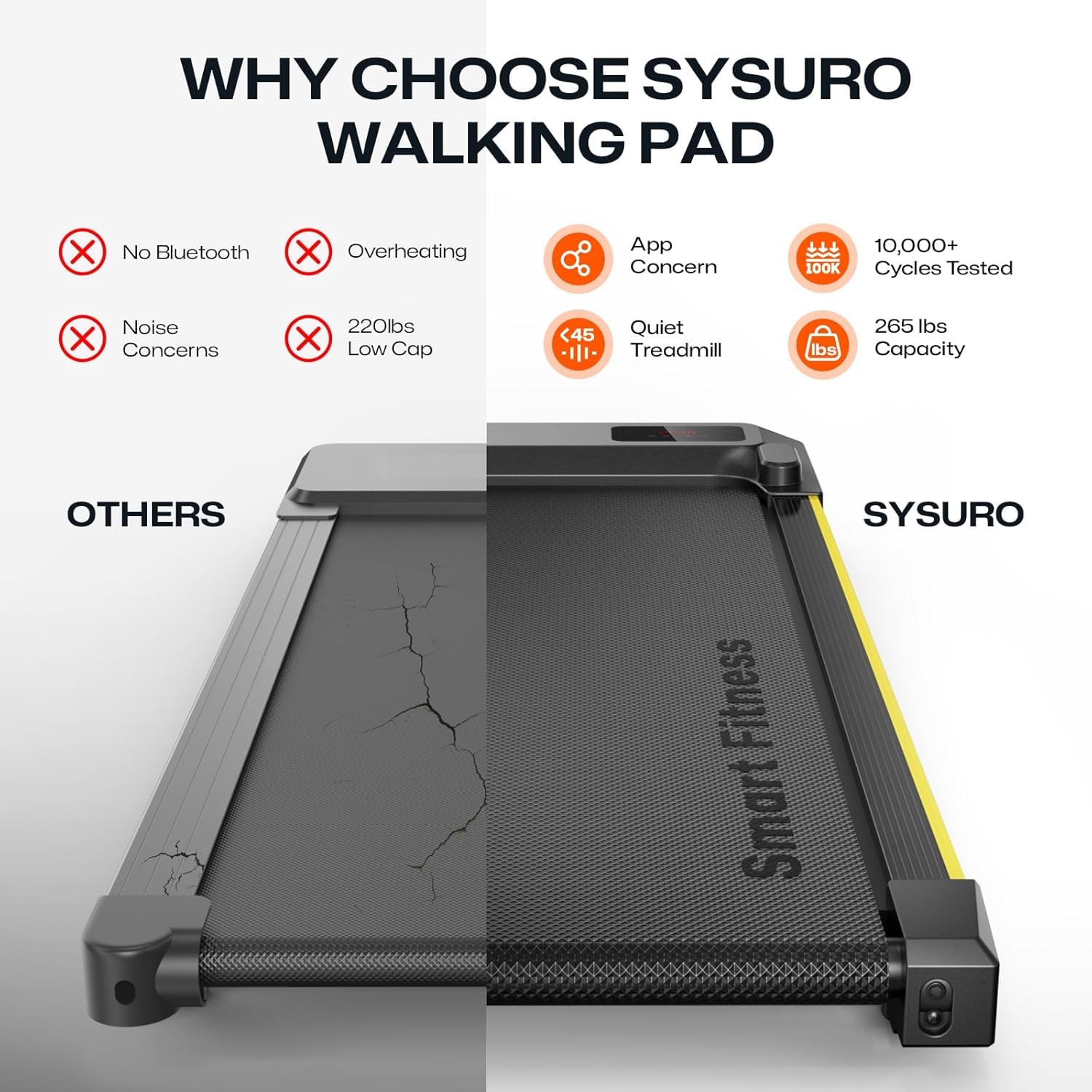
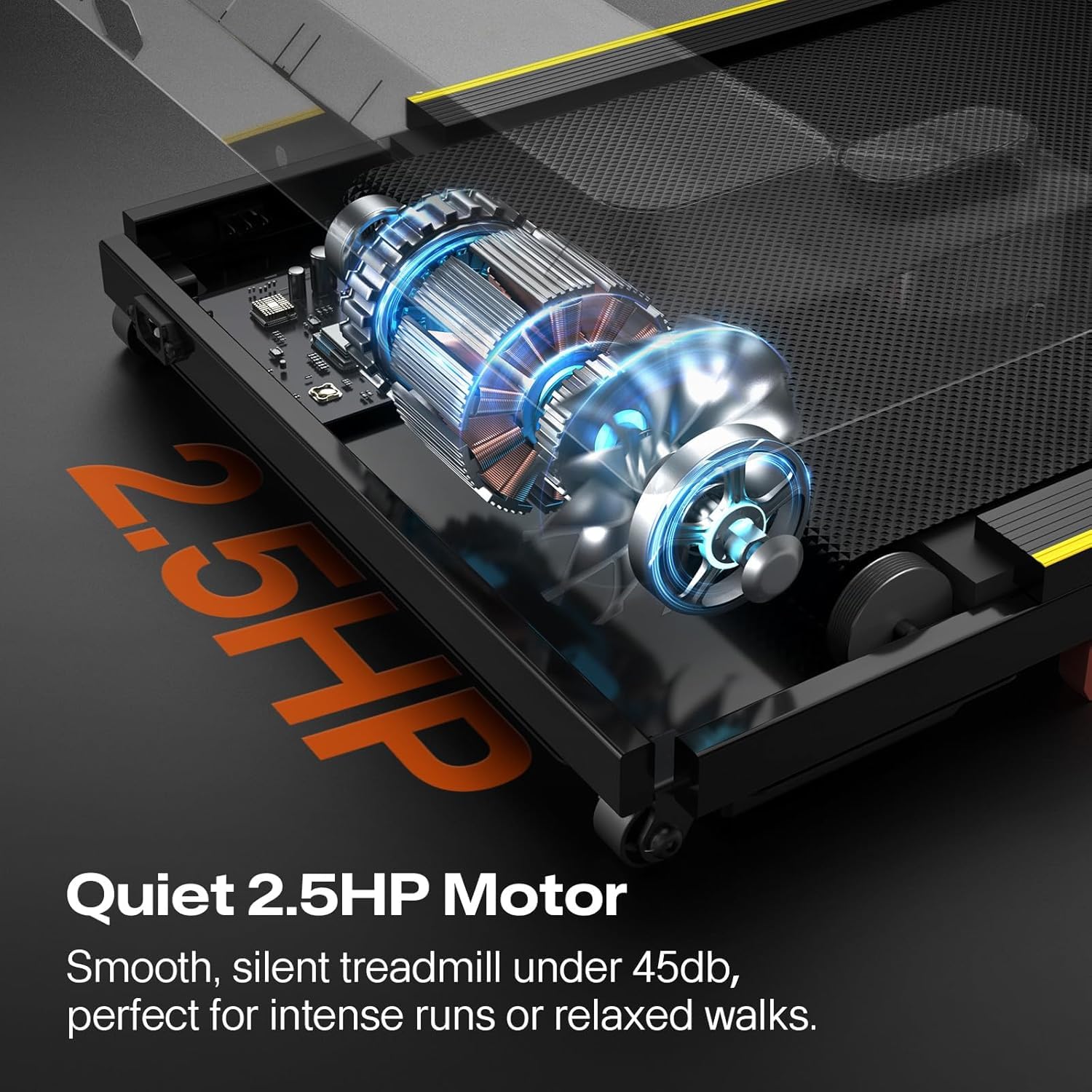
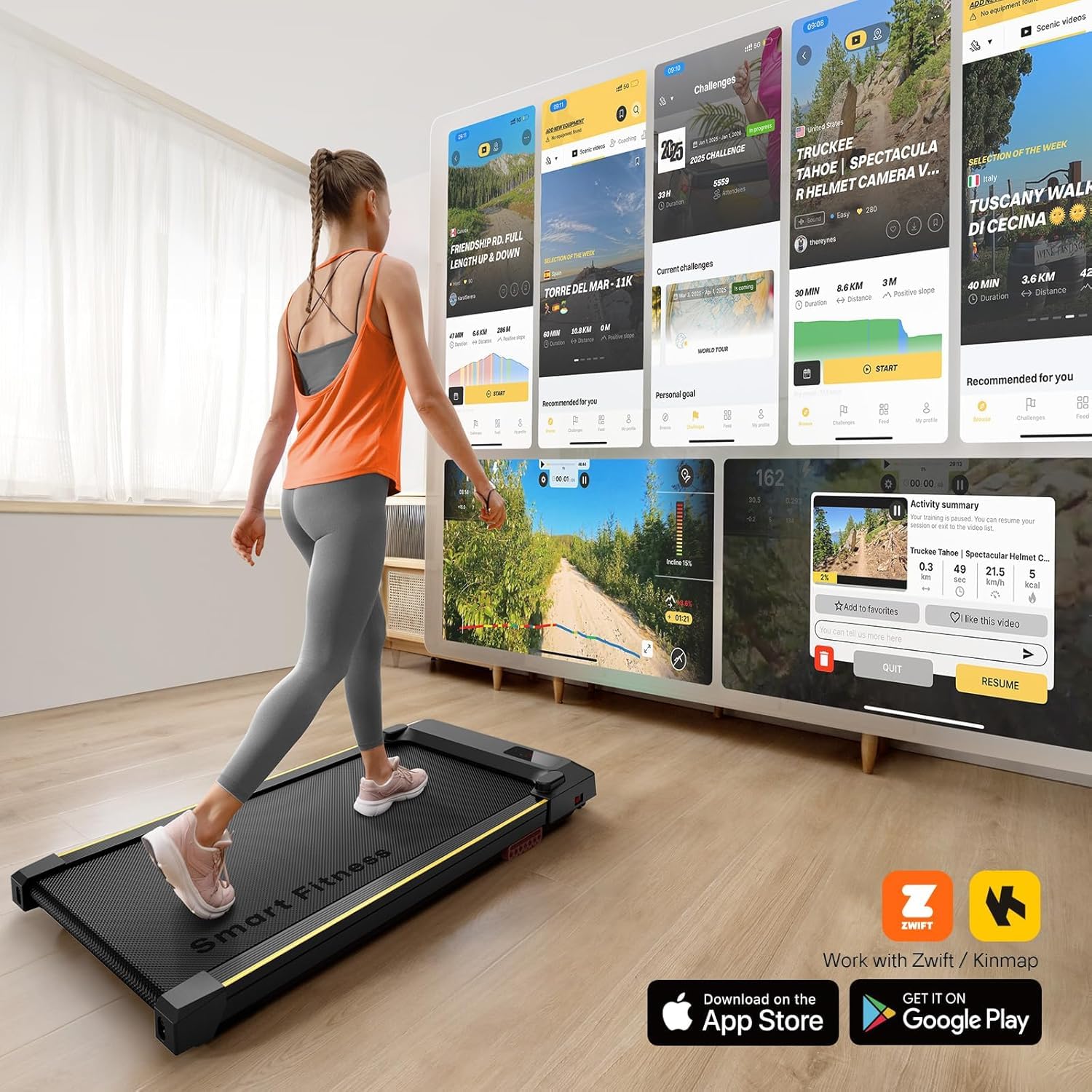
🚶♂️ Elevate your workday hustle—walk, jog, and conquer from your desk!
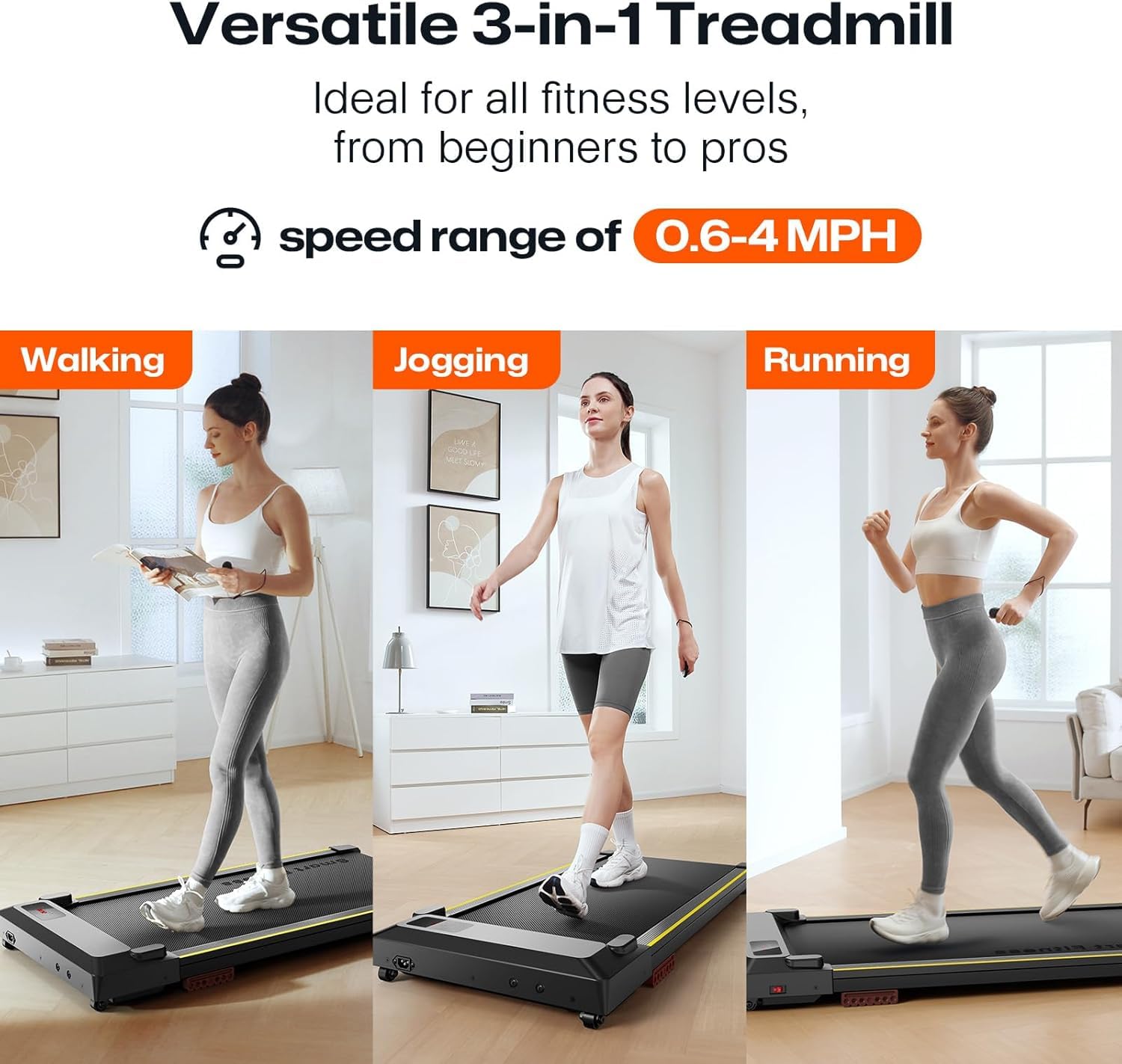
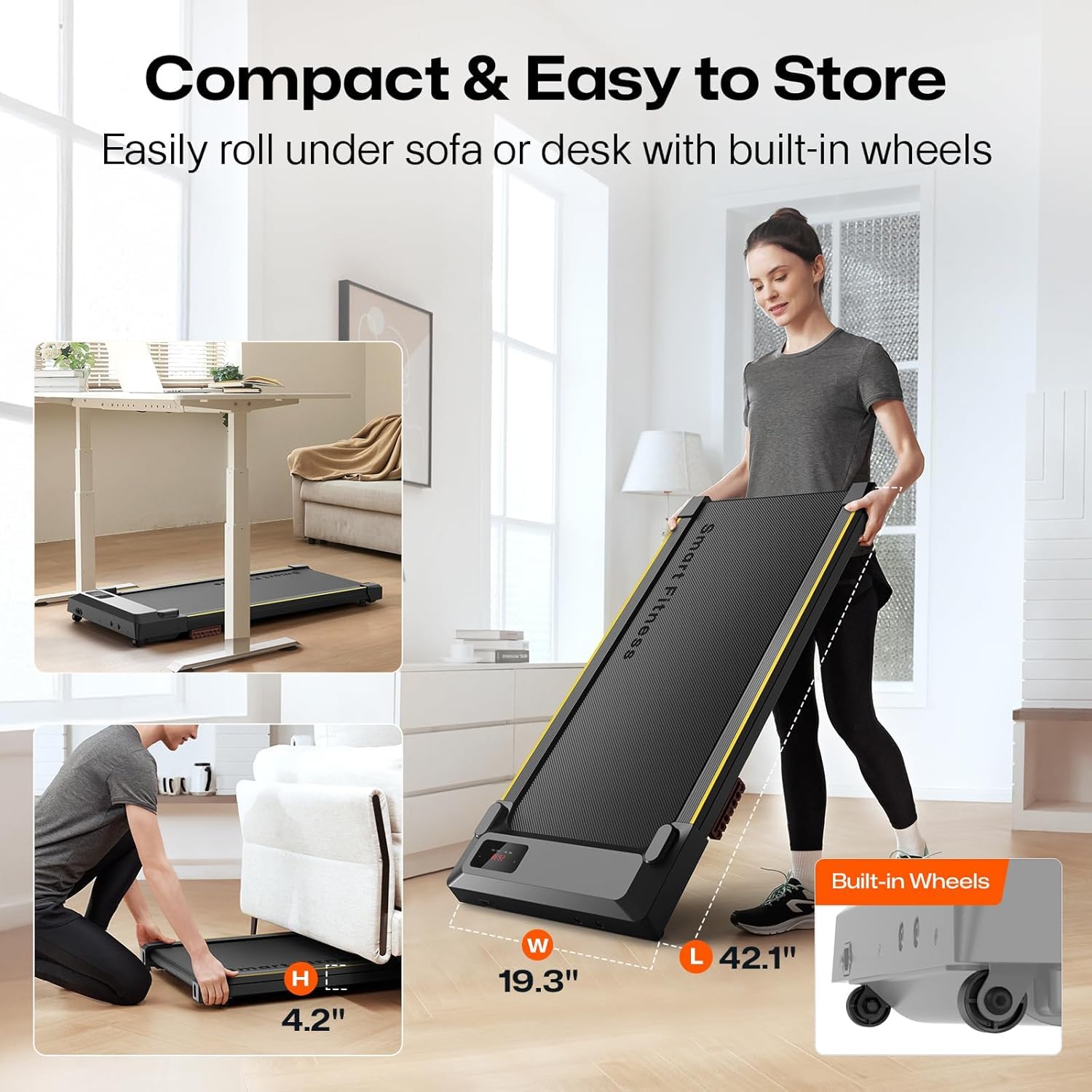
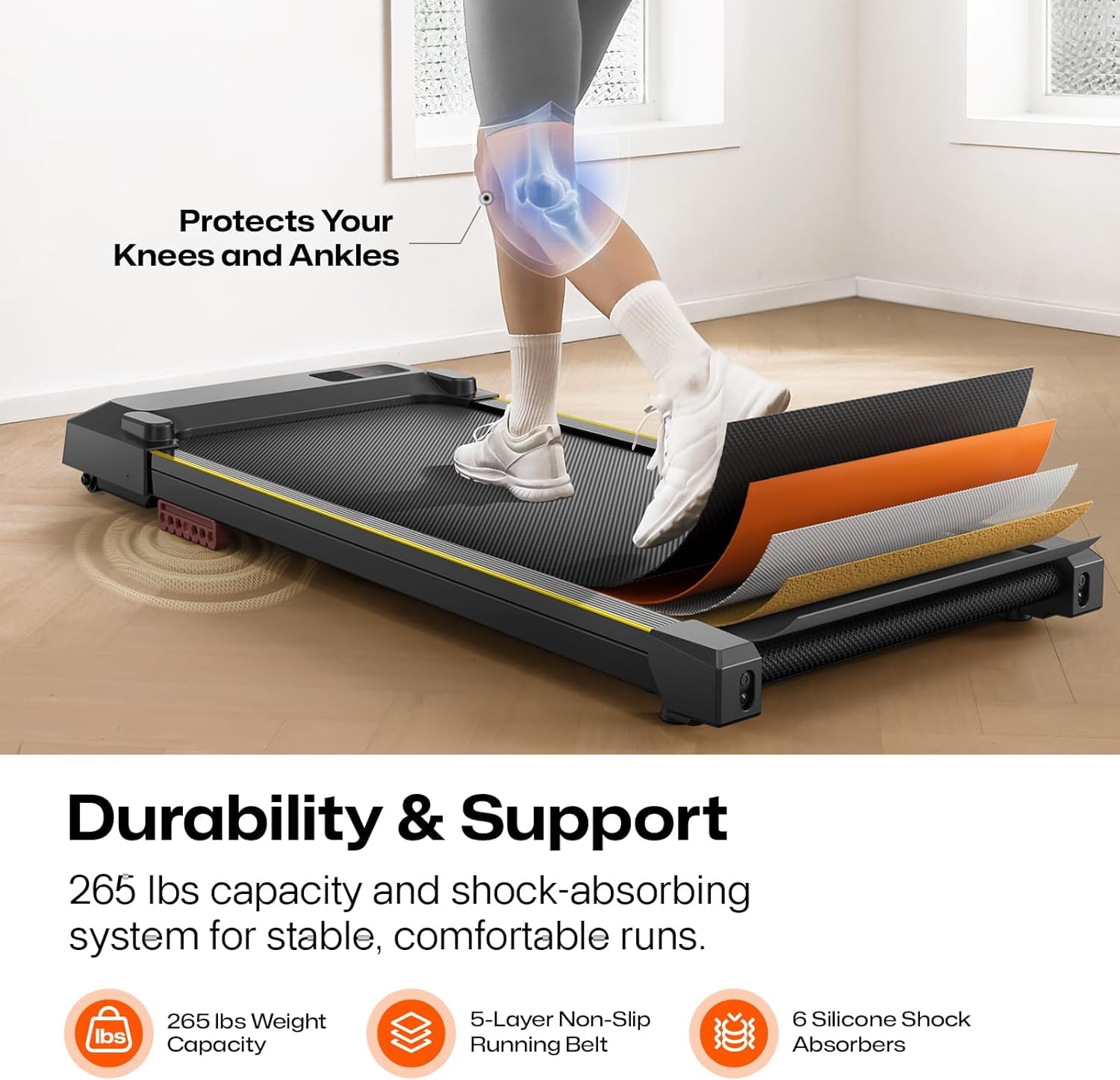
The UREVO Under Desk Treadmill is a compact, portable walking pad designed for home and office use. Featuring a powerful yet ultra-quiet 2.5HP motor, a 6-point shock absorption system for knee protection, and speeds adjustable from 0.6 to 4 mph, it fits seamlessly under most desks. With an LED display and remote control, it tracks your workout metrics in real-time, offering a convenient, space-saving solution to stay active while working.


| ASIN | B0F99L9Q73 |
| Assembly Required | No |
| Best Sellers Rank | #162,603 in Sports & Outdoors ( See Top 100 in Sports & Outdoors ) #533 in Treadmills |
| Brand | UREVO |
| Brand Name | UREVO |
| Color | BLACK S1 |
| Customer Reviews | 4.2 4.2 out of 5 stars (601) |
| Date First Available | May 20, 2025 |
| Display Type | LED |
| Frame Material | Alloy Steel |
| Included Components | User Manual |
| Item Dimensions LxWxH | 46.8 x 19.3 x 4.8 inches |
| Item Package Dimensions L x W x H | 45.4 x 21.4 x 5 inches |
| Item Weight | 37.5 Pounds |
| Manufacturer | UREVO |
| Material | Alloy Steel |
| Maximum Horsepower | 2 Horsepower |
| Maximum Speed | 4 Miles per Hour |
| Maximum Weight Recommendation | 242 Pounds |
| Metrics Measured | Distance, Speed, Time |
| Model Name | URTM025 |
| Package Weight | 17.96 Kilograms |
| Power Source | Corded Electric |
| Product Benefits | Manually adjustable incline, compact design, quiet operation, suitable for a variety of environments, providing a convenient, flexible and comfortable workout experience. |
| Product Dimensions | 46.8"D x 19.3"W x 4.8"H |
| Product Grade | Treadmill |
| Recommended Uses For Product | indoor |
| Special Feature | Compact Design |
| Suggested Users | unisex-adult |
| Target Audience | Adult |
| Warranty Description | 1 year |
J**.
BEST-KEPT SECRET IN TREADMILLS!!
I bought this treadmill during the Amazon Prime Days, and it was a little less than the usual price (which is still worth every penny for what you get!) Here is what I love about this treadmill: 1.) So far - and I've been using it pretty regularly for a few weeks since purchase - it has functioned as promised. It inclines (so far I'm only using the 2 setting) and increases speed - apparently by 2 digits each time (so be aware of that; if you click twice you'll go up 4 digits in speed!) One click of the remote will bring you from 0.6 which is the starting speed - to 0.8. I'm not sure how fast it goes; so far I'm only on 2.6 in speed. 2.) Because it has no guardrail/bars, you get a stronger workout than at the gym where you can hold on to the bars. This is an even better workout than I get from my fast walks outside and has now become my preferred cardio workout. Never fail to break a serious sweat on this. And I feel every bit of the workout in my legs, hips and arms. I swear I'm already losing inches on it! 3.) It does take a little getting used to in terms of balance because there are no bars. If you have any issues with balance, put it next to something you can grab or hold onto if you start to fall or get dizzy. I have an autoimmune issue that causes balance problems, but I took it slower for the first day or so to acclimate to it. I do think the incline helps since you are leaning forward naturally when on an incline. 4.) The remote takes some getting used to in terms of remembering how to power down speed or kick it up a notch. If you get the remote turned around you'll find yourself wondering why it's not working, lol! The wrist band should be at the bottom; there is an instructional guide with the machine. There is no "off" button- just clicking the "on" button again will "pause" it and hitting it for a longer time stops the machine completely. For those who struggle with balance (like me, see #3), I would suggest lowering the speed at the end of your workout until you get it to the entry speed of 0.6, then pause or stop it completely. That helps with balance in my experience, so I'm not going from a fast moving position to standing absolutely still on it suddenly. 5.) So far, all of the digital display works correctly. Once I "End" the session (see above for stopping the machine), I turn the machine "off" (there is a switch to turn it on and off but it won't start the treadmill by itself. You need the remote for the belt to move). Then I unplug it when the display goes dark. 6.) Praying this machine lasts a very long time! I did a LOT of research on home treadmills to find what I was looking for - and VERY FEW offer an automatic incline like this one does. When they do, it's usually MUCH MORE $$. This is a rare gem!! I would buy it again in a heartbeat!!
N**N
I love this treadmill and the customer service is outstanding!!!
I received this treadmill and love how compact (compared to my former, standard walking treadmill) but really sturdy it is. It is light enough for me to carry upstairs and set up. It is very quiet, the remote is convenient and I have nothing bad to say about it. I love that I can walk all day at work and not disturb anyone else in the house and love the 3 levels of incline to mix things up! This treadmill is a great value for the cost! 3 months in - on startup, the motor started making a noise that lasted 1-2 min tops and then went away. I made sure the tread was lubricated on a regular schedule, so didn't think that was the issue. I contacte Urevo to see if they'd heard of this issue and if they could direct me on how to fix the situation. After answering a few of their questions and providing video/audio evidence of the noise, they immediately sent a new treadmill and said I did not have to return the original (which means, someone or some animal rescue will be getting a gifted treadmill)....WOW! So, the new one is setup and I'm walking all day at work again - HOORAY!
C**H
Good under-desk treadmill for working at home
I got this treadmill to use with a new standing desk and have been using it for about 10 days. It was simple to set up, easy for me to use, and is reasonably easy to move aside if I wish to sit. I am really happy to be able to get some movement in while working at home. I put my Apple Watch in my sock or slipper so I can quantify I'm getting more steps in. I haven't tried to verify the metrics on the treadmill display, since I let the watch do the tracking (and I haven't been concerned enough to calibrate the watch!). A benefit that surprised me: if I come across a situation at work that makes me anxious, I really like being able to walk off nervous energy (previously I had a bad habit of walking to the kitchen -- dangerous!). Pros: -Treadmill arrived assembled. I was walking on it a few minutes after getting the packaging out of the way. -I am glad I spent a little more for the variable incline feature, for more ergonomic options and to feel a bit more exertion, even at walking-while-working speeds. -The remote has just the right amount of controls for me -- start/pause, faster/slower, raise/lower. It works well, I think it does need to be pointed it at the right/front corner of the treadmill. -I has a good speed range for walking, starting with a very slow .6mph (not a bad speed if you are typing) to 4.0mph. If I wanted to use it just for exercise on a rainy day, I could. -I am a strong, athletic, but small female in my mid-50s and the weight is light enough I could bring it in the house by myself and move it back and forth so I can sit/stand easily enough. I plan to keep it out near my desk where I will use it, so I am not concerned with storing it or moving it far. -The treadmill is very quiet if it is on and you are not walking on it - 47-50dB, measured on the desk surface ~40" above the treadmill with my iPhone. I feel comfortable if I need to speak in a meeting, that I could step off to the side, unmute, and not be distracting on the meeting. It is a little louder when you are walking on the belt, up to 60dB. I haven't tried talking on a zoom while walking yet. I think I will test this with a friend first. -It just fits in my office -- I have about 36" between it and a corner of my office which is just enough room to drag it back into the corner to have room for my stool if I wish to sit. Cons are of minor consequence to me: -It would be nice to have controls on the treadmill in case the remote stops working, but I didn't want to buy one with a rail, or spend more so I had to compromise on this. -As one other reviewer mentioned, the level doesn't reset when you stop/power off. This would be nice to have, because if you don't lower the belt down to level 0, then you can't roll on the wheels. The workaround is to remember to reset to the lowest level before you stop if you want to roll it. -Power cord and switch are on the end where the wheels are, so you would need to unplug the cord and perhaps be careful of the switch if you wanted to store it standing on end --not something I need to do. 1yr update- treadmill is still working great! I mostly walk or stand while working, unless I’m really tired or need stillness for deep concentration. I can do many work tasks walking at speeds between .6-1.4mph. I usually walk uphill. Sometimes I play music and “dance” on the treadmill at .6mph. Great for code reviews/email or even (simpler) coding tasks! To all the people who worked on Zoom noise cancelling, thank you from the bottom of my heart! ;) I sometimes wish for a second walking pad and a screen that’s easy to read in bright light, that I could somehow work in an outdoor space.
A**G
P0RQUERI4 DE PRODUCTO, SOLO ENCENDIO Y SE ESCUCHO UN RUIDO, DEJO DE FUNCIONAR A LOS POCOS SEGUNDOS. PUT44 EST4F4!!!
A**Z
La caminadora funciona bien, pero el empaque en que llego marcaba fecha de 1 año de antiguedad en almacen o tal vez alguna devolucion y estaba completamente dañado (el empaque).
J**J
Durée entraînement 99 minutes maximum Tableau n’a pas 3 chiffres… Bruit aiguë(inconstant) même avec huile Inclinaison fonctionne bien Le tapis ne chauffe pas
Trustpilot
1 month ago
1 month ago