

Desert Online General Trading LLC
Dubai, United Arab Emirates
Desert Online General Trading LLC
Dubai, United Arab Emirates

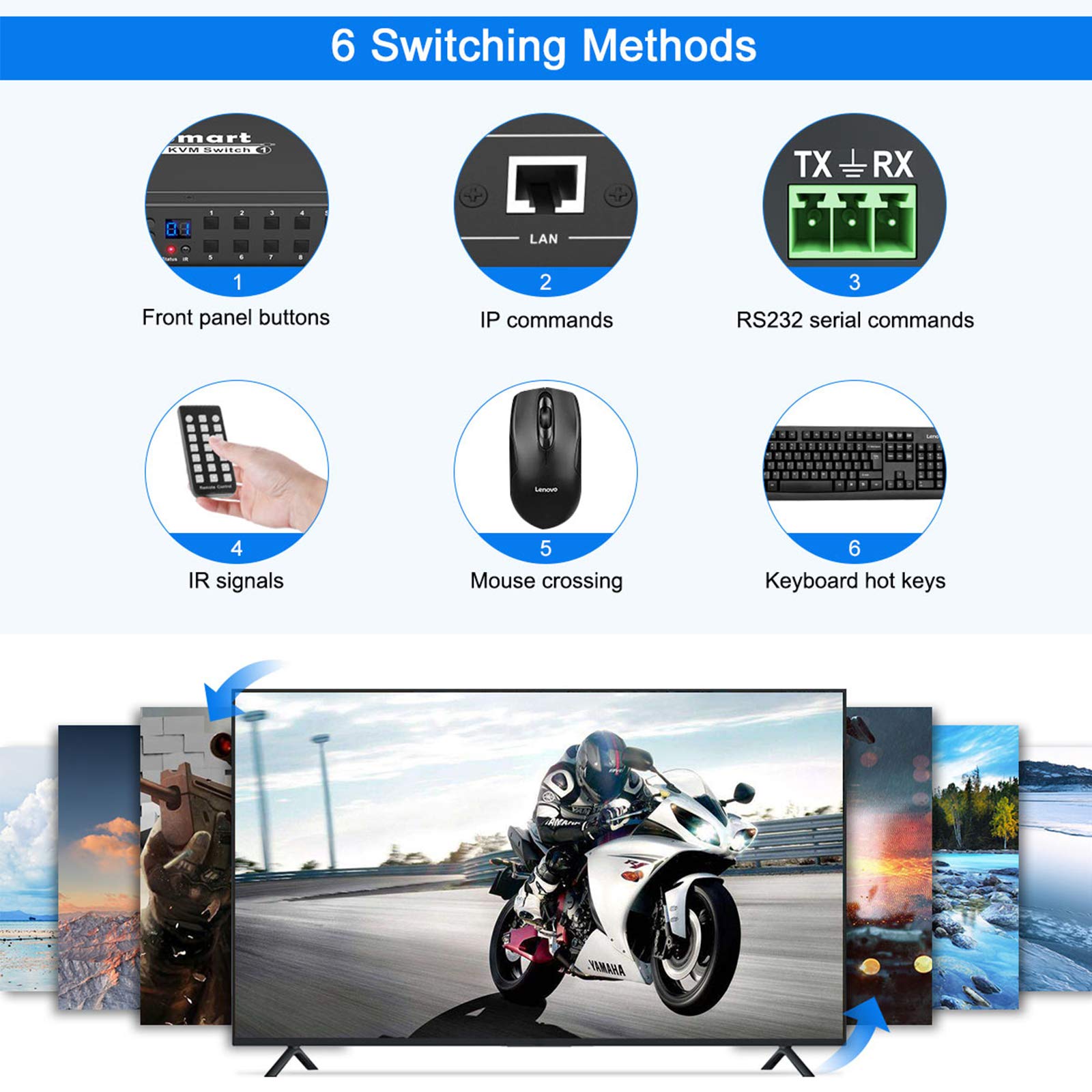




🎯 Master your multi-PC setup with flawless 4K switching!
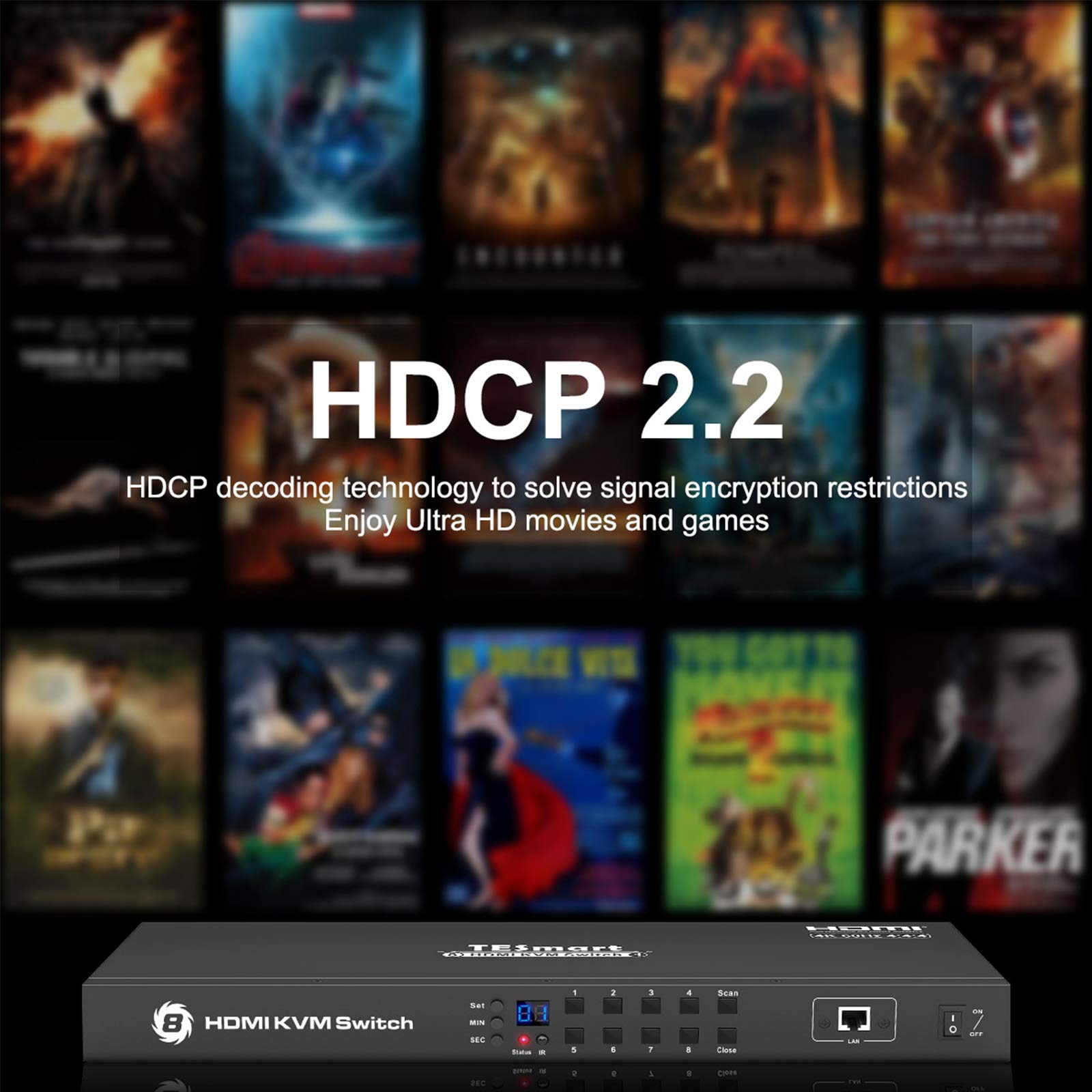
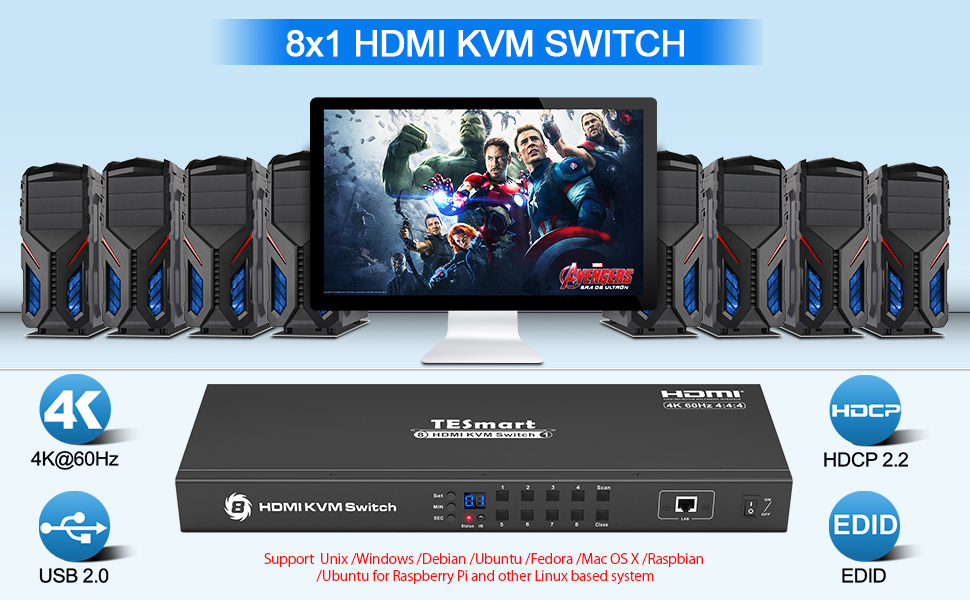
The TESmart 8-Port HDMI KVM Switch empowers professionals to control up to 8 computers using a single keyboard, mouse, and 4K@60Hz monitor. Featuring smart EDID emulation, 5 flexible switching modes, and rack-mount design, it streamlines complex workflows in offices, data centers, and control rooms while ensuring seamless, high-resolution display transitions.



| Manufacturer | TESmart |
| Part number | TES-HKS0801A1U-USBK |
| Item Weight | 1.8 kg |
| Product Dimensions | 30.48 x 15.01 x 4.29 cm; 1.8 kg |
| Item model number | HKS801-E23 |
| Size | 440x150x45mm 1.92kg |
| Colour | Black |
| Style | 8 Port 4K@60Hz,USB 2.0 |
| Power source type | DC |
| Voltage | 12 Volts (DC) |
| Wattage | 24 watts |
| Item Package Quantity | 1 |
| Switch Type | 1-way |
| Plug profile | Rack Mount |
| Batteries included? | No |
| Batteries Required? | No |
R**E
Solid and reliable KVM. Good value for 8 inputs
I've been using the TESmart 8 port HDMI KVM for over a year with a combination of Linux and Windows PCs and Games consoles and it has generally worked perfectly all the way up to QHD monitor resolution.Only one minor issue. The KVM has two USB ports for connecting mouse and keyboard. Connecting a powered USB hub to one of these ports will cause the KVM to be powered over the USB connection. Using a USB power blocker will fix this. The hub will work fine. All devices connected to the hub will be available to the selected computer.
S**N
Excellent KVM for homelab or enterprise use
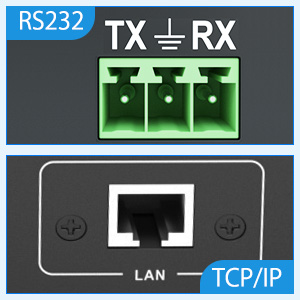
I have this installed in my homelab. It replaces an 8 port equivalent from the same company. It is easy to set up and the ability to remotely control it via the LAN port is excellent. I have it going into a PiKVM and can use my PIKVM to switch between all 16 ports on this switch when viewing remotely over the internet or from my laptop in another room. It supports higher resolutions that my PiKVM can support so I can't really comment on its 4K performance but I'm extremely happy with it and would recommend it. It is far cheaper than alternative brands but does the job just as well. I've used many KVMs over the years in various jobs and this is just as good as any of the really expensive ones that I've used.Highly recommended.
F**D
It works
This KVM does 4Kp60, unlike most that top out at 4Kp30, hence the higher price. I am using it with a NEC PA306 professional monitor (which is actually 2560x1600), and had to use an active HDMI to DisplayPort adapter (another £60 expense), but it's a small price to pay to tame the rat's nest of computers in my homelab.Be advised: the HDMI+USB cables supplied are not incredibly strong and you can bend the HDMI connector if you're not careful.Also, the blue LED is blindingbly bright, specially if you keep it at keyboard height as I do. I worked around this using gaffer tape over the LED, and even through that it's still quite visible.
A**Y
Bracket screws made out of butter
I would review the product if I was able to even attach the brackets to get it in my rack. Screw holes for brackets to small, bracket screws are like butter, expect to strip the cross head trying to get them in. Any pressure on the screws trying to screw them in and the sides of the product flex inwards. Now have a screw stuck in there with cross head chewed to pieces. For a supposedly server grade product this sucks!!!
N**N
The KVM switch works and is stable - I will be keeping it.
The switch is quite large and robust, having an all metal enclosure. It tends to slip around easily and would benefit from rubberised pads. The hotkeys are not programmable, with Scroll-Lock the hardwired option, despite the website blurb. The advert talks of selecting inputs, but the device does that itself when HDMI input is detected. Although this is perhaps preferable when only one PC is connected, there should be an option to disable this feature. The switch worked well with both DP to HDMI and DVI to HDMI cables. I found the resolution 3840x2160 @ ~30Hz was stable, unlike some other devices on the market. Logitech wireless keyboards may not work correctly when connected to the keyboard USB port - the volume and calculator keys give unwanted results. The Amazon advert needs correcting - for example, Method 2 under 'Tips' describes use of the 'SW' key to change hotkeys - 'SW' was present on an earlier model, but is not present on the KVM being sold.Added:The unit has stopped switching displays when I turn a PC on - it just stays with the display I selected. Perhaps one of the undocumented buttons on the remote controls this. I have been using the device for some months and I would recommend it. Removal of the unused buttons on the remote would be desirable.
P**O
Ticks all the boxes but shabby user experience and support
Bought this because it ticks all the boxes and is cheaper than the competition. Cheaper, but not cheap.This is actually a very generic switch with words like 'HDMI KVM Switch' and the really useful 'Remote Control' on the remote control (with buttons that don't work for this model).There is Tesmart logo on the top on the KVM in 1 place only.User manual is rubbish - again generic. Keeps mentioning getting RS232 codes, etc from their website which is not listed.I found at least 3 websites - tesmart.com, buytesmart.com and tesla-smart.com - none of these have this model. The 30Hz is listed but no software. The manual for the 30Hz is also wrong and refers to the 4 port version in places.Basically, shambles. A mere box-shifting exercise.Now, if you're used to the slick operation of something like Aten or Belkin switches, then forget it. This one really infuriates.Whilst I have not had the joy of moving windows like other reviews, I constantly get a keyboard issue where the right cursor key is stuck and the keyboard is unresponsive. Only option is to switch the KVM off and back on again. This happens several times a day.I also get occasional screen flickering (every 5-10 seconds). Again, power off and on.The switching back off and on again always goes back to the last populated/powered port - not a big deal for me, but still a hassle.To be fair, this does tick all the boxes and is unique at this price point which is why I have given it 3 stars.In reality, I know I will be getting rid of it at the first available opportunity when something else better is available.
G**B
Works well except....
All works as expected but l have to unplug and re-plug mouse if KVM is powered down, have not had time to look for a solution yet
Trustpilot
2 weeks ago
1 month ago