Desertcart purchases this item on your behalf and handles shipping, customs, and support to Japan.
⚡ Power Your Productivity with the Ultimate 16-in-1 Thunderbolt Dock!
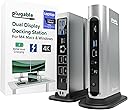
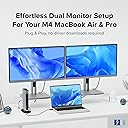
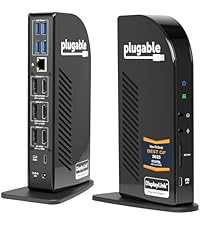
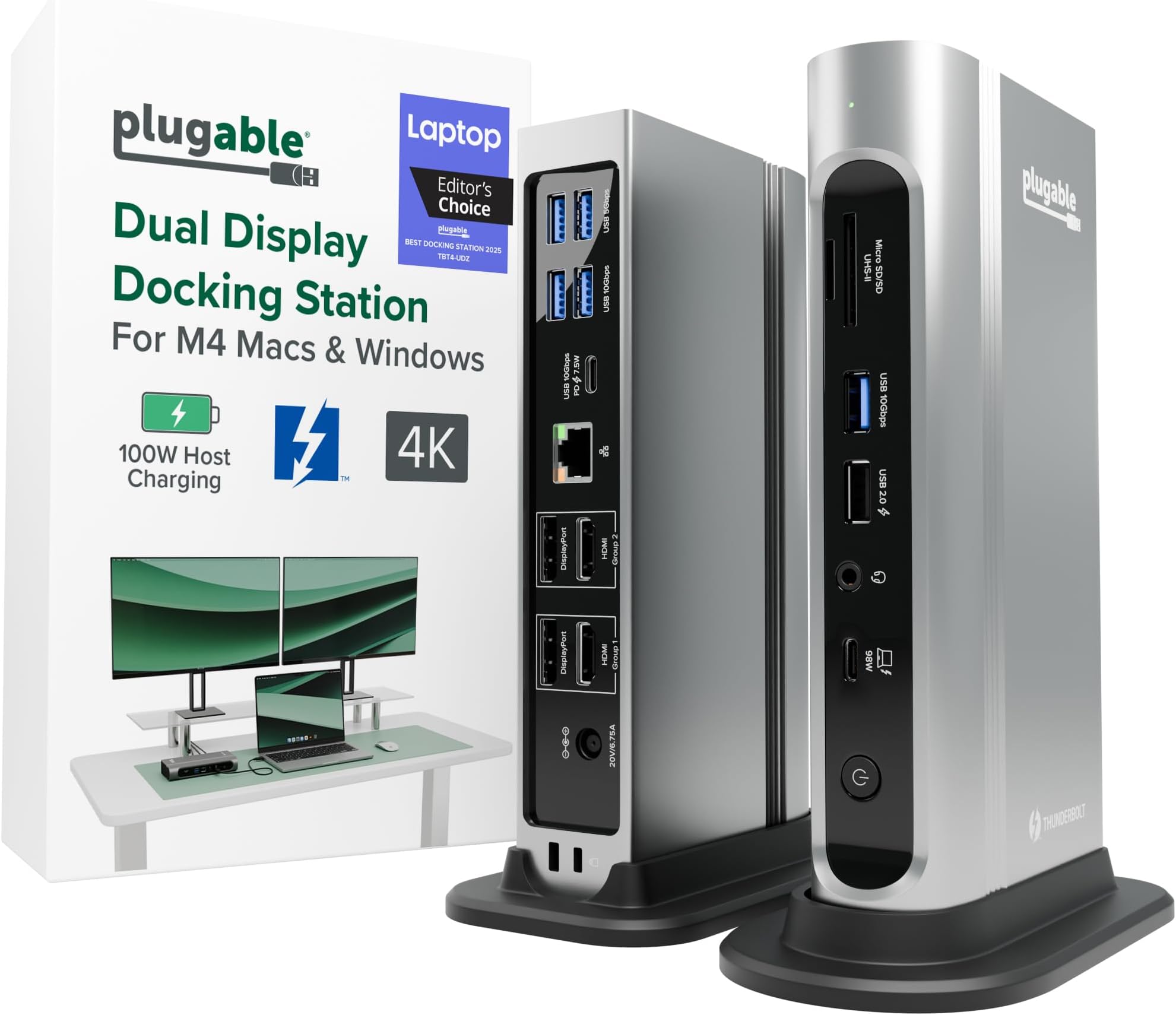
The Plugable 16-in-1 Thunderbolt 4 Dock is a premium, award-winning docking station designed for M4/M5 MacBook Air/Pro and Windows Thunderbolt 4/USB4 laptops. It supports dual 4K 60Hz displays via HDMI and DisplayPort, delivers up to 100W charging, and offers 16 versatile ports including 7 USB, microSD/SD card readers, and 2.5Gbps Ethernet. With universal compatibility and plug-and-play ease, it transforms your laptop into a powerful multi-monitor workstation, backed by exceptional customer support.


| ASIN | B0BQJWKBMF |
| Amazon 売れ筋ランキング | パソコン・周辺機器 - 55,352位 ( パソコン・周辺機器の売れ筋ランキングを見る ) ノートパソコン用ドッキングステーション - 264位 |
| HDMIポート数 | 2 |
| UPC | 819927012733 |
| USBポートの総数 | 7 |
| USBポート数 | 7 |
| おすすめ度 | 5つ星のうち4.1 511 レビュー |
| カラー | シルバー |
| ハードウェアインタフェース | Thunderbolt |
| ハードウェアインターフェイス | Thunderbolt |
| ブランド | Plugable |
| ポート数 | 16 |
| メーカー名 | Plugable |
| メーカー型番 | TBT4-UDZ |
| ユニット数 | 1.0 個 |
| ワット数 | 100 |
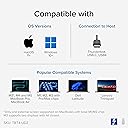
| 互換デバイス | Windows 11 Thunderbolt 4ホストとmacOS 11+を搭載したThunderbolt 4 Mac。M5 / M4 MacBook ProとMacBook Air、M1 Pro/Max、M2 Pro/Max、M3 Pro/Max、またはベースM3(デュアルディスプレイにはクラムシェルモードが必要)、HP Omnibook / EliteBook / DragonFly / ProBook / Spectre x360シリーズ、 Dell Pro Max / Plus / XPS / Latitude / Inspiron、Lenovo ThinkPad / IdeaPad / Yoga、フレームワーク (インテルプロセッサー)、Microsoft Surface Pro 11 & 10 for Business、Surface Pro 9.8 / Surface Lap… |
| 付属品総数 | 1 |
| 入力電圧 | 20 ボルト |
| 同梱商品 | プラグ可能なTBT4クアッドドック100Wサンダーボルト4クアッドドッキングステーション。 |
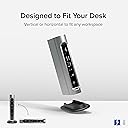
| 品目寸法(L x W x H) | 10.4長さ x 3.6幅 x 19.6高さ cm |
| 商品の寸法 | 10.4長さ x 3.6幅 x 19.6高さ cm |
| 商品の重量 | 646 グラム |
| 商品種別 | ノートパソコン用ドッキングステーション。 |
| 型番 | TBT4-UDZ |
| 対応デバイス | Windows 11 Thunderbolt 4ホストとmacOS 11+を搭載したThunderbolt 4 Mac。M5 / M4 MacBook ProとMacBook Air、M1 Pro/Max、M2 Pro/Max、M3 Pro/Max、またはベースM3(デュアルディスプレイにはクラムシェルモードが必要)、HP Omnibook / EliteBook / DragonFly / ProBook / Spectre x360シリーズ、 Dell Pro Max / Plus / XPS / Latitude / Inspiron、Lenovo ThinkPad / IdeaPad / Yoga、フレームワーク (インテルプロセッサー)、Microsoft Surface Pro 11 & 10 for Business、Surface Pro 9.8 / Surface Laptop Studio / Surface Laptop 6 / 5、Acer Swift、Predator、Aspire Vero、ASUS ZenBook、ExpertBook、ROG Zephyrus、ProArt。 対応デバイス Windows 11 Thunderbolt 4ホストとmacOS 11+を搭載したThunderbolt 4 Mac。M5 / M4 MacBook ProとMacBook Air、M1 Pro/Max、M2 Pro/Max、M3 Pro/Max、またはベースM3(デュアルディスプレイにはクラムシェルモードが必要)、HP Omnibook / EliteBook / DragonFly / ProBook / Spectre x360シリーズ、 Dell Pro Max / Plus / XPS / Latitude / Inspiron、Lenovo ThinkPad / IdeaPad / Yoga、フレームワーク (インテルプロセッサー)、Microsoft Surface Pro 11 & 10 for Business、Surface Pro 9.8 / Surface Laptop Studio / Surface Laptop 6 / 5、Acer Swift、Predator、Aspire Vero、ASUS ZenBook、ExpertBook、ROG Zephyrus、ProArt。 表示を増やす |
| 必要な最小オペレーティングシステムバージョン | Windows 11 |
| 色 | シルバー |
C**S
Very solid construction, top notch support
I bought this to dock a new gaming notebook to the two monitors, keyboard, mouse, speakers, mic, webcam, and other assorted odds and ends at my working desk. All of that is shared with a work notebook which has its own company-supplied "meh" quality off-brand Thunderbolt 3 dock, with both docks switching through a modern KVM so that I can jump back and forth as desired. As the new computer has a Thunderbolt 4 port, I wanted to go with a TB4 dock to allow for the possibility of higher resolution & higher refresh monitors and maybe even more of them at some point. This Plugable dock looked to be the best balance between price and features -- for the features, there just aren't that many docks at this price. A lot of the docks around this range don't even have DisplayPort, just capability for USB monitors. A lot of the ones at this price also tend to supply less power, which aren't enough for this computer. This one also seemed to make the top X on quite a few of the "best Thunderbolt 4 docks" lists. So nothing much to report in the functionality -- plug stuff in, stuff works. I had no issue with the computer locking onto the dock or the dock addressing any of the peripherals. Everything happens pretty much instantaneously. You get a nice green solid light to show successful TB connection with the computer, or white if no connection. The dock supplies 98W of power, which is enough to actively charge my power-hungry Lenovo Legion 5 Pro notebook which needs something close to that to charge while using. It's almost the 100W max for this computer for USB charging. Anyway, that certainly works. I had one hiccup -- toward the end of the first full day of use, it just stopped working at all, unable to ever establish a connection to any computer plugged into it. Swapped cable, same deal. I contacted tech support (after hours) via email and immediately got a human response acknowledging the problem, letting me know the real techs were going to be back in office first thing in the morning and would get with me, and as promised, they did, the very next day. Josh from Plugable, probably one of the most polite and pleasant people I've ever dealt with from a tech support team, was quick to ask for a bit more info, followed by acknowledgement that it appears that the dock is bad, and an offer to send out another immediately in exchange for promise of return from me using the shipping label that was to be included. Each interaction was very quick -- no long waits between emails. The package did arrive in just a couple of days and the replacement so far is working great. He mentioned really being eager to get that other one back with all of the original stuff (i.e., "please use only the new stuff [power supply, cable, etc] because we don't know which part of the old unit is the point of failure") so that they can diagnose the cause of the problem, presumably to know whether there are manufacturing or design issues to address. It's what I like to hear. Anyway, highly recommend this product. If you need it, the tech support is unbeatable. Hopefully you won't need it, and you'll have a really solid and frankly very attractive dock that looks good sitting on my desktop where my old mid-tower system used to be, along with easy access to USB ports and SD-card slots and a headphone jack.
T**I
4.5 stars for the hardware, 5 stars for the humans behind it!
The Plugable TBT4-UDZ has done what it promises in over a year of my usage. However, recently I ran into some frustrating display glitches, the kind that made me worried about the money I had spent on it for my home workstation. After purchasing the product in January 2025, the issues kept coming and going now and then. Finally, last month, the Ethernet port stopped detecting my internet connection. Obviously, since the return window had closed on Amazon, I reached out through their product page for help. And this is where I was genuinely surprised and relieved to own this product. Josh at Plugable reached out (after I ignored their AI chatbot and thought this was done!) and asked me to send a device report using their debugging software. I wasn’t still sure how this was going to pan out, but I did it. Once he had the report, he assured me that the stated problem was present and that he was going to send me a pre-tested and firmware-updated dock for free, according to their 2-year warranty! Moreover, he stayed engaged across multiple exchanges (read probable dumb doubts and queries I had) and followed up proactively. That level of support is increasingly rare, and it deserves to be called out. The product itself gets 4.5 stars. There are still some minor issues, like one monitor not coming active on a screen wakeup, but nothing that an on/off from the dock power button can’t resolve. And it currently supports my 2-monitor + 1-laptop setup, all with 2560 x 1440 resolutions and refresh rates of 120Hz on the monitors and 240Hz on the laptop. With 16 ports suitable for most kinds of setups involving display, audio, internet, and accessories, this dock is definitely solid, barring the few unavoidable glitches that might pop up. So, would I buy Plugable again? Without hesitation — not just for the hardware, but because I know if something goes sideways, there's a real person on the other end who gives a damn. And that is something, IMO, we need to support in an increasingly AI-baked techscape in the name of efficiency.
A**R
Funciona impecable con Linux
Pese a que las especificaciones mencionan que no es compatible con Linux (me di cuenta después de hacer la compra...), me funcionó perfecto sin tener que instalar o configurar absolutamente nada (en Ubuntu 24.04). Lo uso con 3 pantallas FHD externas más la pantalla FHD interna de mi notebook, las 4 pantallas mostrando contenido distinto. No he probado el puerto de red, pero el sistema sí detecta la interfaz, así que debería funcionar sin problema también.
C**R
Very good product, even better Support
Very good product! Well worth the price tag. Features as advertised are all there. And most of all: VERY GOOD PRODUCT SUPPORT team! Very responsive, very helpful. No frills, no fuss, just a really professional approach. More than makes up for any perceived shortcomings.
T**A
Very durable and Easy to setup
I ordered this for my husband. I am not a fan of gadgets, but he loved this dock once he opened it. The quality was extremely durable, and the setup was easy. He simply plugged his 2 screens and laptop. The dock has many options for connecting devices, which ultimately saves you from having to use different devices to connect to the system, like a Bluetooth adapter for a keyboard and mouse, your 2 HDMI ports, a webcam, and more. What else does a person need? Extremely helpful and problem-solving device. My husband highly recommends this.
Trustpilot
1 month ago
3 weeks ago