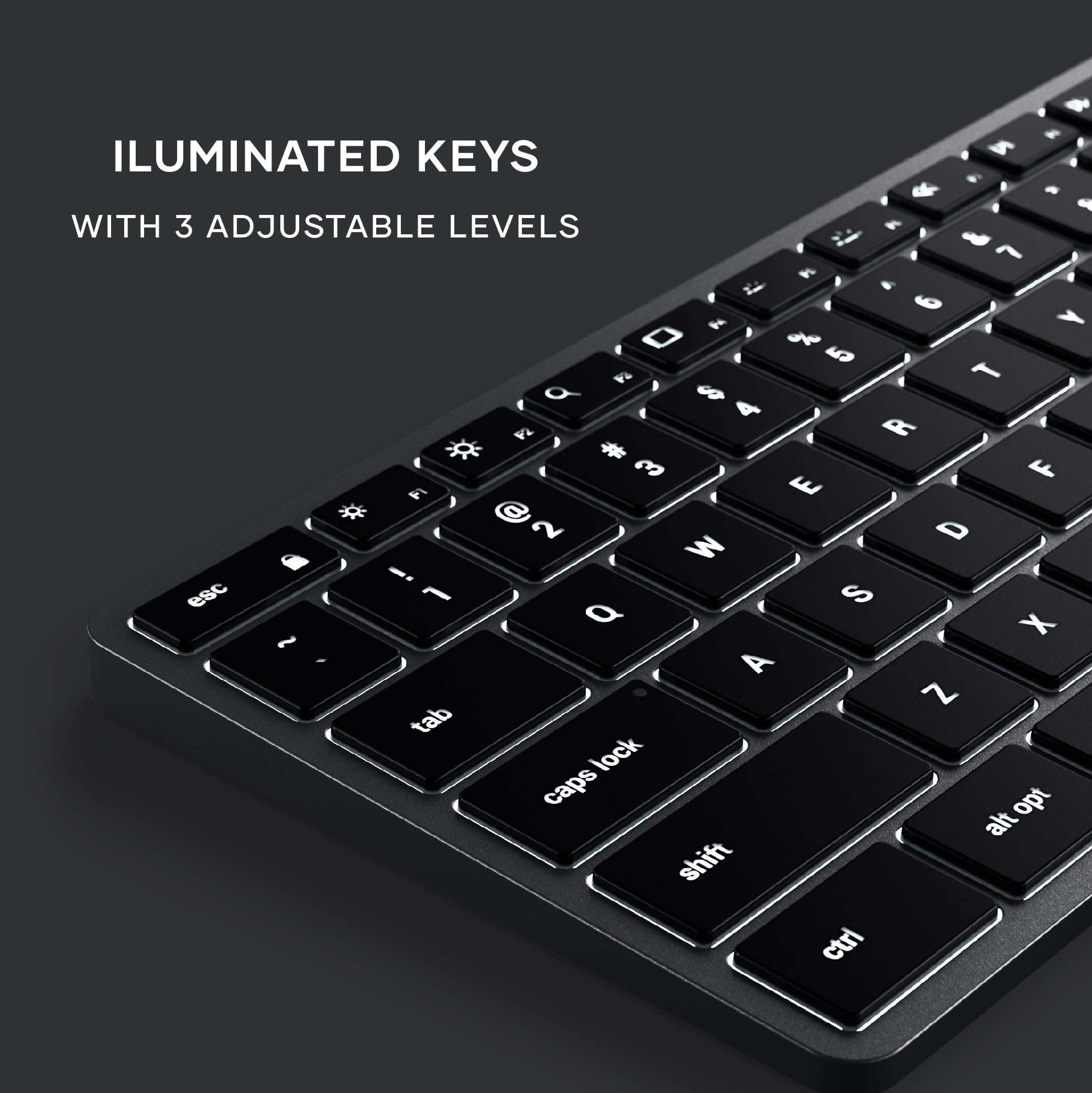


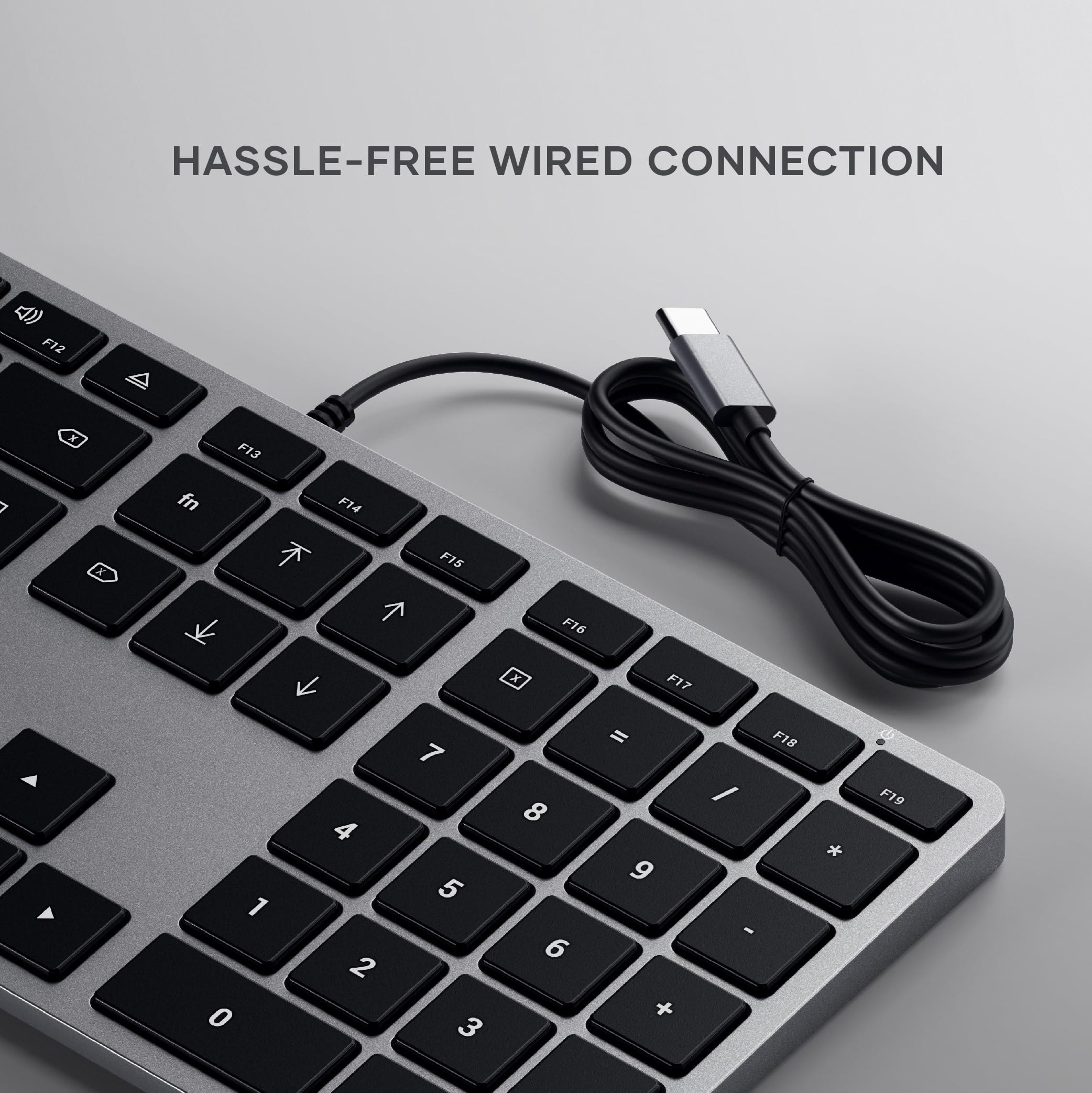


⌨️ Light up your desk, power your productivity!
The Satechi Slim W3 is a wired USB-C keyboard designed specifically for Apple users, featuring a sleek aluminum finish, a full US layout with numeric keypad, and customizable 10-level backlighting. Compatible with MacBook Pro, iMac, Mac Mini, and iPad Pro models with USB-C ports, it offers plug-and-play convenience and responsive typing backed by an 18-month warranty.


| ASIN | B08Q67XPFT |
| Amazon Bestseller | #80,312 in Computers ( See Top 100 in Computers ) #1,239 in Computer Keyboards |
| Are Batteries Included | No |
| Brand | Satechi |
| Color | space grey |
| Customer Reviews | 4.2 4.2 out of 5 stars (356) |
| Date First Available | December 14, 2020 |
| Hardware Platform | Laptop, PC, Tablet |
| Is Discontinued By Manufacturer | No |
| Item Weight | 429 g |
| Item dimensions W x H | 42.3 x 11.4 x 1.1 cm |
| Item model number | ST-UCSW3M |
| Manufacturer | Satechi |
| Operating System | Mac OS |
| Product Dimensions | 42.3 x 11.4 x 1.1 cm; 429 g |
| Series | W3 |
T**5
fnキーの固定(ファンクションキーを標準のキーとして使用する)方法がわからなかったのですが、サポートより教えていただきました。"FN機能ロックを有効にするには「Fn + Esc」を押します。"とのこと、たしかにescキーにfn鍵マークの表示が...(^_^;) 無事に動作確認できました。 バックライトが便利で、使いやすいです。長く使い続けたいと思っております。
コ**ク
有線のキーボードですが、純正のものよりかっこよくバックライト付きです。タッチ感は良好で使いやすいです。値段が安いのも魅力です。bluetoothでなく、USB-C接続なので、注意が必要です。
A**ー
Mac用のバックライト付き日本語キーボードというものが純正含め存在しないようなので、こちらを試してみました。他の方のレビューにあるように、Fnキーの設定は毎回リセットされる点が-1。 他は打鍵感含め純正に遜色ありません。 全角/半角切り替えはkarabinaインストールして、左右のコマンドキーをかな/英数キーに割り当てることで快適に使えてますが、やはりJIS版があるとありがたいです。 バックライトの明るさは、最大でもホドホド。普通にキーを打つ、斜め手前から見下ろす位置だと、キートップの透過光よりもフチの光漏れのほうが強く目障りですが、Macbookとかも同様なので、まあこんなものかと。 あと、USBのケーブルは本体側固定なので、ここをやっちまうと買い替えです。ここもtype-Cだったら尚良しでした。 エジェクトキーは、我が家の環境では機能しません。仕様? 総じて満足度は高めなので、長く使っていきたいです。
Y**O
Some F keys are not available.
This keyboard cannot be used for PCs but only for macOS. I have to use another keyboard, instead of this one, to access the bios of the PC.
パ**ュ
MacBook Airで使っています。 英字とかなの切替に戸惑いましたが、使い始めて5分で慣れてしまったためデフォルトのctrl +スペースのままで切り替えています。 慣れてしまえば特に問題なく、十分仕事でも使用できています。 アップル純正と比べても半額以下で、ワイヤレスではないので電池切れの心配が無いことが購入の決め手。 あと見た目がカッコいい。
I**S
10000円近くしてバックライトが付いている点で購入しましたが 半年使いました。なんか反応がおかしくなり「D」「R」キーが反応しなくなり使い物にならなくなりました。
が**堂
ホームページでの説明ではcomnd+space keyで英語日本語の切り替えができるとなっていますが、できませんでした。マックの設定のパネルでcaps lock keyで切り替える設定があったので、そこをオンにしたらcaps lock keyで切り替えができるようになりました。
コ**ク
ライトは自動で消灯、キーを叩くと点灯。電源が入った時は最高輝度で点灯。 キーの反発力やストロークも適度で、思っていたより打ちやすい。 ケーブルは細くて這わせやすい。USB-C端子なので、最近のノートには繋ぎやすい。 耐久力は不明だが、しばらく使ってみるつもり。
C**N
ATTENTION il est en QWERTY !! Sinon rien à signaler
B**U
This is a very high quality, great keyboard. Having tried both the X3 and the W3, I would say this (the W3) is just slightly worse than the X3 (the bluetooth version) in a couple of ways, but is definitely better in one way. In terms of ways in which the W3 is (slightly) worse, firstly the W3 has only 3 brightness levels where the X3 has 10. (However, they 3 levels are still well chosen, and the darkest is not too bright.) Secondly (and slightly weirdly), on the W3 then £ and # symbols are printed the wrong way round on the 3 key. (Since this is basically a US layout keyboard, the # symbol should be printed at the top of the key, not to the side, corresponding to the symbol accessed when pressing shift, as is done on all the other numeric keys on this keyboard, and indeed as is done on the 3 key on the X3, which has the same layout!) Related to this, I (again, only slightly) prefer the X3's key labelling, where they just haven't bothering to include the ALT (€ and £) symbols on the 2 and 3 keys at all, I prefer this as it makes the keyboard look slightly neater and less cluttered. Nevertheless, if you're only going to use the keyboard wired, I'd still get this one, even though the X3 can be used in wired mode. In particular, and one key reason why the W3 is better, if you're the kind of person who regularly uses Del/F2/F12 to break into the BIOS menu, then definitely get this wired model, the W3, as *even when used wired* the X3 cannot consistently do this, and (not always, but often, half the time or more) causes the BIOS to report that there is no keyboard attached. To point out another (very minor) imperfection shared by the X3 and the W3, the lighting on these keyboards is just not quite as beautiful as the lighting on a real Mac laptop keyboard - specifically, there are small overly bright spots here and there around the keys, where the light shows through too much, rather then the really uniform lighting around the keys on real Mac laptop keyboards. Nevertheless in build quality, in looks, and even in the above-mentioned quality of the lighting, this and the X3 are _way_ better than any of the (several) other illuminated external keyboards for the Mac which I have tried recently. Finally, the X3 booklet documents this, but the W3 booklet does not: fn+ESC is the way to swap the default behaviour of the function keys, between multimedia key or function key behaviour. The same key combo works on both keyboards.
J**N
Wasn't 100% sure it would but... Compatible also with a MacBook Air 2017 model.
O**R
todo muy bien... lo utilizo en un Mac y anteriormente tenia un teclado apple.... este funciona igual que el Apple.
C**.
This is the keyboard Apple should make. Great backlit keyboard with chiclet keys.
Trustpilot
1 month ago
1 month ago