Desertcart purchases this item on your behalf and handles shipping, customs, and support to Japan.
⌨️ Elevate your desk game with comfort and control — the future of typing is here!
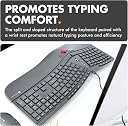
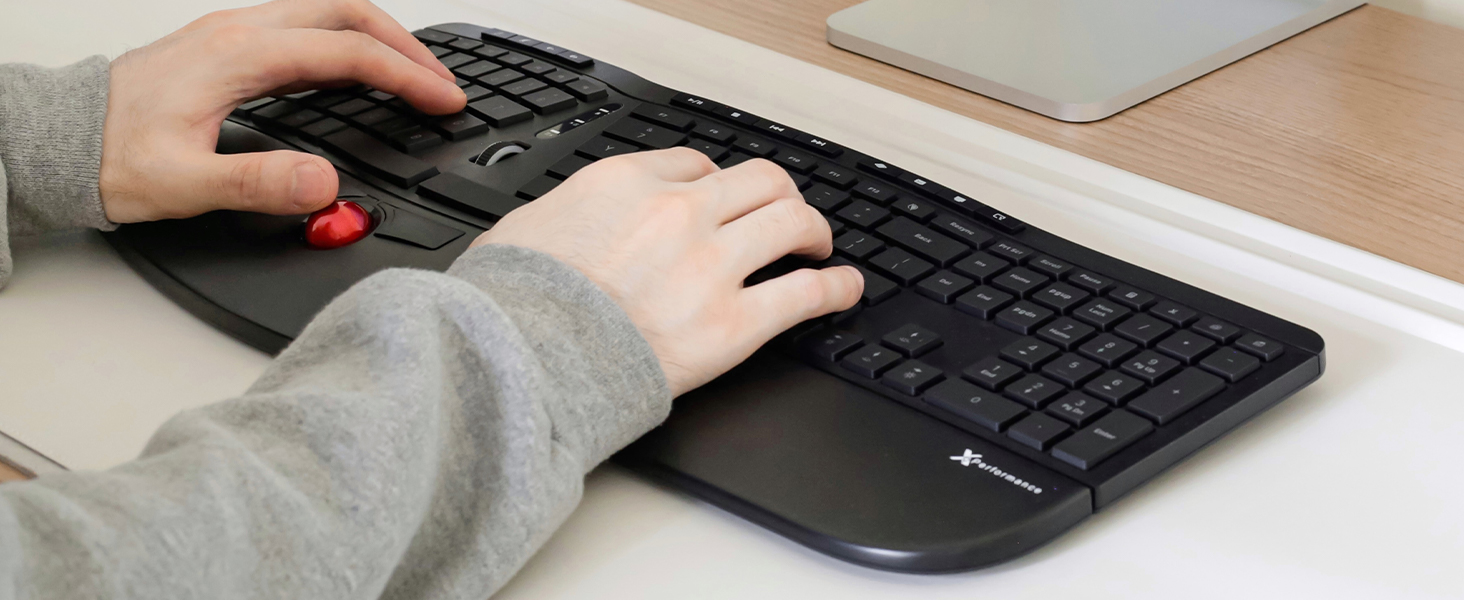
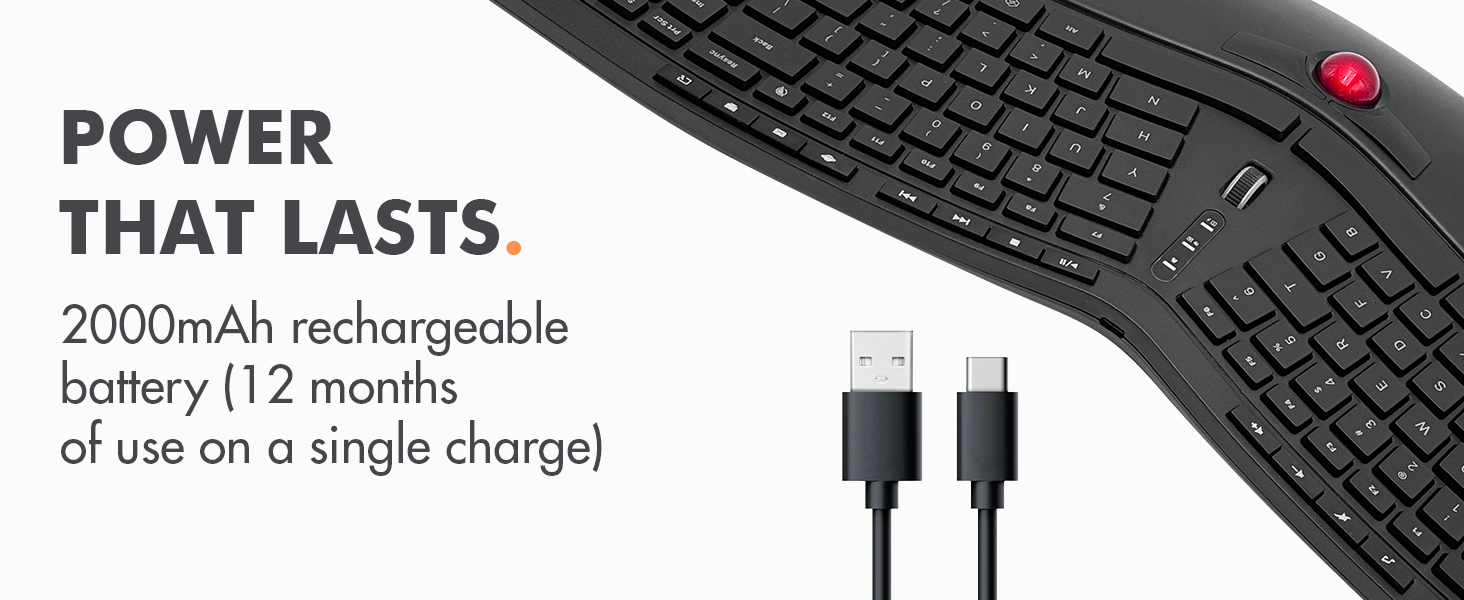
The X9 Performance Ergonomic Wireless Keyboard combines a split ergonomic layout with a built-in trackball and mouse buttons, designed to reduce strain and enhance productivity. Featuring a rechargeable 2000mAh battery lasting up to 12 months, adjustable 3-level white backlighting, and 19 shortcut keys, it offers seamless wireless connectivity via 2.4G RF for Windows and Chrome OS. Ideal for professionals seeking comfort and efficiency in one sleek, full-size keyboard.


| ASIN | B0D32N174P |
| Antenna Location | Business, Education, Everyday Use, Multimedia, Personal, Student |
| Best Sellers Rank | 108,045 in Computers & Accessories ( See Top 100 in Computers & Accessories ) 1,649 in Keyboards (Computers & Accessories) |
| Box Contents | Keyboard, USB-A adapter, USB-C charging cable, user manual |
| Brand | X9 Performance |
| Brand Name | X9 Performance |
| Compatible Devices | PC |
| Compatible Operating System Family | Windows |
| Compatible devices | PC |
| Connectivity Technology | RF |
| Connectivity technology | RF |
| Customer Reviews | 4.0 out of 5 stars 141 Reviews |
| Enclosure Material | Plastic |
| Hand Orientation | Ambidextrous |
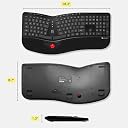
| Item Dimensions L x W x H | 46.5L x 22.1W x 0.8H centimetres |
| Keyboard Backlighting Color Support | Single Color |
| Keyboard Description | Built-in Trackball and Mouse Keys, Multi Functional, Multimedia, Full Size, Rechargeable, Split Ergonomic |
| Keyboard Layout | Maltron |
| Keyboard description | Built-in Trackball and Mouse Keys, Multi Functional, Multimedia, Full Size, Rechargeable, Split Ergonomic Keyboard description Built-in Trackball and Mouse Keys, Multi Functional, Multimedia, Full Size, Rechargeable, Split Ergonomic See more |
| Manufacturer | X9 Performance |
| Mechanical Keyboard Switch Model | meccanico |
| Minimum Required Operating System Version | ChromeOS 137, Windows 11 |
| Model Number | X9RFBLERGBAL |
| Number of Keys | 128 |
| Power Source | Battery Powered |
| Product Features | backlit wireless ergonomic keyboard, carpal tunnel keyboard, full size trackball keyboard for pc, rechargeable split keyboard, wireless keyboard with trackball |
| Recommended uses for product | Business, Education, Everyday Use, Multimedia, Personal, Student |
| Special feature | backlit wireless ergonomic keyboard, carpal tunnel keyboard, full size trackball keyboard for pc, rechargeable split keyboard, wireless keyboard with trackball Special feature backlit wireless ergonomic keyboard, carpal tunnel keyboard, full size trackball keyboard for pc, rechargeable split keyboard, wireless keyboard with trackball See more |
| Switch Type | Mechanical |
| UPC | 701107501345 |
| Unit Count | 1.0 count |
S**I
Good product
Costly but good.
A**B
Good ergonomic keyboard with trackball factor
Having it for few months now and it works very well.. took me time to get used to the trackball position but it significantly reduced mouse reaching movement. very helpful once you get used to the track ball position.
S**D
Trackball and mouse buttons not easy to use
It seems good quality so far. I bought it because I wanted to have an ergonomics keyboard that allows me to code without having to grab a mouse every 2 seconds to move the cursor or scroll the code. At first I couldn't figure out why I was having such a hard time using the trackball and buttons (I find the use of trackpad and buttons on my laptop quite efficient) until I realised the buttons were at the top and the ball below. Seriously a huge design flaw and makes clicking much harder as I have to reach over the ball to click it and end up moving the pointer. Just made the whole experience really awful tbh. And to think I spent so much money on it because I couldn't find a good alternative elsewhere.
L**S
As expected
As expected. The keyboard is good. But the keys aren’t mechanic so is not clicky as I would like it to be. This is good if you want a quiet keyboard. Main reason I bought this one is I wanted an ergonomic one to relieve stress from my wrists and for the integrated mouse pointer trackball as I wanted it to be just below the keys… it works as I expected, I don’t have to move my hand so much between the keys and the mouse. Though it would be unresponsive because is wireless but no, no lagging at all. Haven’t charged for some days and still going … satisfied to a 9 out of 10. Not 10 because I would like it to be mechanical and have clicky sounds and feel. Go for it!
A**M
I LIKED IT.
I BUY IT AND I LIKE D IT IN WORK.
J**Z
buena calidad pero no tan comodo
Tiene buena calidad y las teclas se sienten comodas, se apaga en automatico al no usarse por lo que prolonga la bateria el tono de las luces en las teclas es comodo solo que no se puede regular como en una laptop (o yo no vi como) tiene varias teclas de acceso rapido, para navegacion, musica etc, el cable usb que viene solo es para cargar y no sirve como controlador del teclado, en general buena calidad, yo ya vengo de teclados ergonomicos divididos del de miscrosoft sculpt y aunque es parecida la linea la forma en la que esta la distribución no es comoda, adicional que la parte donde se reposan las manos se siente pequeña para el tamaño del teclado y su distribución, al tener el track ball tan pegado a las teclas de la barra terminas con las manos muy incomodas teniendo que utlizar ambas manos para maniobrar y justo es ahi donde al no tener comodo la parte de descana muñecas mas grande terminan tus muñecas muy al filo del teclado y eso cansa, la trackball deberia se rmas grande y tener los botones del mouse arriba y abajo y no tan pegado a las barra espaciadora, abrá quien si se acostumbre pero a mi me generaba estres en hombros al tener las teclas tan juntas y en las muñecas por el reposabrasos.
M**N
Good keyboard
Keyboard works well. Still getting used to the keys and trackball mouse. The keys are 'soft' and the spacing is different to my other ergonomic keyboard. The trackball is small, so takes a lot of scrolling to get from one monitor to the next. Have found I still need to use a traditional mouse for a lot of work but it's handy to have an alternative when my back and shoulders need a rest from stretching with the traditional mouse. Am happy with the purchase
D**S
works perfectly for my niche use case!
i have been using this thing as my main kb/m setup for almost a year now and it works perfectly for my niche use case! i needed something where keyboard and mouse were both wireless and integrated into a single unit so i didn't have to keep track of them separately. this thing is really sturdy and has a really long battery life (i can't remember the last time i needed to charge it!). it is very comfortable to use. the trackball can feel a bit finicky to use at first but once you get the hang of it, it becomes second nature to using a normal mouse. a hidden feature that surprised me was the inclusion of horizontal scrolling via tilting the scroll wheel. to me it feels like the scroll wheel was repurposed from some high quality gaming mouse rather than just being a cheap generic scroll wheel. one issue i have with this keyboard is because the different sections of keys are really close together, i end up pressing the insert key while pressing backspace which does cause an issue while coding. additionally, i had to use Power Toys to remap the Copilot key (which is actually just win + left shift + f23) to something else so i wouldn't accidentally bring up microslop's useless ai chatbot.
Trustpilot
2 weeks ago
2 months ago