🚀 Elevate your workflow with power, portability, and pro-level performance!
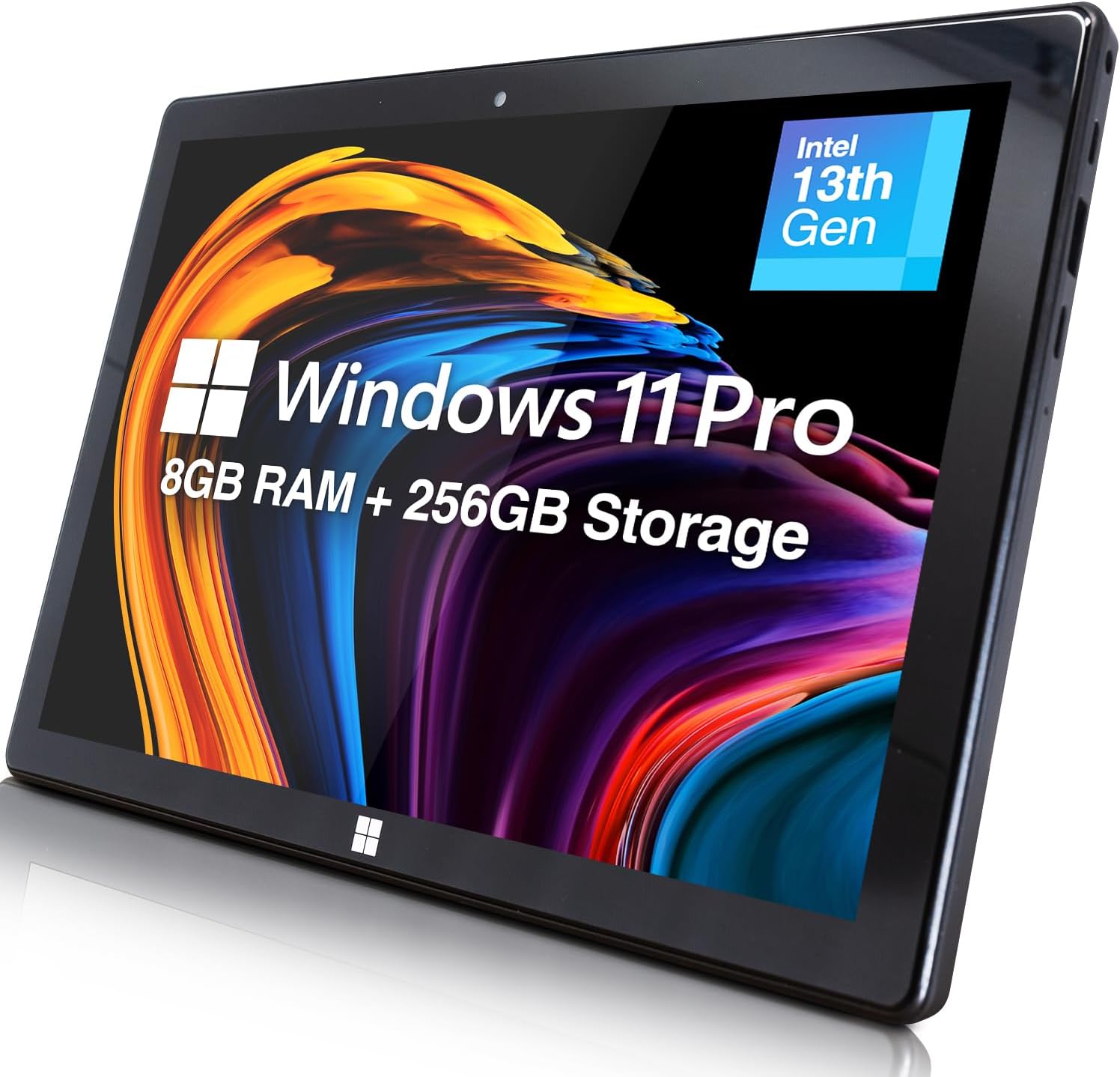
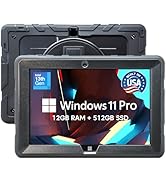
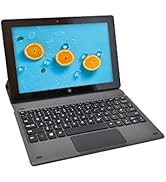
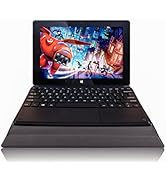
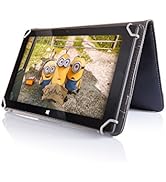
The Fusion5 232 Pro N5 is a sleek 10.1" Windows 11 Professional tablet powered by an Intel 13th Gen N100 quad-core CPU clocked at 3.4GHz, paired with 8GB LPDDR5 RAM and a 256GB M.2 SSD. It features a vibrant 1920x1200 IPS touchscreen, versatile USB 3.0, USB-C, and Micro HDMI ports, plus expandable storage via microSD up to 512GB. Designed for professionals seeking a lightweight, high-performance device with seamless multitasking and connectivity, backed by a 12-month USA warranty.















| ASIN | B0DSWJL6K5 |
| Age Range Description | Adult |
| Aspect Ratio | 16:10 |
| Battery Average Life | 5 Hours |
| Battery Capacity | 6000 Milliamp Hours |
| Battery Cell Type | Lithium Polymer |
| Battery Power | 6000 |
| Best Sellers Rank | #66,247 in Computers ( See Top 100 in Computers ) #1,283 in Computer Tablets |
| Brand | Fusion5 |
| Built-In Media | Charger, Manual |
| CPU Model Number | N100 |
| CPU Model Speed Maximum | 3.4 GHz |
| Camera Description | Front |
| Cellular Technology | 5G |
| Color | Windows 11 Professional |
| Compatible Devices | Keyboards, Mice, Speakers, Headphones, Touch Screen Keyboards |
| Compatible Flash Memory Type | microSD |
| Connectivity Technology | Bluetooth |
| Customer Reviews | 4.1 out of 5 stars 357 Reviews |
| Display Refresh Rate in Hertz | 60 |
| Display Resolution Maximum | 1920x1200 Pixels |
| Display Type | LCD |
| Display resolution maximum | 1920x1200 Pixels |
| Flash Memory Supported Size Maximum | 256 GB |
| Generation | 1st Generation |
| Graphics Coprocessor | Intel UHD Graphics or Intel Iris Xe Graphics |
| Graphics Description | Integrated |
| Hard-Drive Size | 256 GB |
| Hardware Interface | 802.11 ac/b/g/n |
| Headphones Jack | 3.5 mm |
| Human-Interface Input | Touchscreen |
| Item Dimensions L x W x Thickness | 25.4L x 17W x 1.1Th centimeters |
| Item Weight | 636 Grams |
| Lithium-Battery Energy Content | 18.5 Watt Hours |
| Manufacturer | Fusion5 |
| Memory Slots Available | 1 |
| Memory Storage Capacity | 256 GB |
| Memory storage capacity | 256 GB |
| Model Name | 232 Pro N5 |
| Model Number | FWIN232 PRO N5 |
| Model Year | 2025 |
| Model name | 232 Pro N5 |
| Native Resolution | 1920 x 1200 pixels |
| Operating System | Windows 11 Professional |
| Operating System Family | Windows |
| Operating system | Windows 11 Professional |
| Other Special Features of the Product | Lightweight |
| Photo Sensor Resolution | 2 MP |
| Processor Brand | Intel |
| Processor Description | Intel Alder Lake 13th Gen N100 |
| Processor Speed | 3.4 GHz |
| RAM Memory Installed | 8 GB |
| RAM Size | 8 GB |
| Screen Size | 10.1 Inches |
| Screen size | 10.1 Inches |
| Set Name | Fusion5 232 Pro N5 |
| Speaker Description | Built-in speakers |
| Specific Uses For Product | [INFERS] Potential specific uses: work, multimedia consumption, creative activities |
| Style Name | 8GB 256GB Win 11 PRO |
| Supported Audio Format | MP3, WAV, AAC, FLAC |
| Total Usb Ports | 2 |
| Video Capture Resolution | HD 720p |
| Video Processor | Intel |
| Wireless Compability | 802.11ac |
| Wireless Technology | Bluetooth |
A**R
Don’t buy this.
Wasting of money, download centre was useless.
D**N
Windows computer the size of a tablet - works well. I'll be using this on airplanes!
Solid product. My initial impression was that the Windows interface was sluggish, but after doing the updates and following some tips on a different customer review (like lowering the resolution and adjusting the performance settings), it now works pretty smoothly. I haven't tested the battery out from full all the way to empty, but I have used it intermittently for a few hours without it running out of battery. Your screen brightness and power saving mode will also impact battery life. I bought this to use for simple browsing, reading, and working on documents at church, on airplanes, and riding in vehicles where space is limited. It has been great so far. The only downside is the power cord uses a bulky wall plug instead of the USB C that most tablets use and that are compatible with more charging ports on airplanes. Not a big deal though with the decent battery life, and worth the tradeoff, because it runs Windows and it is compatible with my external hard drives which allows me to work on projects in small spaces. Satisfied customer.
P**E
No Australian connector
arrived no aussie connector. -1 star had 2 international adapters didint work went to officeworks (where I got 1 of the others last time) this one worked hassel for getting adapter -1 star seem to have power, now waiting to see if charges. didnt seem to charge via usb-c but will check again if I can get into the device.
A**R
A powerful but cheap Windows 11 tablet
I was curious as to how a small device costing no more than a third of Microsoft Surface tablets could cope with Windows using only a smart phone interface and also how it would handle the more demanding Windows apps. The lovely, bright and detailed screen gives an excellent first impression and there was no difficulty in switching out of S mode. I was able to run basic Windows apps with no delays - apps like Outlook, Firefox, VLC and Calibre. The ExplorerPatcher app that corrects the deranged changes that Microsoft made to File Explorer in Windows 11 worked perfectly. Finally I ran a demanding bit of editing in Photoshop that worked and in a reasonable execution time. That last example suggests that this Fusion5 Tablet has enough computing power to handle anything you care to throw at it and the only practical limitation is the small screen size. I would emphasise that this was the version that has the Alder Lake 13th Gen CPU. Unfortunately the weakness of the smart phone interface with Windows was all too obvious during these tests. The menu items are too small and the icons on the Taskbar too close together for a Touch to be completely reliable. There are some things you can do in Settings that bring minor improvements. Icons can be made larger and the Taskbar bigger. But if you demand the precision that Windows needs, you have to consider a wireless keyboard or, if you can accept converting the Tablet into a static Desktop PC., you can use an old-fashioned USB wired mouse and keyboard. These worked perfectly whether plugged separately into the 2 USB sockets or plugged together into a USB Hub. If you need mobility there is one other alternative. When used on a tablet, Windows 11 has an option to display a Virtual Touchpad with a track-pad and left/right buttons you can “click” on. This can be activated via the “Taskbar settings” menu. This gives precision in moving the cursor around but does take up space on an already small screen. Problems? There are two. The documentation is poor and the Battery life quite short at under 3 hours. The documentation is no more than a 20 page leaflet, much of which describes features of Windows 11. It needs to be more device specific with clearer advice on charging and a description of how to break out of the S mode. Something on the use of Settings to make icons and taskbar bigger plus a reference to the Virtual Touchpad would be useful. There does not appear to be a more detailed on-line manual. The short battery life will be a problem if you can’t get to a power socket e.g. during a flight. Normally an external battery would solve this but this tablet is not like other devices. The USB sockets can’t be used for charging and the 12V power socket requires an unusually small male plug. After an email conversation with Fusion5 support, this is their advice of the battery and bits you will need. All are available on Amazon. * Get a battery with a 12V output from the likes of TongBF or RoyPow. Since such a battery also has normal USB outputs, you will be able to use it to charge other devices. * Get a normal 12V power lead i.e. one with a male 2.1mm x 5.5mm plug at both ends from the likes of Kenable. * Get a 2.1mm x 5.5mm female to a 3.5mm x 1.35mm male adapter from the likes of Uxcell. It would be nice to have had this advice in the documentation. I was going to reduce my rating to 4 stars because of these two problems but the email support was so outstanding that I’ll stick to 5. I had a reply to my first email in under an hour and that quality of response continued throughout.
A**R
Good
The product is perfect for studying, but it's weak and slow when it comes to daily using. And I liked how fast the delivery was.
A**R
Excellent Value for a Powerful and Portable Windows Tablet! ⭐⭐⭐⭐⭐
I’ve been using the Fusion5 FWIN232 PRO N5 for a few weeks now, and I’m genuinely impressed by the performance and features packed into such a sleek and lightweight device. The 10.1” Full HD display is vibrant and sharp, making it great for watching videos, working on documents, or browsing the web. The Intel N100 Quad-Core CPU paired with 8GB of RAM and a 256GB SSD delivers smooth performance for multitasking, streaming, and productivity apps. It boots up quickly and handles Windows 11 without a hitch. I especially love the fact that it comes with expandable storage, which means I’m not limited by the onboard SSD. Connectivity is solid with 5G WiFi, and the inclusion of a Micro HDMI port is a nice bonus for connecting to a larger screen when needed. The HD webcam is perfect for video calls, and the ultra-slim design makes it super portable—ideal for travel or on-the-go use. Overall, this is a fantastic Windows tablet at a very reasonable price. Whether you're a student, a traveler, or someone looking for a budget-friendly work device, the FWIN232 PRO N5 is definitely worth considering!
Trustpilot
3 weeks ago
4 days ago