




📸 Capture moments, share instantly, stay close — the future of family memories!
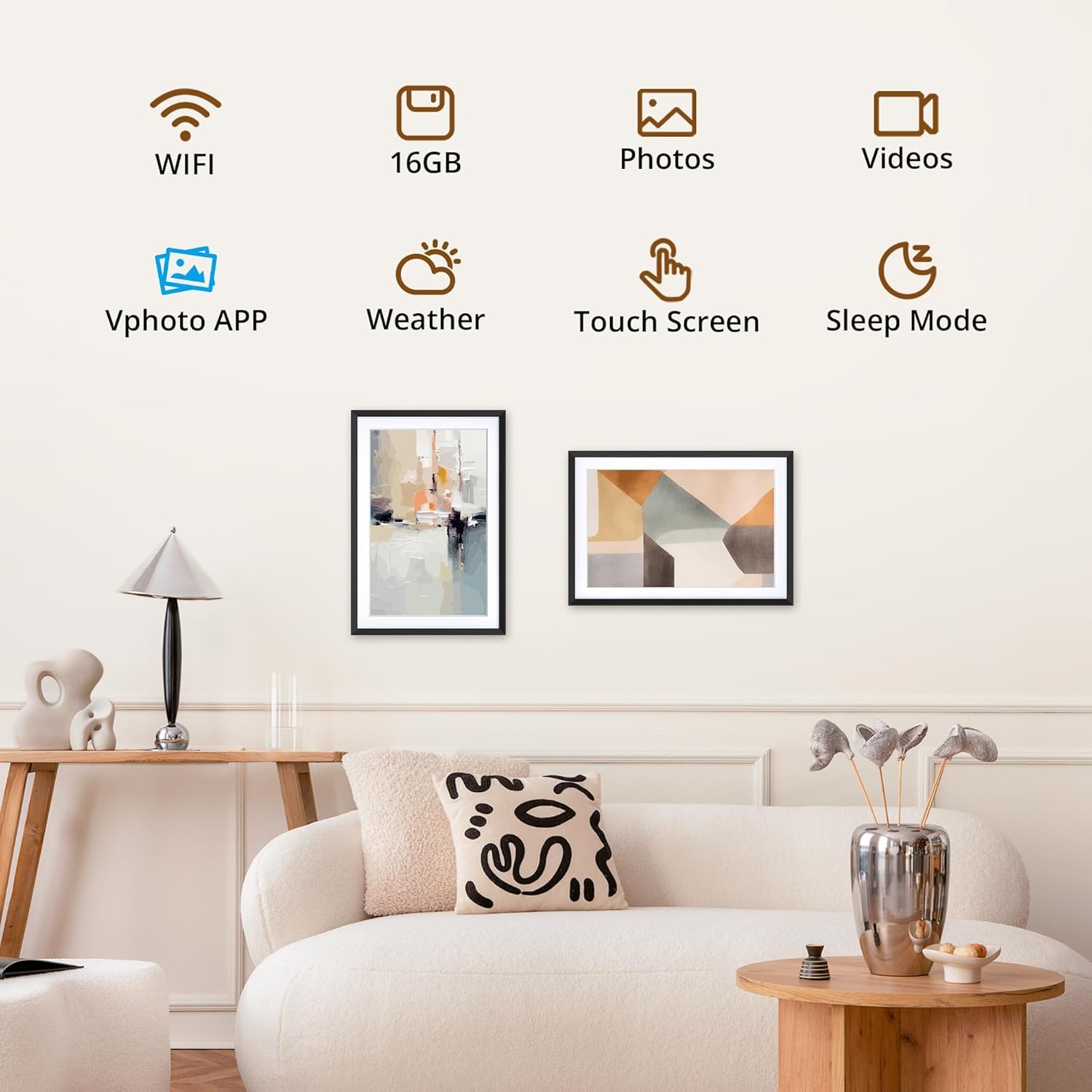
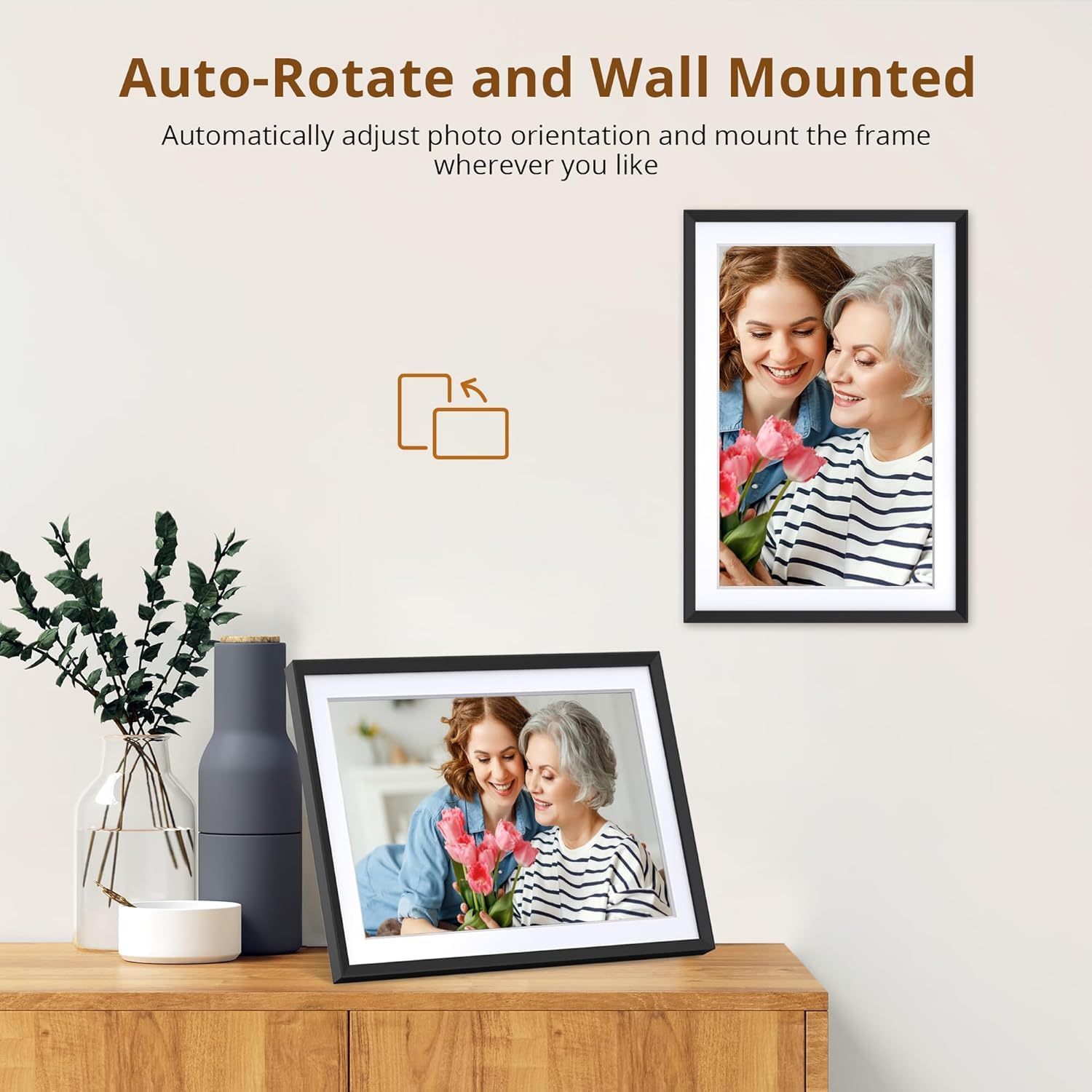
The Dragon Touch 10.1'' Wi-Fi Digital Picture Frame features a sharp 1280x800 HD IPS touchscreen with auto-rotate, enabling seamless portrait or landscape display. It supports instant photo and video sharing over 2.4 GHz Wi-Fi via a free app, making it perfect for staying connected with family. With 16GB internal storage capable of holding around 80,000 photos and additional SD/USB support, it offers massive capacity. Easy to set up and use for all ages, this carbonfree certified frame is an eco-conscious gift ideal for birthdays, weddings, or keeping loved ones close.


J**E
Excellent digital frame
This is an excellent digital photo frame. I have had this frame for a few weeks now, and have had no issues so far. I leave it plugged in on my kitchen counter and I really like that every time I pass through the most central part of my house, there is a different memory on display. The frame itself seems to be of quality. It comes with a kickstand for landscape or portrait format. I appreciate the versatility in being able to upload photos. I personally used the app which allowed me to select photos that are on my phone and upload them directly. The screen quality is great for my needs. I have over 1200 photos in it currently and i plan on adding more as time goes on. One thing I was very impressed with was their attention to the software. I originally within the first week noticed a small issue with the randomizing of photos, which wasn’t a big deal. The next day when I turned it on there was an over the air update for that very issue, and I did not even have to contact them about it. I can tell they stay on top of this and care about their customers. I would recommend this photo frame as it fit my needs perfectly, and after testing it for a few weeks I am still very glad to have it.
A**A
Highly recommend
I bought two of these as Christmas gifts and after a pretty easy set up my family can watch their pictures constantly on this frame. You can up load your own pictures and change the orientation of the shot.
N**X
Worth it!
I use this everyday! I’ve had it for about a year and some change and I love it! Worth the price I paid, and easy to navigate!
R**C
Just what I wanted - almost - but I'd buy it again.
As an amateur photographer I don't take or load photos from my phone or tablet but rather from my Windows laptop after copying them from my DSLR. I chose this frame because of all the offerings this is the only one that has a remote (and no, it's not a touchscreen). I wanted the remote because I wanted to access the frame from across the room and just as importantly it allows me to pause the photo being displayed and use the back and forward arrows to scroll through the photos. There's also a function to delete, zoom(not useful), and display the photo info (date, size, filename). You can set the mode for how the photos transition (e.g. flip, accordion, or zoom, etc). Note that this is not found in the main settings - it's in the setting section when you press OK on the remote. This is also where the slideshow interval is set (min=5 secs). See photo.(Sleep) Time off and time on are set in the main settings menu (button on remote) as well as email addresses allowed to send to the frame, wi-fi and display settings.The one thing I had trouble with was emailing to the frame. After working with Cust Support (they were good), it turned out that filenames that had a "#" symbol in the filename weren't accepted by the frame. I don't know what other symbols may not work but dash and underscore work.I mass download my existing photos onto a usb drive but I use the email function to send photos when there are only a few. It might take a minute or 2 for them to show up but when they do you get a audio notification from the frame.It worked with multiple attachments - I would doubt it would work with, say, Google Drive links. The pics go to the internal storage-no option to put them on the usb natively from the frame but you can plug the frame into a laptop and copy them off. While this wouldn't make sense for me, if you get a lot of photos from friends and family and want to back them up, this would be how to do it.The one thing I really find annoying is that for photos that don't fill the screen, it tries to fill the empty space with similar colors as what's in the photo and I find that distracting. I would like to see an option where the empty space could be solid black. You can also see an example of this on the photo I've attached. I'd buy it again though.The only
K**.
Easy to use digital frame
This 10.1-inch digital picture frame exceeded my expectations. The sleek design fits perfectly in any room, and the vibrant display makes every photo pop with color and clarity. Setup was quick and easy — I had it connected to Wi-Fi and uploading pictures from my phone within minutes using the user-friendly app. I love that I can instantly send new photos to the frame, no matter where I am. The touch screen is responsive, and adjusting settings is a breeze. It’s a fantastic way to stay connected with family and relive favorite memories every day.
S**5
I would totally buy another
I love this digital picture frame so much. We’ve uploaded over a thousand photos to it and counting. I love that you can set a time for the photos to display, it has auto dim/brightness, and auto rotates your photos.
Trustpilot
3 weeks ago
2 weeks ago