Description
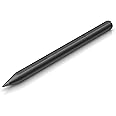
- This Pen for HP Laptop is 1024 pressure sensitivity, same performance as HP Pen Model 1MR94AA and has same compatible list as HP Rechargeable MPP 2.0 Tilt Pen. Please confirm your laptop is in the compatible list before purchase.(Use Ctrl+F to find whether your model number is in the compatible list. “x” represents any number or letter)
- HP Envy 2-in-1 Series Laptops: 12-e0xx/12-g0xx; 13-ayxxx/13z-ag0xxx/13m-bd1xxx/13-bfxxx; 14-fcxxx/14t-esxxx; 15-arxxx/ 15-bpxxx/15-bqxxx/15-cnxxx/15-cpxxx/15-drxxx/15-dsxxx/15m-edxxx/15m-eexxx/15m-esxxx/ 15-ewxxx/15-fe0xx/ 15-fhxxx/15-eyxxx/15m-euxxx; 16-h1023dx/16-acxxxx; 17-aexxx/17m-chxxx
- HP Pavilion 2-in-1 Series Laptops: 11m-ad0xx/11-adxxx/11-apxxxx; 14-baxxx/ 14m-cd0xx/ 14-dh0xxx/ 14-dw1xx/ 14-dyxxx/ 14-ekxxx/14m-dyxxx/ 14m-dwxxx; 15-brxxx/ 15-crxxx/ 15-dqxxxx/ 15-erxxx; HP Spectre 2-in-1 Series Laptops: x2 12-c0xx/ X360 13-ac0xx/13-ae0xx/13-akxxx/13-apxx/13-awxxx; 14-efxxx/14-eaxx; 15-blxxx/15-chxxx/15-dfxxx/15-ebxxxx; 16-fxxxx
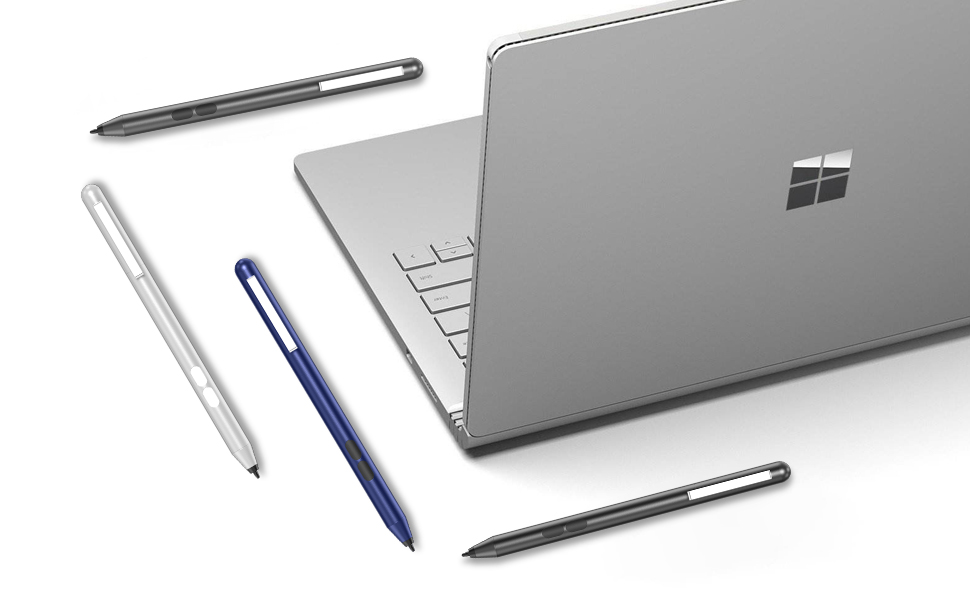
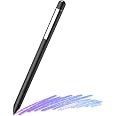
- 【A Must-have Accessory for Surface Owner】iafer Surface Pen is adopted Microsoft Pen Protocol technology, as well as better compatibility for newest Surface Pro 11, Surface Pro 10, Surface Pro 9, Surface Pro 8, Surface Pro X, Surface Pro 7+/7, Surface Pro 6, Surface Pro 5th Gen, Surface Laptop 6/5/4/3/2/1, Surface Studio, Surface Book, Surface Go, Surface Duo all models
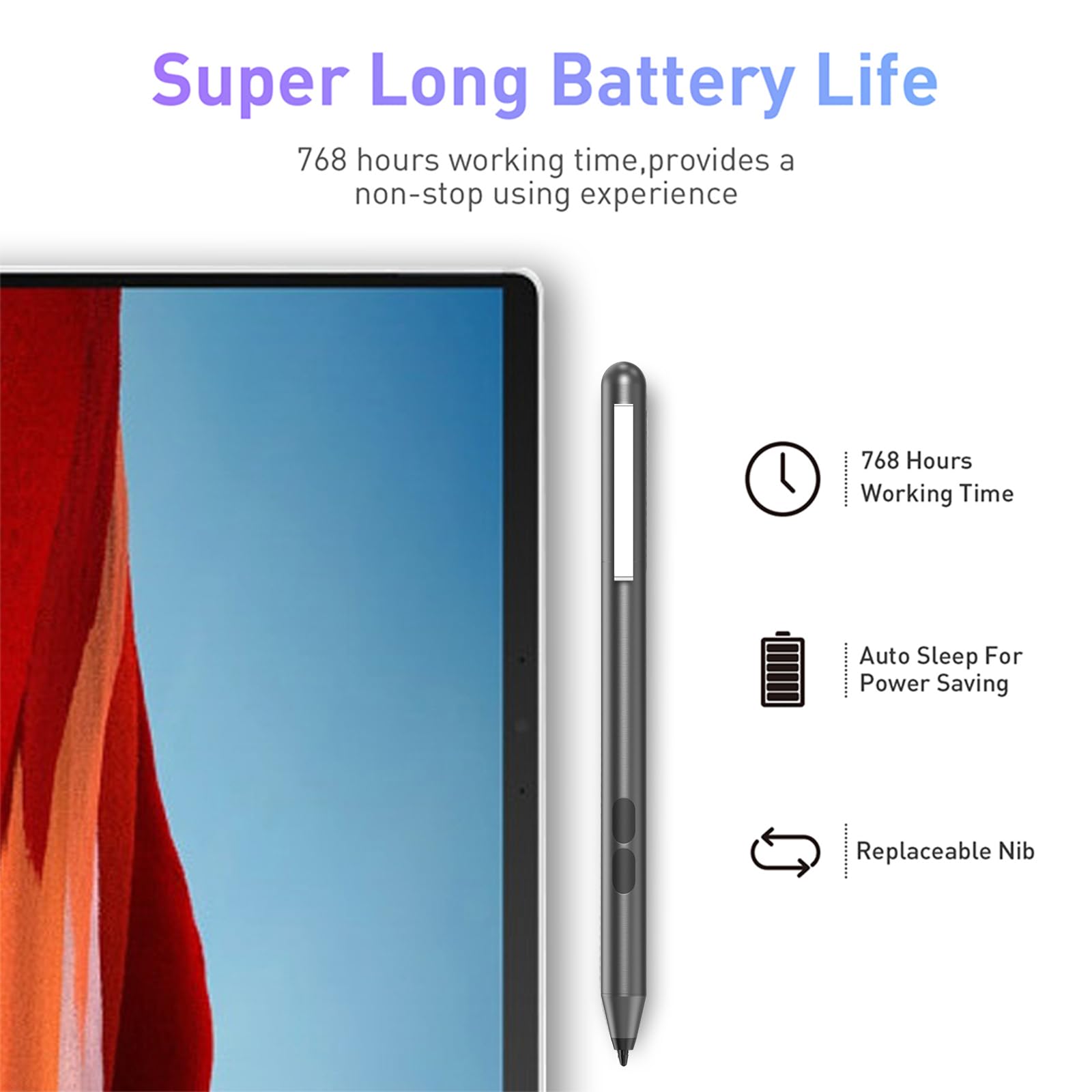
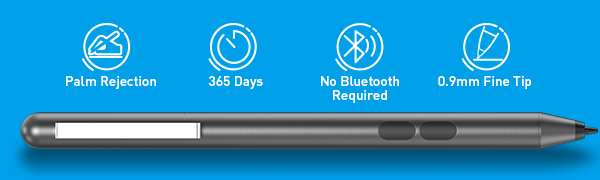
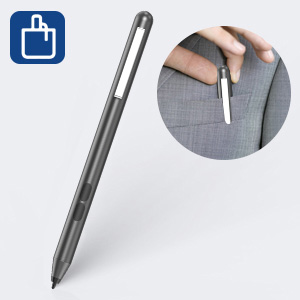
- 【Custom Clicks and Portable】Customize the buttons to seamlessly switch between different functions. Easy to store, the pen clip can be clipped in a book, bag or pocket to carry around.
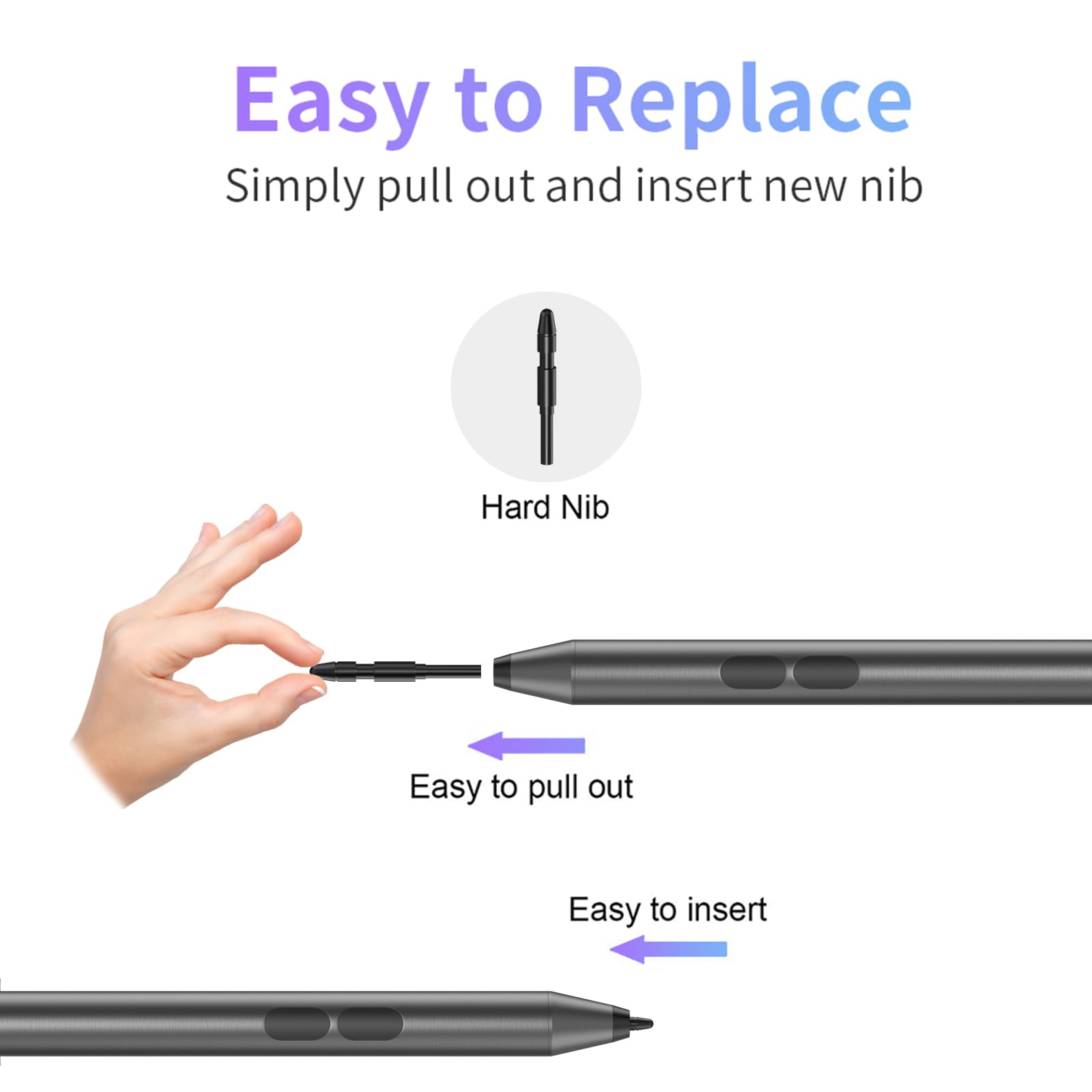
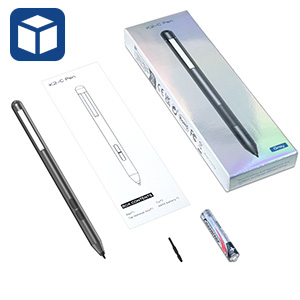
- What You Get: 1 x Active Pen, 2 x Extra Pen Tip, 1 x Tip Removal Tool, 1 x AAAA Battery. 1 Year after-sales service and 30 days free return & replacement. If you have any questions, our customer service will be there for you and we will get you back within 12 hours
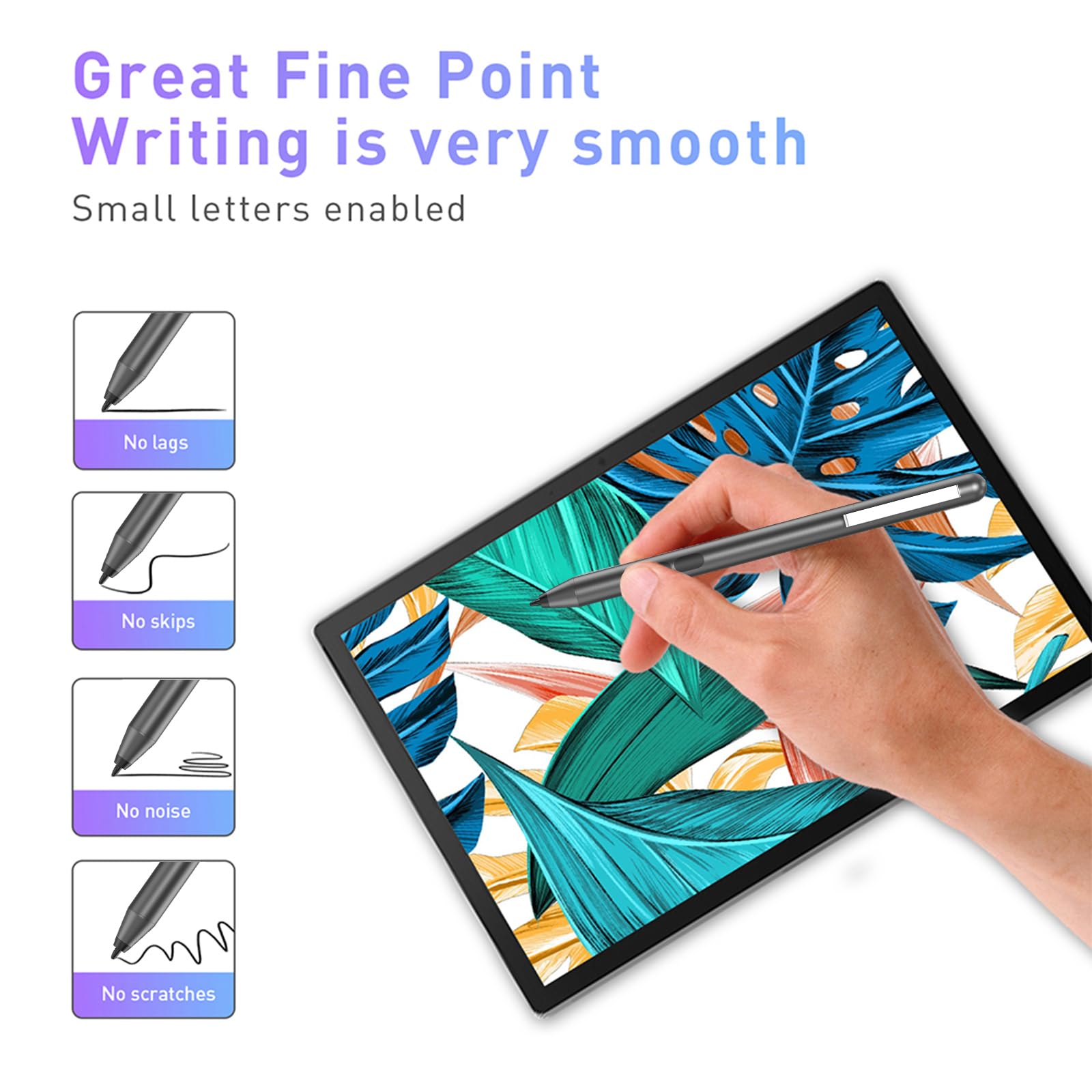
Extend the functionality Use your Surface Pen in any app that supports inking, like Windows Ink Workspace, Office apps, or Microsoft Edge. When you bring your Surface Pen close to the touchscreen, a point appears on the screen, and the screen will ignore other input (like your hand or a mouse). Then write or draw on your screen like you would with a regular pen and paper. How to install: 1. Unscrew the top of the Pen from the bottom. 2. Place the AAAA battery with the positive (+) end of the battery pointing toward the writing tip. 3. Screw the top back on. Compatible Devices Surface Pro (5th Gen), Surface Pro 6, and Surface Book 2 15” Surface Go Surface Book 2 (13”), and Surface Studio (all) Surface Pro 4, Surface Book (all) Surface 3, Surface Pro 3, Surface Laptop (1st Gen), Surface Laptop 2 What's in the package? ✮1*Pen for Microsoft ✮1*AAAA alkaline Battery ✮1*Replaceable refills ✮1*Tip tool for fixing