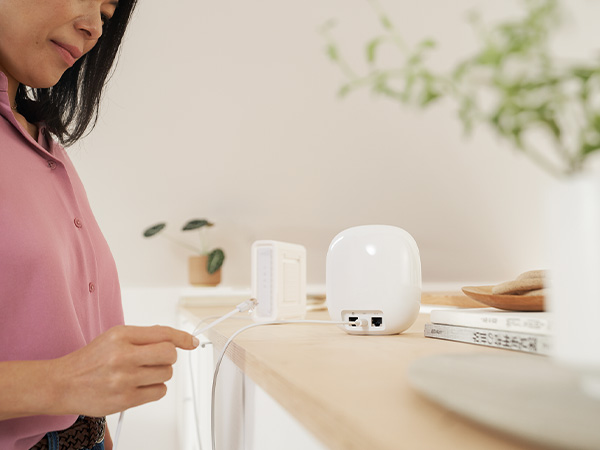
🚀 Elevate your home Wi-Fi game with Google Nest Wifi Pro — speed, coverage, and smarts in one sleek package!
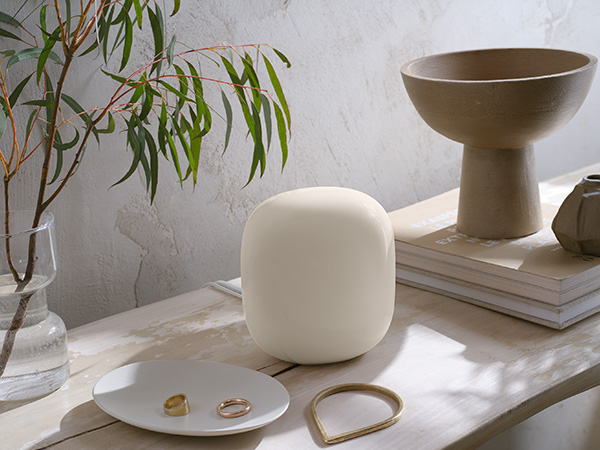
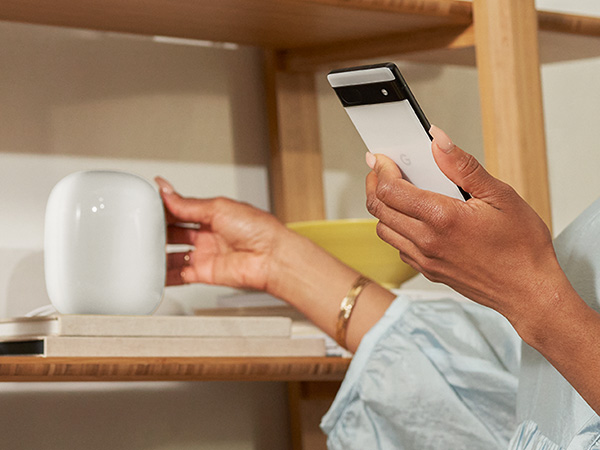
Google Nest Wifi Pro is a tri-band Wi-Fi 6E mesh system offering up to 2x faster speeds than Wi-Fi 6, covering up to 6600 sq ft with customizable mesh nodes. It intelligently prioritizes network traffic for smooth video calls and streaming, features advanced security, and is managed via a user-friendly app, making it ideal for modern smart homes and professional multitasking environments.






| ASIN | B0BQCRST1K |
| Antenna Location | Business, Gaming, Home |
| Antenna Type | Internal |
| Best Sellers Rank | #31,114 in Computers ( See Top 100 in Computers ) #103 in Whole Home & Mesh Wi-Fi Systems |
| Brand | |
| Color | Snow |
| Compatible Devices | Computer, Mobile Device, Gaming Console, Streaming Smart Home Device |
| Compatible devices | Computer, Mobile Device, Gaming Console, Streaming Smart Home Device |
| Connectivity Protocol | Wi-Fi |
| Connectivity Technology | Wi-Fi, Wi-Fi 6, Wi-Fi 6E |
| Control Method | App |
| Controller Type | App Control |
| Coverage | 2200 square feet |
| Customer Reviews | 4.0 out of 5 stars 150 Reviews |
| Data Transfer Rate | 1 Gigabits Per Second |
| Frequency | 6 GHz |
| Frequency Band Class | Tri-Band |
| Frequency band class | Tri-Band |
| Has Internet Connectivity | Yes |
| Has Security Updates | Yes |
| Is Modem Compatible | No |
| LAN Port Bandwidth | 1000 megabits_per_second |
| Manufacturer | |
| Maximum Upstream Data Transfer Rate | 200 Megabits Per Second |
| Mfr Part Number | G6ZUC |
| Model Name | Nest Wifi Pro |
| Model Number | G6ZUC |
| Model name | Nest Wifi Pro |
| Number of Antennas | 3 |
| Number of Items | 1 |
| Number of Packs | 4 |
| Number of Ports | 1 |
| Operating System | Proprietary Operating System |
| Other Special Features of the Product | WPS |
| RAM Memory Installed | 1 GB |
| Router Firewall Security Level | Basic |
| Router Network Type | wireless |
| Security Protocol | WPS |
| Special features | WPS |
| UPC | 193575031422 |
| Wi-Fi Generation | Wi-Fi 6 |
| Wireless Compability | 802.11ax |
| Wireless communication standard | 802.11ax |
A**O
Excelente cobertura y rapidez
Llegaron en bolsas, no venían en el empaque original y no traían el cable RJ45 que deben traer para instalar la unidad principal. Las unidades se ven rayadas y la parte inferior sucia y gastada, como si se tratara de artículos usados. En cuanto al funcionamiento, este ha sido si problemas; la conexión a internet es sólida y sin grietas en la cobertura. La instalación fue algo complicada debido a las actualizaciones de los equipos, pero una vez que actualizaron a la última version del software, todo fue más sencillo. Los recomiendo ampliamente, es lo mejor para un internet seguro, rápido y con cobertura amplia.
D**G
Easy to install
Perfect and easy to set up . Everything was as advertised
R**A
Pésimo, porquería, inservible
Son el peor producto que existe se desconectan todo el tiempo, son caros, poco confiables en fin Google los debería de sacar del mercado y hacer un recall para devolver tu dinero y Amazon los debería descatalogar solo vean los review en youtube.
F**N
Worst WIFI ever! What happened Google!
DO NOT BUY THIS. I can't put into words how bad this product is. Every night we need to restart the entire network for it to be useable outside of wired connections. At this point we have all our major devices (computers, roku's, TV's etc. hardwired into one of the wifi nodes and it still needs to be restarted at least twice a week. We ate the cost and ordered something else after nearly 2 years of dealing with the same headaches hoping that an update would fix it. When it works it's GREAT, but that is rarely the case. I'm in IT and this thing is terrible especially for the price.
M**L
Great WiFi
I love this product. It’s so fast and reliable. It detects and solves problems on its own. It’s also very secure. There is no band splitting so if you need to set up a smart device on this Google mesh router system you need to follow these steps. 1. Unplug your Google WiFi. 2 on a mobile phone create a hotspot with the same name and password as your Google WiFi. 3 with a second phone connect to the hotspot and also connect the smart device to the hotspot that has the same info as your Google WiFi. 4 after you have completed the set up for the smart device just turn off the hotspot on the phone and plug back in your Google WiFi. Your smart device will now connect to Google WiFi. After the easy set up you will now see your 2.5Ghz smart device through the 5Ghz Google WiFi. The four pack covers my entire property. I have great signal strength anywhere I go on my property. Google WiFi is compatible with Google home as well as many other devices and apps.
Trustpilot
1 month ago
1 day ago