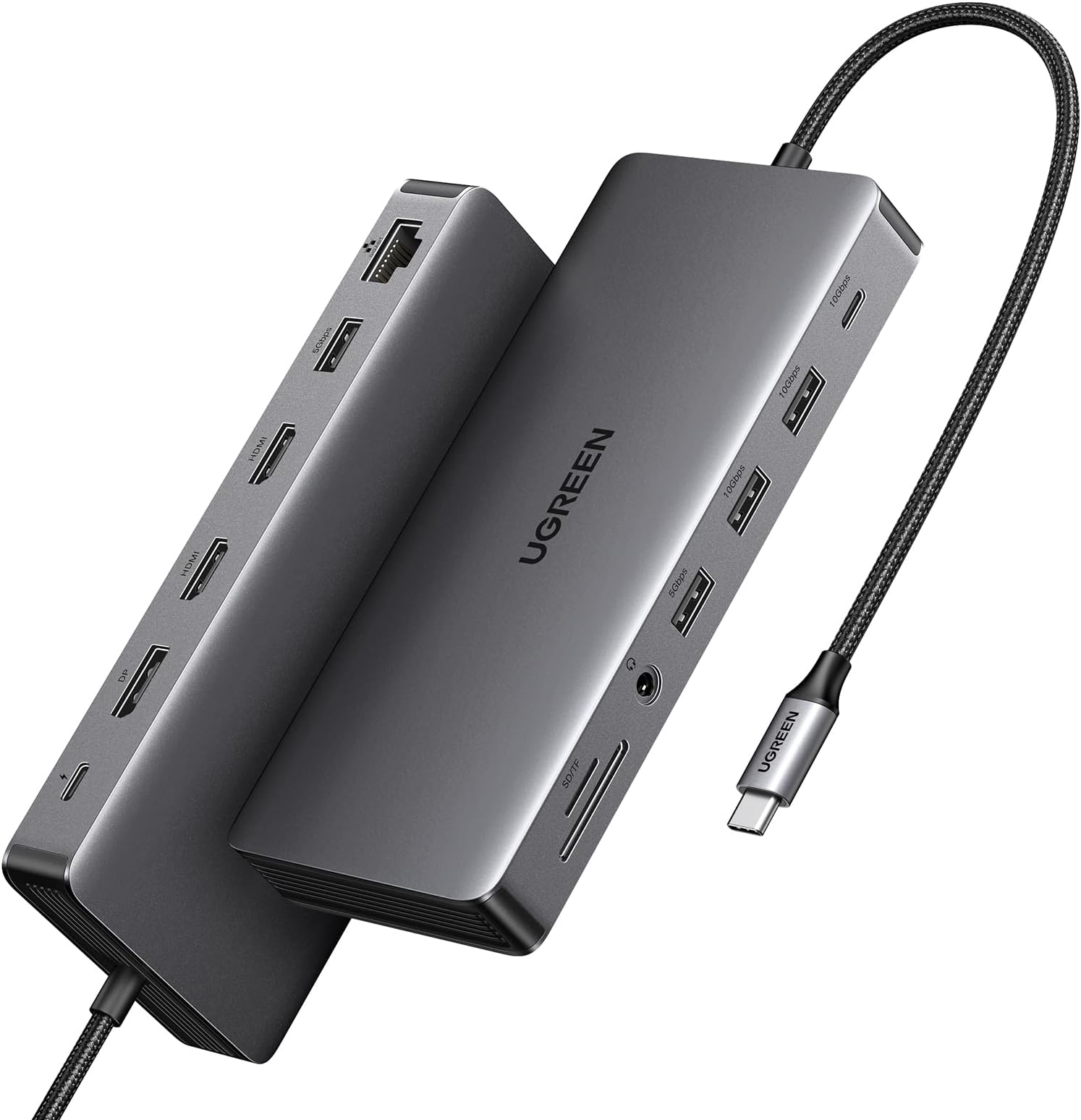
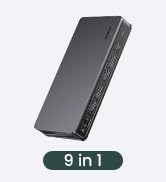
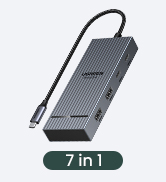
🚀 Triple your productivity, not your clutter!
The UGREEN Revodok Pro 313 is a premium 13-in-1 USB-C docking station designed for professionals seeking a sleek, all-encompassing workstation upgrade. Supporting triple 4K displays, ultra-fast 10Gbps data transfer, 100W power delivery, and gigabit Ethernet, it transforms any compatible laptop into a powerhouse of connectivity and efficiency.


| ASIN | B0C1Y8RPG7 |
| Best Sellers Rank | #5,037 in Computers & Accessories ( See Top 100 in Computers & Accessories ) #442 in Laptop Docking Stations |
| Brand | UGREEN |
| Color | grey |
| Customer Reviews | 4.0 4.0 out of 5 stars (338) |
| Date First Available | August 31, 2023 |
| Item Dimensions LxWxH | 4.76 x 1.06 x 0.47 inches |
| Item Weight | 12 ounces |
| Item model number | 15978 |
| Manufacturer | Ugreen Group Limited |
| Operating System | Chrome OS, Windows 10, Windows 7 |
| Product Dimensions | 4.76 x 1.06 x 0.47 inches |
J**S
Works Well
I have been testing this docking station for several months and have some comments: It is connected to three external displays, two FHD and one 2K, and has been tested with three laptops I work with, the HP Specter X360, Thinkpad E14, and Thinkpad T16. I use a 100w external charger: Pros: 1- The workstation works fine with this external charger, although I have disconnected it several times and I see that it continues to work correctly. 2- It has worked well connected to USB-C 3.1, Thunderbolt 3 and Thunderbolt 4 ports. On the HP, Thunderbolt 3 reduces the resolution of the screens, but it is a problem with the graphics capacity of the laptop, not the docking station. 3- No problems in WAN connections, the Cherry keyboard via USB-A and 3.5 audio output work well and are stable. 4- It is true that the cable of this docking station is very short, I suppose due to cost issues. It is solved with a Ugreen extension cable and it works correctly. I tried two extension cables, but the signal becomes intermittent. Finally, a single extension is sufficient for normal use. Cons: 1- With a controlled ambient temperature of 20 to 25 degrees Celsius, the docking station remains stable. At times it gets noticeably hot, especially if the ambient temperature is high, I have measured peaks of up to 40 degrees Celsius in the docking station. I decided to add a heat sink which gives me more peace of mind and works well. In the place where I work sometimes the sun comes in and gets too hot. Then I added a fan that turns on at 38 degrees. Of course this is a special condition in my case. 2- Some delays with the Logitech wireless mouse receiver. I decided to connect it directly to the laptop and the matter was resolved. 3- The short connection cable. Overall it is a good device, it continues to work as expected and within the purchase price. Some unfavorable reviews from other users are probably due to the type of cables it uses, or restrictions of the PC or the ports it connects to. I attach some photos. It is a recommended product that in my case works very well.
B**R
Great for Steam Deck
I wasn't really sure what to expect getting this for my Steam Deck, I was really amazed at how it just makes sense of anything you plug into it. I was worried the deck wouldn't recognize my fight stick plugged into the dock but it does. You don't need to plug this in, but you can run a line to the outlet to charge your devices through the dock, this alone powers the fight stick, steam deck, headphones etc. Goes to a 1080p monitor and the image is flawless. Zero issues getting the display even after a solid week of use so far. I've heard nightmares about the official dock having to be unplugged and replugged several times to get the display running. I've had absolutely no problem with this dock in any way, in fact it keeps doing things I didn't even expect. Works with other devices as well of course, so it's versatile. Turns the phone/tablet into a workstation. Really cool device, will always have something like this from now on.
R**E
Longer cable would help
Would be better with a longer cable. Great otherwise.
D**A
Problems with external USB devices
It fails to recognize any USB device connected to it, until I unplug the computer and plug it back once again. Tried it with three different computers running different operating systems (Fedora, Mint, Mac OS). Replaced it with basic USB-C hub from Anker that works perfectly for 1/3 of the price. Otherwise it is a nice looking dock that seems to be well made and provides a good selection of ports.
M**R
Finally, a great and functional USB-C hub
I've tried a zillion of these hubs. Various Anker ones that mostly work well, the CalDigit TS4 (which people hail as the holy grail of these things, but would never wake up my monitor unless I unplugged and plugged it back into my machine and waited 10-15 seconds), etc. They all had varying issues like the one I just described. On the Anker ones, the audio jack would occasionally stop working and when it did work, there would be interference on it when using the ethernet jack. And there were surprisingly few hubs with 3+ USB-A ports as well. I'm using literally every port on this hub and they all work well. Using it with an M1 Macbook Pro and it works great. Highly recommend and may by another for my other desk setup.
A**Y
Didn't work and Seller didn't accept the refund
This docking station didn't work most of the time. The screens would go black and wouldn't turn on unless you'd unplug them and replug them in. But they'd drop out multiple times an hour. There's no drivers to update either. The docking station either works or it doesn't. I did a refund and mailed it back. The seller claimed that they never received it even though I mailed it back in it's original box. They charged me for full price and I don't even have the docking station. Do yourself a favor and avoid this seller at all costs. Get a name brand that works and avoid these cheap knockoffs.
B**B
Great Docking Station
Works like a charm and can be used for two 4k Monitors without an issue. Also has plenty of other ports and can be connected directly to a computer with a USB Type C port. Buy it if you need an inexpensive docking station. Works just as good as the expensive ones. I know, because I have both, a $300 Dell for my work setup and this $70 one for my home computer. This one is a lot cheaper, works the same and has more 10 G Ports.
B**M
Quick and versatile, does what it says
So far so good, I've truly replaced all the functions of an old desktop and laptop. With Windows 11 I'm using the DisplayPort, one HDMI (for three extended displays including the laptop screen), 3 USB ports for mouse, keyboard, and scanner, and simultaneously used the SD and Micro SD ports to access old camera files. Performance is good, I can read from an external SSD at 200MB/s and write to the same drive at nearly 500 MB/s (tested by copying 15 GB of JPEGs each way). Reviewers say many cheaper portable hubs in general fail quickly, but reviews for this one were solid and mine remains cool to the touch. Hopefully I'll feel the same way a year from now!
A**R
This is a great dock, it has worked well with everything I have connected to it, Surface Pro, iPad Pro, iPhone 16 Pro Max, MacBook Air and Chromebook... most ports are connected i.e. both HDMI ports, ethernet, 3.5mm audio out and USB-A and USBC and everything works perfectly... with iPad the two external screens are the same as iPad only supports outputting to one external display (limitation of iPad) so the dock outputs the same screen to both monitors, but everything that supports dual external monitors gets two separate extended displays. It works both unpowered and when using USBC passthrough. Costs a bit more, but I believe the quality you get from Ugreen is worth the slight premium!
J**4
Werkt perfect en zeker een meerwaarde voor een pc
J**J
以下のPCで試しましたが、意図した解像度でディスプレイを接続することができませんでした。 ■PC機種 DELL Inspiron 14 5430(13世代 Intel Core i5-1335Uモデル) ■接続したディスプレイ解像度 DP -> 4K(3840x2160) HDMI1 -> 2K(1920x1080) HDMI2 -> 2K(1920x1080) ■PCで認識した解像度 DP -> 4K(3840x2160) HDMI1 -> 2K(1920x1080) HDMI2 -> XGA(1024x768)★ PCのUSB-CポートはThunderbolt4、DisplayPortAltに対応しているはずですが、相性の問題でしょうか、、、 この製品はDisplayLink・Thunderboltに対応していないのは理解していたので、あきらめます笑 それ以外は満足です。 ・十分すぎるポート数 ・やろうと思えば持ち運べる大きさ(私は据え置きで使いますが) ・ACアダプタが不要(充電機能を使う場合、USB PD充電器は必要) 私はUSB PD 60Wの充電器を接続しています。 HUB本体で15Wを消費するので、PCは45W充電器と認識しています。 上記DELLは起動時に60W以下充電器を接続している場合、エラーを出力します。 (BIOS設定でオフにできる) PC機種によっては、100Wクラスの充電器が必須になると思います。
A**E
Da ich einen zusätzlichen Bildschirm (2 zusätzliche Bildschirme) benötigte, habe ich mir das Produkt gekauft. Bei dieser Docking Station gehen sofort alle angeschlossen Bildschirme (was bei einer anderen Dockingstation nur mit einzeln angstecken der Bildschirme lief) Gutes Produkt
C**S
Wow, super Docking station, de aluminio, de buena calidad, con gran desempeño.
Trustpilot
3 weeks ago
3 weeks ago