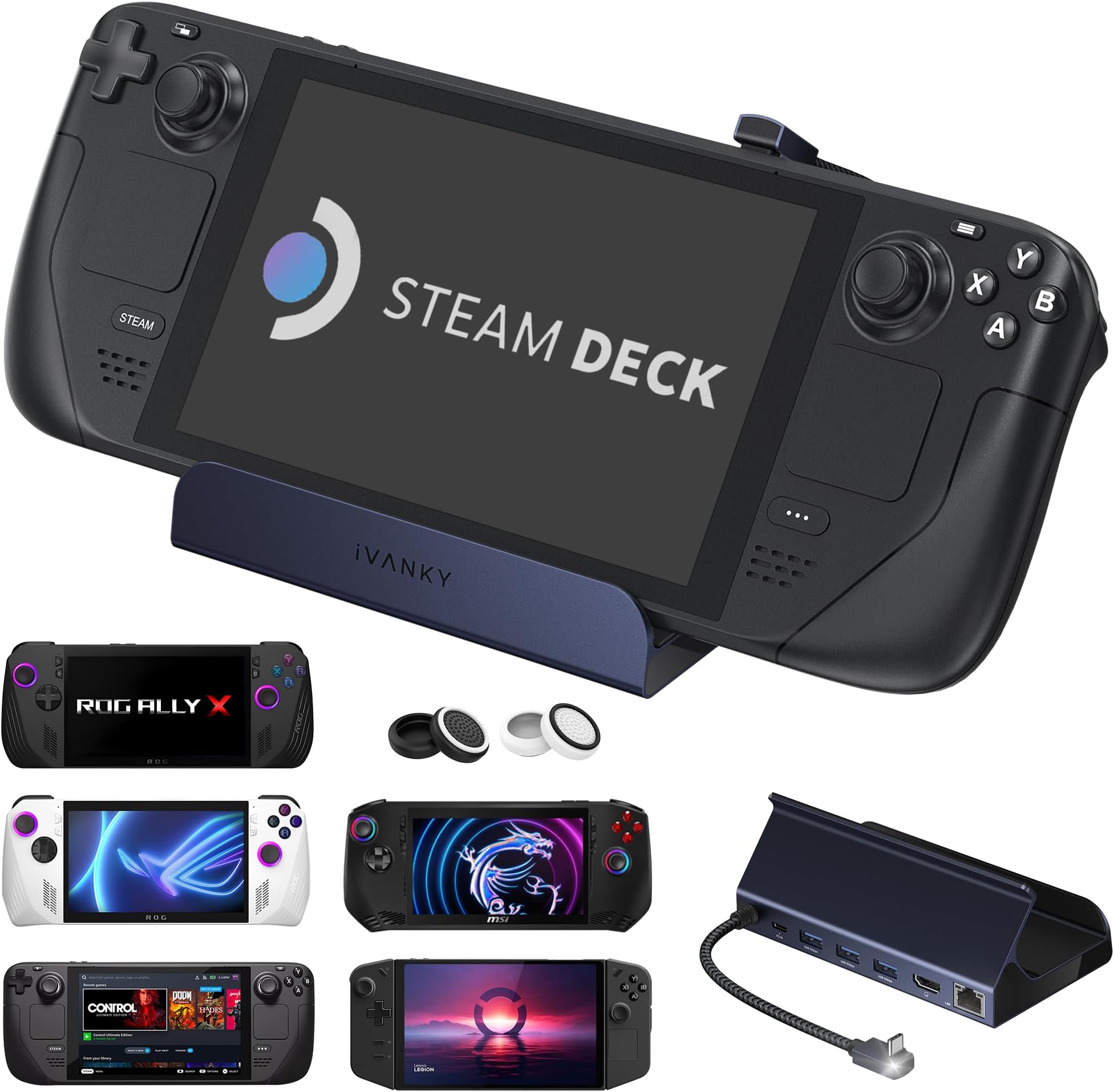
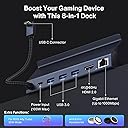
¡¡Hola Amazónic@s!! Estaba buscando un deck para mi futura Steamdeck con , mínimo salida de HDMI, Ethernet y un par de puertos USB tipo A 3.1 ó 3.2, y entrada para cargar por USB C la consola. Y, casualidades de la vida, en Vine me encontré con esta preciosidad de una marca que no conocía, pero que parece que han venido para hacerse un hueco en el mercado por su buen hacer con el producto (siento hacer spoiler, pero al César lo que es del César). He tardado en hacer la review porque quería probarlo bien y, porque, además, la Steamdeck me ha tardado bastante en llegar. Al final, la consola se la he regalado a mi sobrino, que le va a sacar más partido que yo; pero el deck me lo he quedado yo porque es un accesorio imprescindible para mi Mipad 6 y mi Thinkpad Yoga. CONTEXTO DE USO Es un deck que lo he usado y sigo usando con mi Poco F3, Mipad 6 y El Thinkpad Yoga. Con la Steamdeck apenas lo probé, por lo que os he comentado más arriba. Por lo tanto, la experiencia de uso va relacionada con estos dispositivos. He de comentar, antes de seguir con la revisión, que funciona de 10 en la Steam pero el cable le queda justo, apenas tiene margen para moverla, pero creo que le da una estabilidad perfecta a la consola. Probado con: Internet de 1GB de velocidad, usbs 3.1, 3.2, NVME en caja de 10 Gbps con cable USB C a USB C. Cargador hasta 65W de power delivery, teclado, ratón por usb A. PROS: 🟢 Construcción sólida, buena calidad de ajustes y materiales. 🟢 Puerto Ethernet a 1Gbps. Velocidades de Internet a 950 mbps en subida y bajada con mi conexión a internet en el Mipad 6 y en el Yoga. 🟢 Salida HDMI Máxima a 4K 60hz anunciada: en mi Yoga no he conseguido sacar imagen a través del HDMI, con otros dock sí que puedo. Con el Mipad sin problema a 2K 60Hz, lo máximo que da la Tablet. 🟢 La Steamdeck se mantiene firme y sujeta. 🟢 Velocidad esperada en los USB. Hasta máximo de 5 gbps 🟢 La goma que lleva en donde apoya no se ensucia como en otros modelos del mercado. El tiempo dirá si se conserva a sí o empieza a desmoronarse como en otros acabados gomosos, aunque no tiene pinta de que pase. 🟢 Los cuatro pads de goma que lleva en su base, hace que no se deslice en un uso normal (si lo fuerzas, es obvio que sí). 🟢 PWD de 65W máximo que es lo que me da mi cargador: genial. 🟢 No se calienta prácticamente nada. 🟢 4Pads de repuesto para los sticks de la consola. Gran detalle. 🟢 Instrucciones claras, aunque en inglés. 🟢 Cable de conexión Trenzado con cabezal en aleación metálica. CONTRAS: 🔴 No he logrado sacar Imagen a través del HDMI desde Mi Thinkpad Yoga. En resumen, este Ivanky dock para la Steam y consolas parecidas como la ROG Ally y para Pcs o tablets con USB C es un gran accesorio para ampliar las opciones de conexión de tus equipos. Juega en tu TV, añade un mando compatible, un ratón y un teclado y la experiencia aumenta. No se calienta apenas, la construcción es buena y sólida, las conexiones van a las velocidades anunciadas, la construcción del cable trenado es muy buena y agradable al tacto, las gomas de apoyo son de calidad… Un producto de 5 estrellas para mí. Súper contento con el producto. Ivanky ha llegado para quedarse. Espero que os haya sido útil esta revisión. Un abrazo musical!!