Buy anything from 5,000+ international stores. One checkout price. No surprise fees. Join 2M+ shoppers on Desertcart.
Desertcart purchases this item on your behalf and handles shipping, customs, and support to Japan.
🚗 Capture Every Angle, Day or Night — Drive with Confidence!
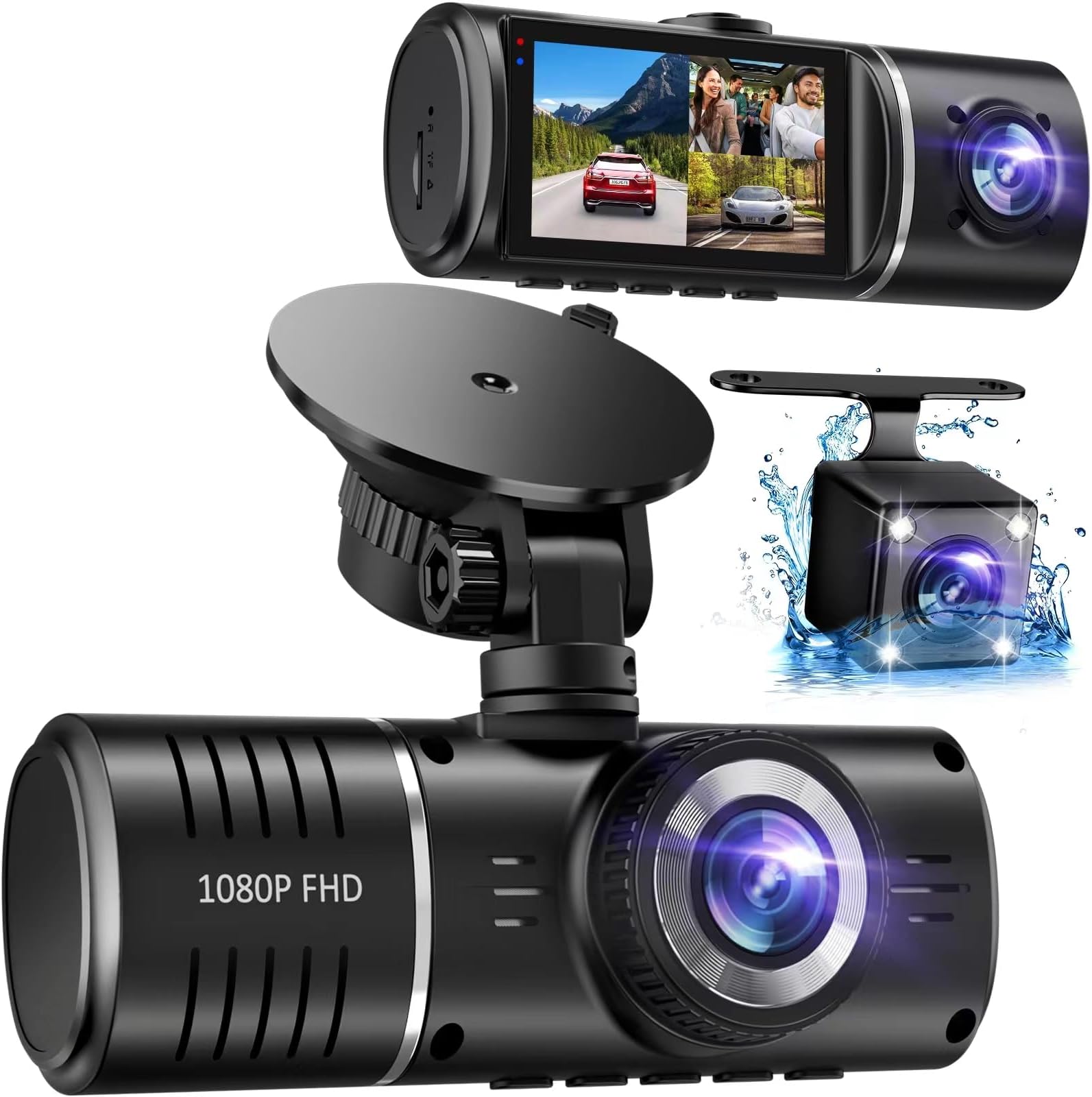
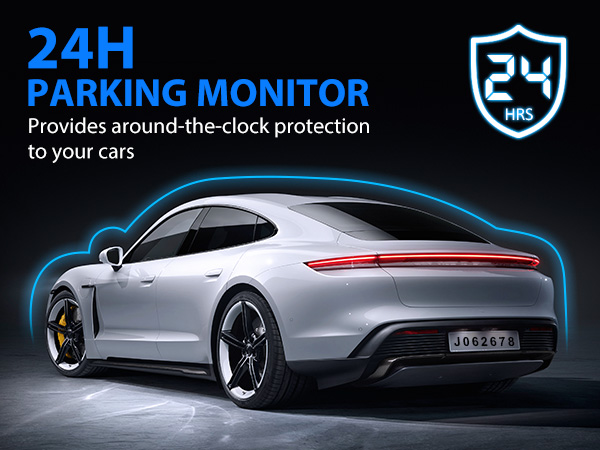
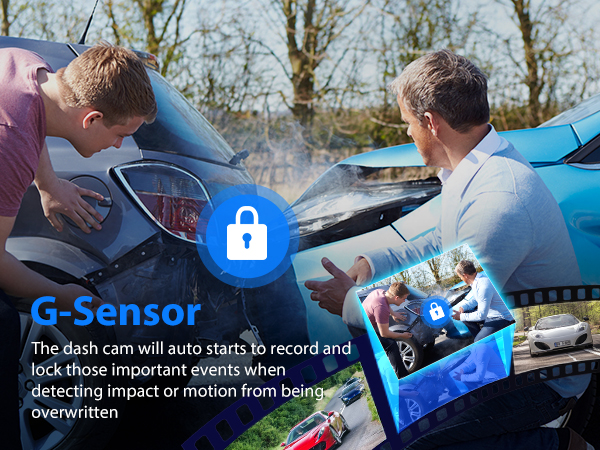
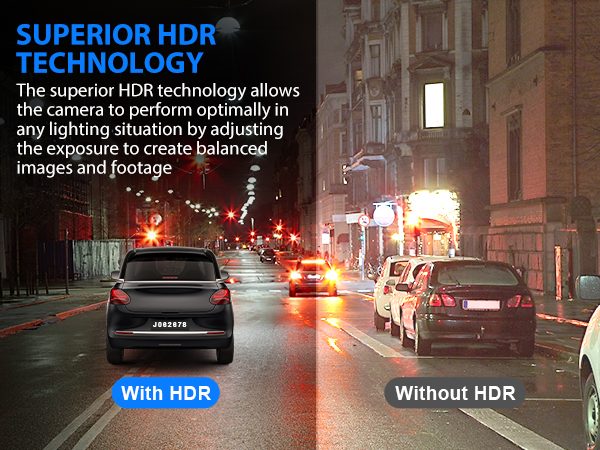
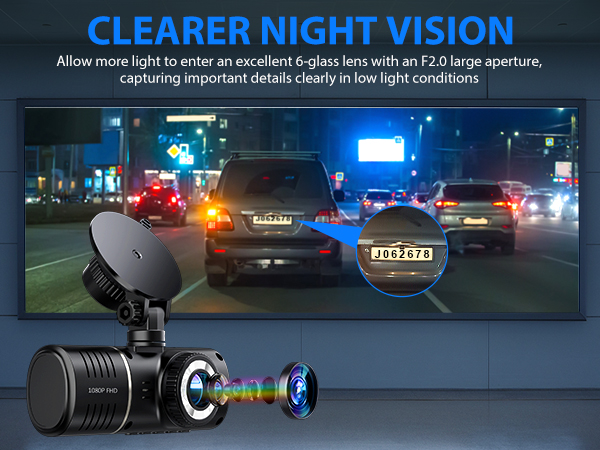
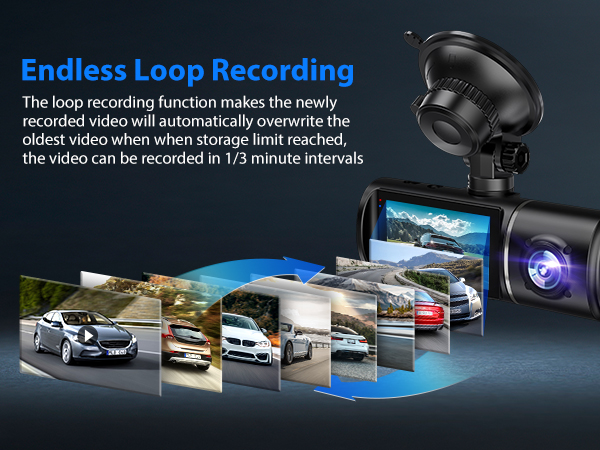
The SUVCON J06 Dash Cam is a professional-grade 3-channel 1080P car camera system featuring front, rear, and interior lenses with wide-angle views. Equipped with a 3-inch IPS display, 32GB memory card, G-sensor emergency lock, loop recording, HDR, and infrared night vision, it offers comprehensive, reliable video coverage and 24-hour parking monitoring. Easy to install and operate, it’s designed for drivers who demand full situational awareness and peace of mind on every trip.


| ASIN | B0C2Y6WXJ7 |
| Are Batteries Included | No |
| Auto Part Orientation | Front and Rear and Inside |
| Auto Part Position | Front Inside |
| Battery Cell Type | Lithium Ion |
| Best Sellers Rank | #848 in Electronics ( See Top 100 in Electronics ) #8 in Car On-Dash Mounted Cameras |
| Brand | SUVCON |
| Built-In Media | Hardwire Kit |
| Color | Black |
| Compatible Devices | Laptop, Personal Computer |
| Compatible with Vehicle Type | Car |
| Connectivity Technology | USB |
| Control Method | Touch |
| Customer Reviews | 4.1 out of 5 stars 6,692 Reviews |
| Display Type | IPS |
| Field Of View | 170 Degrees |
| Flash Memory Supported Size Maximum | 32 GB |
| Flash Memory Type | microSD |
| Frame Rate | 30 FPS |
| Included Memory Card Size | 32 GB |
| Item Dimensions D x W x H | 1"D x 1"W x 1"H |
| Item Type Name | Dash Cam |
| Item Weight | 0.39 Pounds |
| Manufacturer | SUVCON |
| Maximum Aperture | 2 f |
| Mfr Part Number | J08 |
| Model Name | J06 |
| Model Number | J06 |
| Mounting Type | Dashboard Mount |
| Optical Sensor Technology | CMOS |
| Other Special Features of the Product | G-Sensor |
| Real Angle of View | 170 Degrees |
| Screen Size | 3.47 Inches |
| Special Feature | G-Sensor |
| Supported Standards | MP4 |
| Vehicle Service Type | Car |
| Video Capture Resolution | 1080p |
| Warranty Description | 1 Year |
T**.
Great Product! Easy to install
Great product, clear video all three sides. I had issues with re-formatting the video and keep recording, the device was asking to format the SD card manually. I contacted the seller and they send me a brand new device. Know everything works very well. Very easy to install. Over all great product.
A**G
It has excellent video quality! 💯
I'd been looking for a cam for my car, but none of them convinced me until I found this one. Wow! What a great purchase! This cam is amazing; the image quality is impressive. It really exceeded my expectations. It adheres very well to the windshield.
A**K
Reliable – bought it 3 times
This is my third time buying this dash cam, and it’s been very reliable every time. Easy to install, good video quality front and rear, and works consistently without issues. Great value for the price.
S**A
decent
good camera to help prove innocence in an collision but not good for gathering information. camera quality is decent but you can’t read license plates even in daytime unless you’re basically tailgating. it’s easy to use and setup, i tucked my wire through the roof panel so less wire was visible. another review says you can’t switch between views (front/inside/rear) but yes, you can.
B**E
Perfect for road trips
This dash cam was a lifesaver on our road trip. It was a good peace of mind for me. The video quality is super clear, even at night, and setup was quick and easy. Definitely worth it if you want reliable coverage and solid video quality.
J**N
A really good setup
Was really easy to install in the car hiding the extra wire was a little aggravating but I think that was how I ran the wire very good money for the value at this point don't know about the night vision yet it's very compact so it's out of my view while driving
L**S
Meh
It’s an okay dash cam. The only thing I don’t like is that it doesn’t have an app so I can just pull up a video to show the cops. I have to take the SIM card out and put it in the computer. I did that and it was a struggle to get the SIM card to pop up. On top of that it wouldn’t let me clear it either. Everyday I constantly have to Reformat my sim card on the dash camera because it says on the camera it won’t record unless I re format it. It’s absolutely annoying I have to do it twice a day. Recording wise it does good. It filmed my accident. Even though it says it records auto… it does not. I’m thinking about getting a different one that has an app I can see the videos on. The cords are long and I tired using the back camera but that had me reformat the SIM card 3 times a day. So I removed it. It does adjust just fine. Side to side and up and down.
P**E
Additional Information that's Not in the Manual or Not Well Discussed
Suvcon Dash Cam Product Review I did some experimenting to find out how the Dash Cam works for me. I will discuss just the items that are not discussed or not well discussed in the manual. I use Windows 7. I have the 3 camera version of the Dash Cam (with rear camera) and was using the 32MB micro card for this write up (I now have a 128MB card). I use 3 minute looping. I have audio enabled. I have enabled data to be displayed at the bottom of my videos (Date/Time/Speed/Coordinates). I "Screen Save" using 5 minutes. I do not have a smart phone so cannot give you any information about using it. 1. The main reason for a Dash Cam is to hopefully show that you were not at fault during an accident. Even if you think you were at fault do not admit it. Admitting fault might cause problems if you have to go to court. Make sure that date/time/speed/coordinates are recording on your videos as they may be important in court. Make sure you leave audio on as you may have to read out loud a license plate in case the other driver hits and runs. Make sure to select to loop your recordings as it is easier to find the videos you want to keep or play plus it loops around when memory is full. Keep in mind that two or more loops of videos may be important for an accident. 2. The micro card is called "memory card" in the manual (might also be called micro SD or micro SDXC when purchasing). The manual specifications for the micro card are: maximum is 256MB, Class 10, and U3. 3. The reason for reformatting the micro card every month is to make more memory available for looping files. The manual says it is "to maximize the lifetime of the memory card." I suppose what this means is that over time there will be less and less memory available for looping causing a small section of memory to become overworked by the looping cycles. I've read online that memory might get worn out with over 10,000 write-and-erase cycles. It is best to spread the looping cycle over a lot of memory then to overwork a small part of the memory. Reformatting gives back lots of memory. 4. The inside and rear camera lenses flip-flop left and right as if they are mirror images. However, the Rear camera has an option that can correct its mirror image by selecting it to have a mirror image (two mirror images make a correct image). In "Image rotation" select "Rear Cam Mirror". Nothing about changing images is discussed in the manual. Also the Rear camera can be flipped in "Image rotation" in case its mounting causes its videos to be upside down. I cannot find a way to correct a mirror image for the inside camera. I do not know if other Dash Cams have lenses that cause mirror images. 5. The Dash Cam will maintain power for several minutes when external power is turned off. I have accidentally made a video recording of me taking my Dash Cam into my house. All that is needed is a quick push of the power button (accidentally or intentionally). 6. The suction cup is secured to the window by moving the GPS module from pointing right to pointing up. I guess it needs to be up for best GPS reception. 7. My Dash Cam has two very small LEDs just outside the top left of the screen. It appears that the top blue LED is solid for not recording and flashing for recording (this is handy if the screen saver shows a black screen). As best as I can figure out, the bottom small red LED is on if the Dash Cam is externally powered. 8. To set the time correctly, the correct time zone must be selected ("Time Zone" is a menu selection). Time zones are selected according to UTC/GMT time. These are the selections for the Continental USA: For Eastern Time -5:00, Central Time -6:00, Mountain Time -7:00, Pacific Time -8:00, Eastern Daylight Time -4:00, Central Daylight Time, -5:00, Mountain Daylight Time -6:00, and Pacific Daylight Time -7:00. 9. I can experiment with the Dash Cam inside my house. I use a USB port on my power plug to provide power. Do not use a USB connector on your computer for power unless you want to play videos and/or to see pictures. 10. The manual discusses "Photo Mode". I never was able to activate the "Photo Mode". I expect it doesn't exist anymore. Short push MENU to take a picture. You can show pictures on the Dash Cam screen but you have to go past all the videos (could be a lot) before getting to pictures. I use my computer to show the pictures in the "Photo" folder of the Dash Cam. 11. You can show the GPS Information while recording videos by long pushing RIGHT. It will show a Number (don't know what this is), Speed, Direction, Current Time, Longitude, Latitude, and 12 bar graphs (I think they show the strengths of different satellites). To exit push MENU. I don't have any idea what the manual is saying about GPS in section "13. GPS Settings". 12. An example front camera file name and type might be: "20230914160838_0000081F.MP4". MP4 is a file type for a video file. The "F" at the end of the file name means the video was taken by the Front camera. The front of the file name "20230914" gives the date the file was created (the year is 2023, the month is 09 (September), and the day of the month is 14). There after the "160838" means the hour is 16 (or 4:00pm), the second is 08 (4:08pm), and the 38 is 100ths of a seconds (4:08.38pm). The "0000081" is a unique file number given to each file (81 for short). Each file created will have a number that is one greater than that used in the previous file created for example 81F,82B,83R. Typically I see a sequence of 3 files (F, B, R) that all have the same Date/Time . The order of F, B, R is typical but I've seen B, F, R and there may be other orders. There is a selection in Windows Explorer called "Length" and it will show video file's running time. I'm surprised that there are often many times in a row that have exact times of "00:00:03.00". Picture file names will also have the same format as used by video files except the file type will be JPG. The picture files use the same increment counter used by video files. When a picture is made (short push MENU during recording) then all cameras will have a picture (for me 3 pictures). Quick Guide of Usage 1. RIGHT is Down & LEFT is Up. 2. Take Picture - Short Push MENU while Recording. 3. View GPS Info - Long Push RIGHT while Recording. 4. Lock Video - Long Push MENU while Recording. 5. Change Camera Views - Short Push RIGHT. 6. Rotate Menu sets & Camera View - Short Push MENU not Recording. 7. View Video Files on Dash Cam: 1. Stop Recording (push OK). 2. Long push MENU. 3. Push Arrow key to find desired video. 4. Push OK to view (or stop) video. 5. Short push MENU for option to Lock or Delete video (short push MENU a few times to return to viewing videos). 6. Long push MENU to return to recording videos. 8. To view pictures push Arrow key until end of all video files.
Y**D
يجب توصيل الذاكرة كما هو بالوصف
لا توجد ذاكرة تخزين مرفقة كما هو مذطور
P**V
Poor camera quality and fake description
Extremely poor video quality for backside and inside camera. Inside camera is black & white. Stay anway from this product . Incorrect description of product too as there is not wifi. Feeling like wasted money. I had better Dashcam previously with half price. Can’t return now as I purchased 2 months earlier than needed. Didn’t get chance to check within return timeline too.
J**N
It works except sd recording functionality
All.three cams work perfectly but when the sd card filled up, it stopped recording and asked me to format the card, this process is bit annoying.
A**R
easy order
Not showing Current speed km?
N**N
Bad product
I’m not sure why some reviews are misleading, but here is my actual experience. I purchased this product and installed it in my car, using the SD card that came with the camera. It immediately showed a “low speed card” error. I then bought a new 128GB high-speed SanDisk SD card, which resolved the error, but the camera still did not save any recorded videos to the SD card—even though it showed that recording was in progress. Additionally, this camera does not support Wi-Fi and there is no mobile app to view recordings. Some reviews incorrectly claim that an app is available. To access the recordings, you must remove the SD card and insert it into a laptop every time to see recording.
Trustpilot
5 days ago
1 month ago