Buy anything from 5,000+ international stores. One checkout price. No surprise fees. Join 2M+ shoppers on Desertcart.
Desertcart purchases this item on your behalf and handles shipping, customs, and support to Japan.
🛠️ Diagnose like a pro, save like a boss!
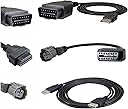
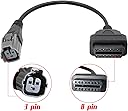
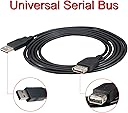
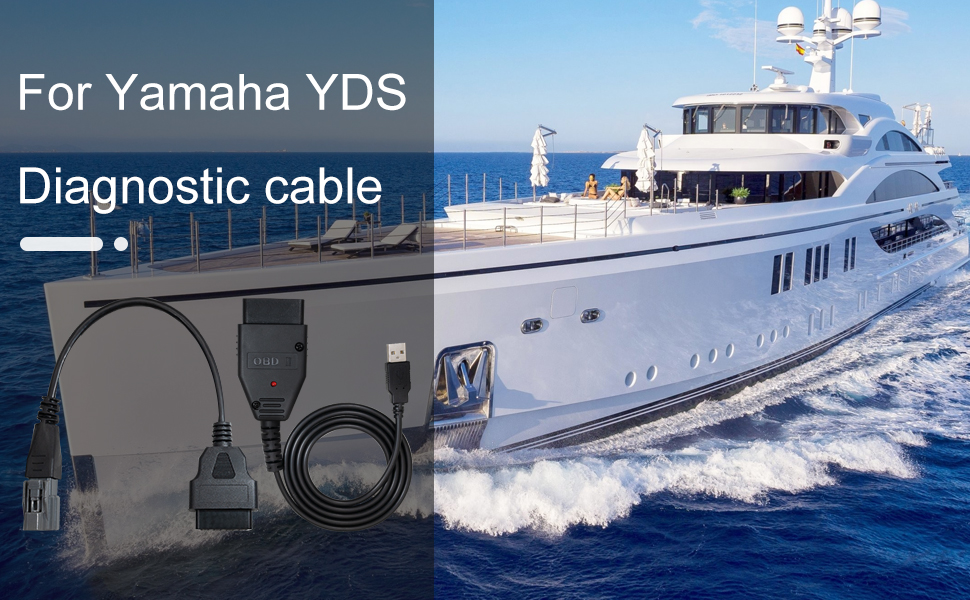
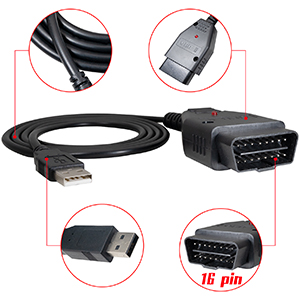
This Diagnostic Cable Adapter Kit by Ytpoools offers professional-grade Yamaha engine diagnostics for all HPDI Outboard, EFI 4-Stroke, and Jet-Boat models up to 2017. It includes everything needed—cable, software, data files, and a 6ft extension cable—to perform dealer-level troubleshooting on your own Windows laptop, eliminating expensive service fees. Built with durable molded connectors and tested for reliability, it’s the ultimate tool for Yamaha boat owners seeking precision and convenience.


| ASIN | B0BHNZY4QP |
| Best Sellers Rank | 421,432 in Sports & Outdoors ( See Top 100 in Sports & Outdoors ) 403 in Boat Outboard Motors |
| Brand | Ytpoools |
| Customer Reviews | 4.0 4.0 out of 5 stars (126) |
| Date First Available | 5 Nov. 2022 |
| Item Weight | 299 g |
| Manufacturer | Ytpoools |
| Manufacturer part number | Diagnostic cable adapter kit |
| Manufacturer reference | Diagnostic cable adapter kit |
| Product Dimensions | 16.48 x 15.49 x 5.49 cm; 299 g |
J**A
Muito bom.Obrigado
D**E
Works great. Simple. Great product for the price. Most people leaving bad reviews did not change there computer settings properly. (I did the same thing first) then I figured it out. I’ve used this on a 2001 Yamaha 200hpdi 2004 f150
R**O
Si meguto es lo que esperaba
N**.
Great product. Within 30 minutes of delivery I found my CAM Position Sensor had failed on my FX140. Waverunner service ports are located in the nose of the ski behind a panel. Boats are in the rear behind the round panels. The only step you really need to be aware of is ensuring the USB port is on 1 or 2. After installing the cable drivers, go into your device manager (Start, Run, devmgmt.msc). Then, locate the device under "Ports (COM & LPT)", right-click it, select "Properties", go to the "Port Settings" tab, click "Advanced", and change the COM port number to 1 or 2 then reboot the computer. I recommend port 2 as lots of other devices default to 1.
T**K
Could not get to work on 3 different computers and following the detailed instructions. Tried on two diff Yamaha motors. Didn’t work. Computers also acted weird after software install…. So be aware of that.
Trustpilot
3 days ago
5 days ago