Desertcart purchases this item on your behalf and handles shipping, customs, and support to Japan.
🔥 Power Your Play, Own the Future ⚡
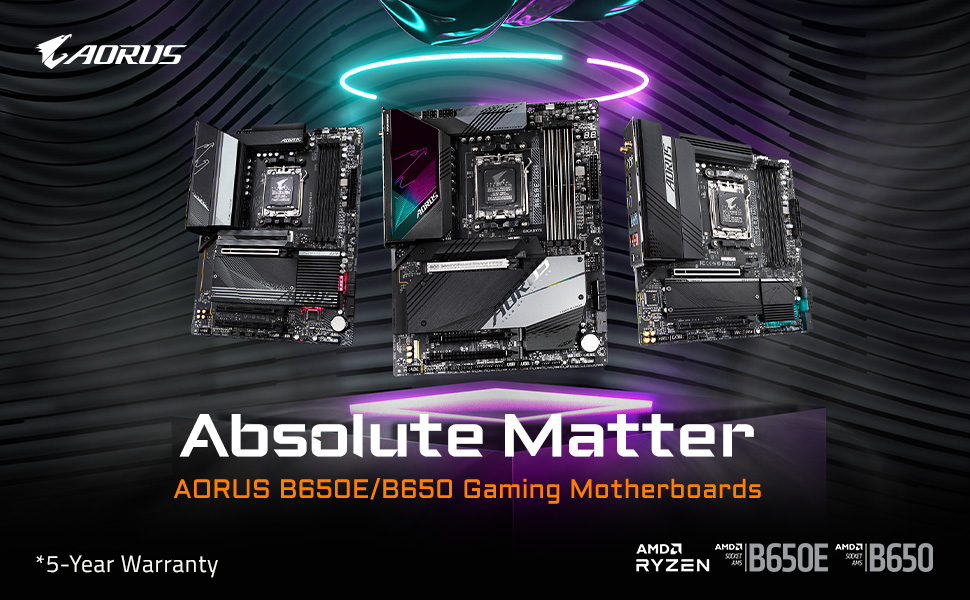
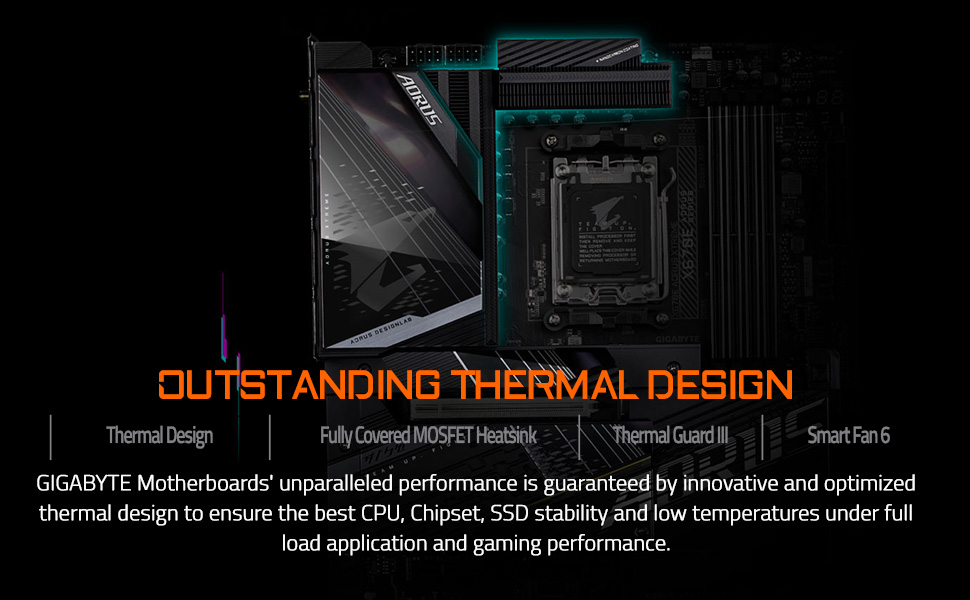
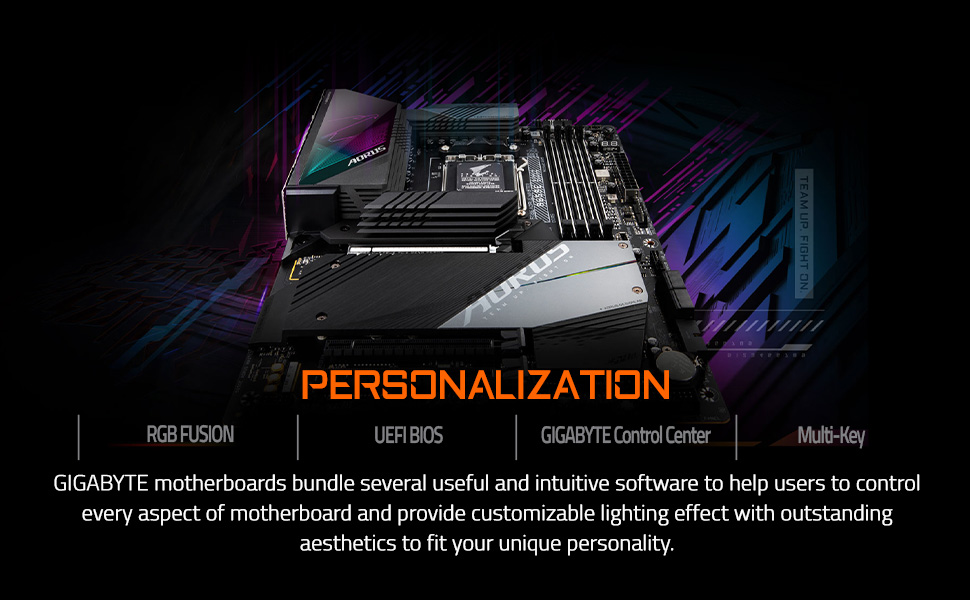
The GIGABYTE B650 Gaming X AX motherboard is a premium ATX board designed for AMD Ryzen 7000 series processors, featuring DDR5 memory support, triple PCIe 4.0 M.2 slots with thermal guards, and advanced 8+2+1 phase VRM for stable power delivery. It offers cutting-edge connectivity with 2.5GbE LAN and Wi-Fi 6E, customizable RGB lighting, and a 5-year warranty, making it a future-proof choice for gamers and professionals seeking high performance and reliability.


| ASIN | B0BYBHW4SH |
| Best Sellers Rank | #11,910 in Computers & Accessories ( See Top 100 in Computers & Accessories ) #48 in Motherboards |
| Brand | GIGABYTE |
| Brand Name | GIGABYTE |
| CPU Model | AMD Ryzen 7 |
| CPU Socket | Socket AM5 |
| Chipset Type | AMD B650 |
| Compatible Devices | AMD Ryzen 7000 Series |
| Compatible Processors | AMD Ryzen 7000 series |
| Country of Origin | China |
| Customer Reviews | 4.4 out of 5 stars 554 Reviews |
| DriveMemory Storage Capacity | 128 GB |
| Graphics Card Interface | PCI Express |
| Importer Contact Information | GIGABYTE |
| Item Dimensions L x W x H | 27L x 27W x 6.8H Centimeters |
| Item Type Name | MOTHERBOARD |
| Item Weight | 1900 Grams |
| Main Power Connector Type | 24-Pin |
| Manufacturer | GIGABYTE, GIGABYTE |
| Manufacturer Contact Information | GIGABYTE |
| Manufacturer Part Number | B650 GAMING X AX |
| Memory Clock Speed | 5200 MHz |
| Memory Slots Available | 4 |
| Model Name | B650 GAMING X AX |
| Model Number | B650 GAMING X AX |
| Number Of Ports | 15 |
| Number of Ethernet Ports | 1 |
| Packer Contact Information | GIGABYTE |
| Platform | Windows 11 |
| Processor Socket | Socket AM5 |
| RAM Memory Technology | DDR5 |
| S/PDIF Connector Type | Optical |
| System Bus Standard Supported | SATA 3 |
| Total HDMI Port | 2 |
| Total PCIe Ports | 3 |
| Total SATA Ports | 4 |
| Total USB Ports | 4 |
| UPC | 889523034156 |
| USB 2.0 | 4 |
| Unit Count | 1 Count |
| Warranty Description | 3 Year Manufacturer |
P**D
Probably has everything you need
Solid platform for a long usage build. Has great VRM heat sinks. Has 3 or 4 fan headers. There are heat shields for SSD with thermal pads for all 3 slots. All three slots are Gen 4. Bios page is simple and easy to make changes.
P**R
Please don't send the used or returned product. We are paying for brand new.
I got a used product. It's not brand new. The seal was repasted. There was trace amount of thermal paste near processor socket and one sticker of heat sink of NVME was already removed.
D**K
Great value motherboard
make it 500 characters Great performance and features for the price. The Gigabyte B850 X Gaming paired with the Ryzen 7 9700X delivers smooth gaming and multitasking, with support for high-speed DDR5, reliable VRMs, and Wi-Fi 6E. The board is easy to build with, thanks to convenient features like EZ-Latch for M.2 and PCIe slots. BIOS could be more user-friendly, but overall, this combo offers excellent value, efficiency, and upgrade potential for an AM5 setup in 2025.
N**O
Real
Its actually legit and real 100% recommend for only 650 SAR
E**Z
El paquete venía abierto
La verdad el paquete venía abierto y no se desde el principio de me hizo raro y no jalo y nos dimos cuenta que venía con unos pines raros pero no le tomamos importancia pero no jalo la verdad dinero desperdiciado (Actualización) Según la paquetería ya entrego el producto hace 10 días y me marca que el reembolso no puede proceder hasta que reciban el producto pero la paquetería dice que ya fue entregado, honestamente me siento estafado
A**N
Total garbage
Complete garbage motherboard. My brother who has over 15 year industry IT knowledge and has built and serviced hundreds of computers was disgusted by this board. 1. There is no actual instruction manual just a pathetic 4 page fold out brochure. We had to go to the gigabyte website to get an actual usable manual. 2. Nothing but issues once system is built. It simply would not boot into bios. We had to remove internal power battery and discharge it to even boot. 3. As stated it wouldn’t boot. Another issue that stopped it booting was that it simply would not start if a second RAM slot was in use. Reducing it to 1 being used allowed us to finally boot it. It was then a struggle to get everything installed and once we finally managed it we tried installing the 2nd RAM module again and the board would just not work. DO NOT BUY this board it’s got multiple flaws and these are documented by several buyers of the item. I had to return this item AND pay for postage which cost my £7. Terrible purchase. Bought an ASUS gaming board as replacement and this board was 100 times better to install and work with.
J**A
ROCK solid. Gigabyte proves again why I never buy anything else
AM5 boards had a rough introduction, but now that it's later in the Zen 4 cycle it's pretty safe to say the early teething problems are solved. I am delighted by how totally solid and feature-laden this board is, and it proves why I've been buying Gigabyte boards over and over again for decades without regret. The whole thing is just slathered in thoughtful design that makes perfect sense. There's one full PCIe x16 slot, with all channels available. The other slots can fit a full x16 board (like if you wanted to add more video cards or a Tesla card or something), but the lanes will be automatically bifurcated as you do so. There are four memory slots and the board can accommodate up to 128GB of memory. Be aware, however, that Zen 4 memory controllers have some limitations of how fast they can go when you start filling up more memory channels. You can run two slots at 6000+ MT/s, no problem — and it's easy to hop into the BIOS and enable that — but when you populate another two slots... things are going to slow down. Even the massively overpowered 7900-series is likely to only be able to run all 4 slots at 3600MT/s. Maybe 4800 if you're lucky, but don't count on it. There are THREE, count em, THREE, M.2 NVMe slots for storage. The first two, upper ones, are faster and connected to more of the PCIe lanes. The third one, should you choose to use it, is slower, and only has 2 lanes available to it. If you're planning to add a big-ass but inexpensive lower spec SSD, put it in the lower slot and reserve the upper slots for your main disks. The CPU slot comes with a bracket, and it's fine for most standard coolers. If you're using a tower type cooler like a Noctua chromax, you'll have to change out the bracket. It's easy to do, just a few screws on the back of the board. The CPU power plug, like almost every board, is in the annoyingly inconvenient spot in the upper left. Remember to hook it up before you screw the board in, so you don't have to try to jam your hand into the worst possible place in the case. The ATX main board power is along the upper edge and a little easier to get to. Speaking of plugs, this thing is just FESTOONED with front and back panel plugs. I'm an avid user of front panel stuff, and I was very happy to see how generous the front panel plug situation is. Of course, the usual old-school front panel controls—power, reset, lights—are the old school annoying single-Dupont jumper wire type. They're as annoying as ever to hook up, and along the lower edge. However, they are clearly labeled, silkscreened, and even color-coded. About that back panel, though: I don't care about WiFi on a stationary desktop. The Ethernet plug is *right there* on the back panel. But I do want to use the Bluetooth. However, in order to use this board's Bluetooth capabilities, you have to hook up the antenna thing. I'm happy to report that while I didn't really *want* to do this, it was easy to do—just two of those micro coaxial cables—and the antenna even has a magnetic base to keep it from flopping all over the place. The Bluetooth works great, and that's kind of a miracle. Most Bluetooth chips are terrible. Remember how I mentioned the BIOS is easy to set up? It's also incredibly deep. You can get down and dirty, with a level of granularity and setting that is just beautiful. This is, truly, a top-tier overclocker's board. But even if you aren't going to get into that, you want to pop in there and do a couple of things: First, update the BIOS. Usually, it's not worth bothering to do this. 99% of BIOS updates in the world don't fix anything for anyone or are only for specific weird configurations. In this case, it's not true. YOU WANT TO UPDATE. In the AM5 world, BIOS updates come with real, useful, upgrades to performance and stability that everyday users can enjoy, and this board needs the new one. Why? The new one makes it faster, literally just faster and better, when you use DDR5-6000 or more. Second, set the "EXPO 1" profile for your memory. The default is kind of a "safe mode" thing which works, but totally wastes the actual speed of the memory you bought. Third, set Precision Boost Overdrive to "80 Level 2". Unless you bought a CPU cooler upgrade, then set it to "90 Level 2." The first number is the target temp it's going to run, and the second number is how much it will reduce the voltage of your CPU. "2" is pretty much the guaranteed recommended setup. Now, reboot and enjoy your AWESOME new Gigabyte board.
D**K
Nice all-around
Finished building the PC with no problem. For context, mine is rev 1.3 for an AMD 7600x chip. The WiFi does not work out of the box, so i have to bypass login at windows install with /oobe, but once I done that, I just used usb to copy the WLAN driver provided by the manufactures and everything works. I game on wifi exclusively and it has not failed me. Some usb ports on the io doesn't work initially, but just magically fixed itself 2 days later. Has plenty of slots for upgrade down the line and is just a nice experience to work with.
Trustpilot
4 days ago
1 month ago