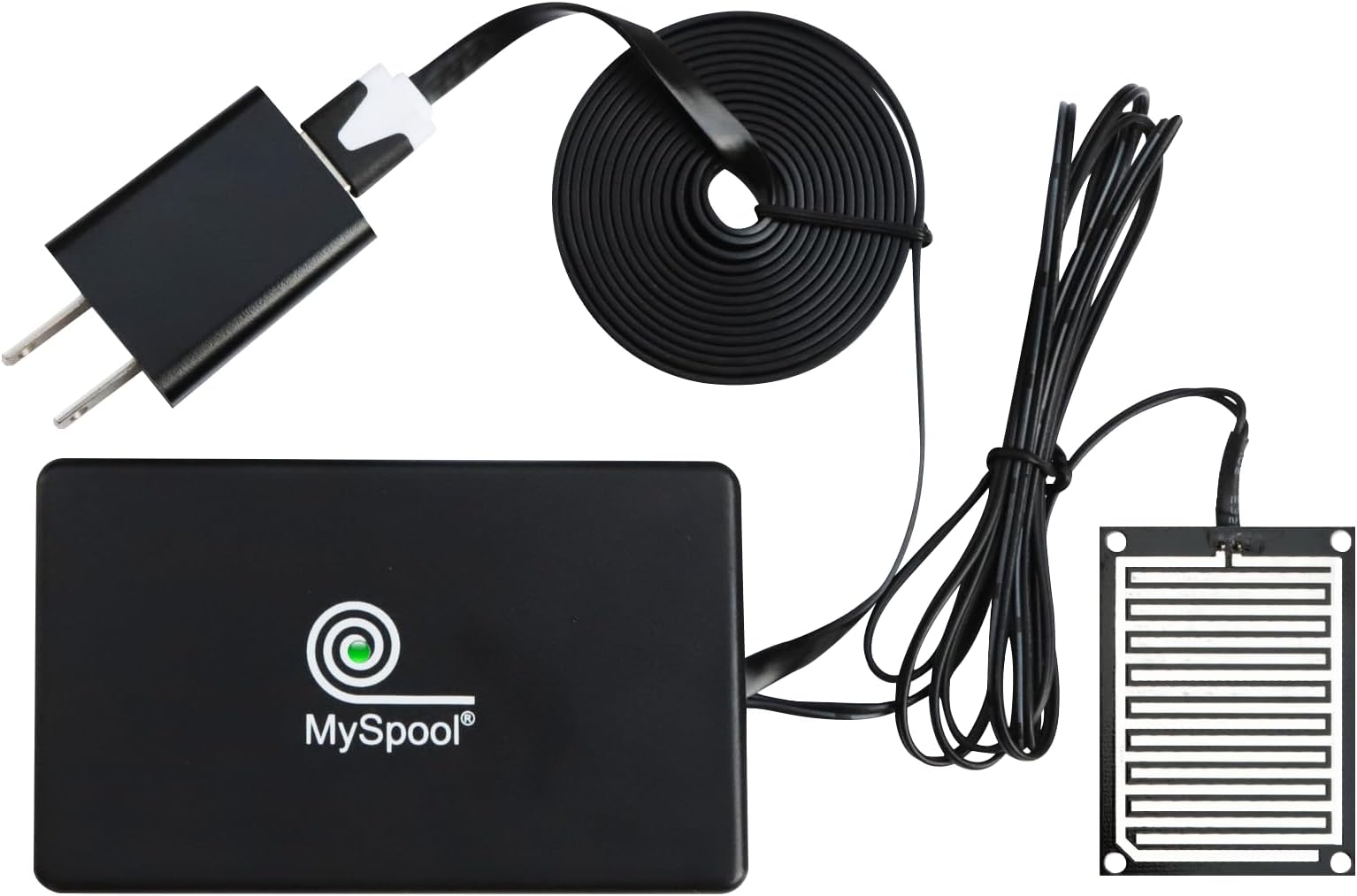
For me an AC-powered water sensor is better than battery powered ones. I use these on floors near water heaters, and alerts are not expected for long periods. I can set them up and forget them, even for years after a battery would typically die without my awareness. Setup was not difficult following the brief instruction guide, but there are a few things to note: There is no installable cell phone app. Such an app could simplify initial setup by automatically detecting the Wi-Fi network and password and simplify connecting to an account. But the guide completely shows the steps in doing this through your phone's Wi-Fi settings. After powering-up the device, you temporarily select the Wi-Fi network SASensor-0000000 on your phone, then manually identify your household network and password. You should do this quickly after powering up the device, so that no neighbor or passersby can hijack it. Should this happens, the product website, MySpool.com provides instructions on how to reset the device and start again. An app could eliminate this problem. Like almost every security device, you have to set up an account on the product's website. Here you can see recorded events from the sensor and set up additional options. After logging in using my phone, I was able to connect the new sensor to my account with the sensor's "0000000" number. When I set up a second sensor through the same phone, it was automatically connected to the account. Since there is no installed app, I bookmarked the website for easy future access. On the website, each sensor has separate notification settings. When you enter and save your email address for any sensor, you should immediately look in your inbox for an email titled "AWS Notification - Subscription Confirmation." Then click the "Confirm subscription" link in that message. You will not receive emails for sensor events until you confirm. I am very leery about AWS messages since they have no details about their purpose and are widely sent. The only thing that indicates you can safely respond is that you will receive the email within seconds of saving the email address in your MySpool account. You wiil have to do this for every sensor. The FAQs on the website cover this problem. If you missed the AWS confirmation email, you can just clear-save-reenter-save the email address again to trigger a new AWS email. The sensor settings also allow you to specify a phone number for messages, but there was no confirmation required. The sensor operates as I expected. Anytime the sensor goes from dry to wet, an email and text message are triggered immediately, with both notifications identifying the detection time and name of the sensor, which can be changed on the website. The email sender is "Alert-0000000". If the wet condition continues, "Optional Device Settings" in the app determine how frequently emails will be retriggered. By default re-emails are sent every 1 minute, but this period can be adjusted up to a max of 24 hours. I changed my settings to 1 hour. I did not see a way to turn off email messages without deleting the email message entirely. Text messages are sent to the phone every 5 minutes, and that period cannot be adjusted. Under "Optional Settings" text messages can be turned off. All email and text settings can be changed during a wet event, taking effect immediately. So if you are already aware of a condition but can't correct it right away, it's good to know you can turn these off. Remember to turn them back on after correcting the problem. Note that your web account shows the last 10 wet conditions for the sensor, repeated every 1 minute. I did not find a way to adjust this frequency. UPDATE: I unplugged one of the sensors, and I for two 24 hour cycles alerting me that the sensor is off-line. Good for MySpool. Only two emails, but that was good enough for me. All said, I think this sensor is a very good solution. I think a dedicated installable app would improve the product significantly. Although the operation is good as is, it would be helpful to be able to: - Auto-detect phone Wi-Fi settings on initial setup - Set a period for re-messaging. - Allow emails to be turned off. - Send a message or email when a wet-event ends. - Send a message or email when power fail occurs and ends. - Update: I also agree with other posts that it would be great to send messages to multiple phone numbers