

Desert Online General Trading LLC
Dubai, United Arab Emirates
Desert Online General Trading LLC
Dubai, United Arab Emirates


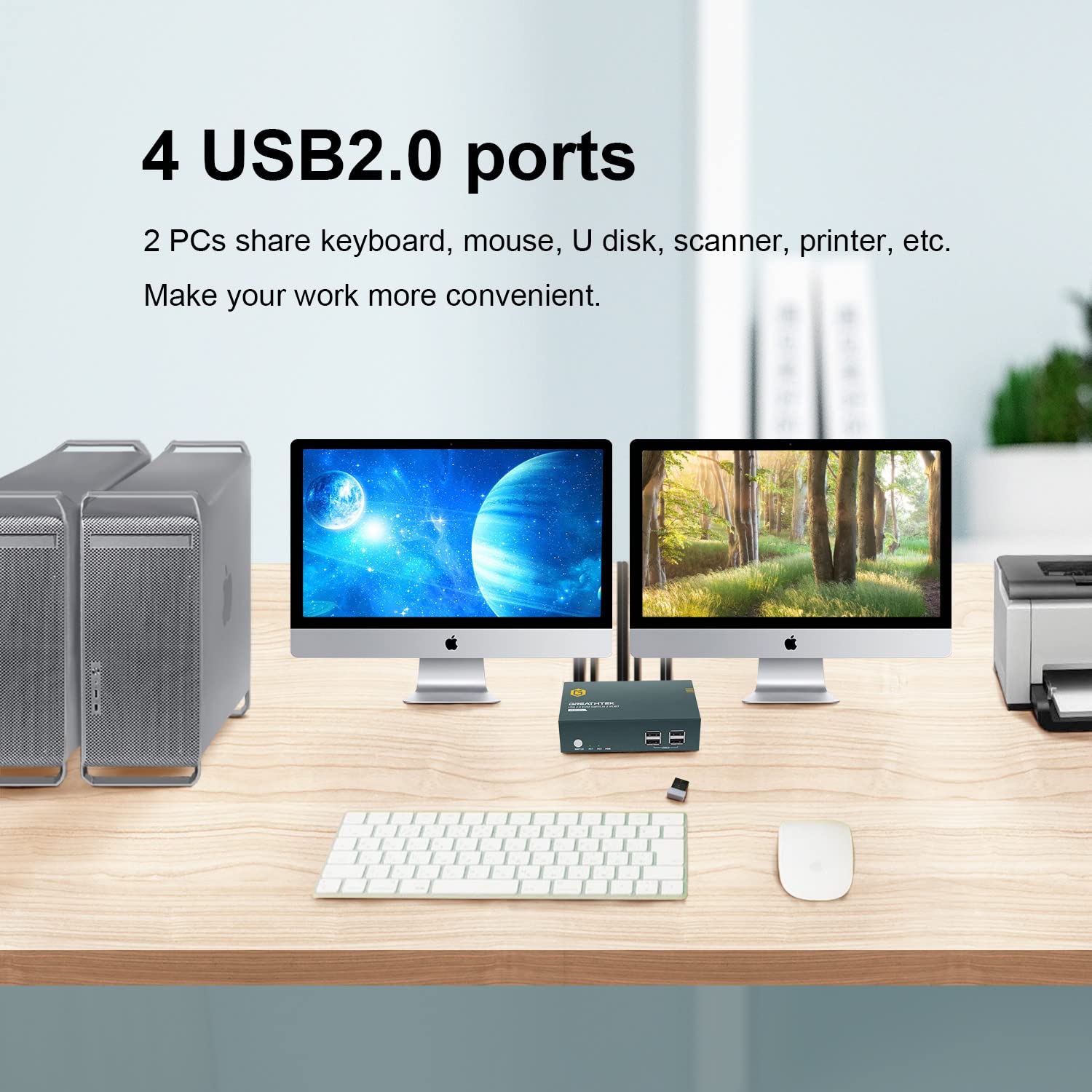

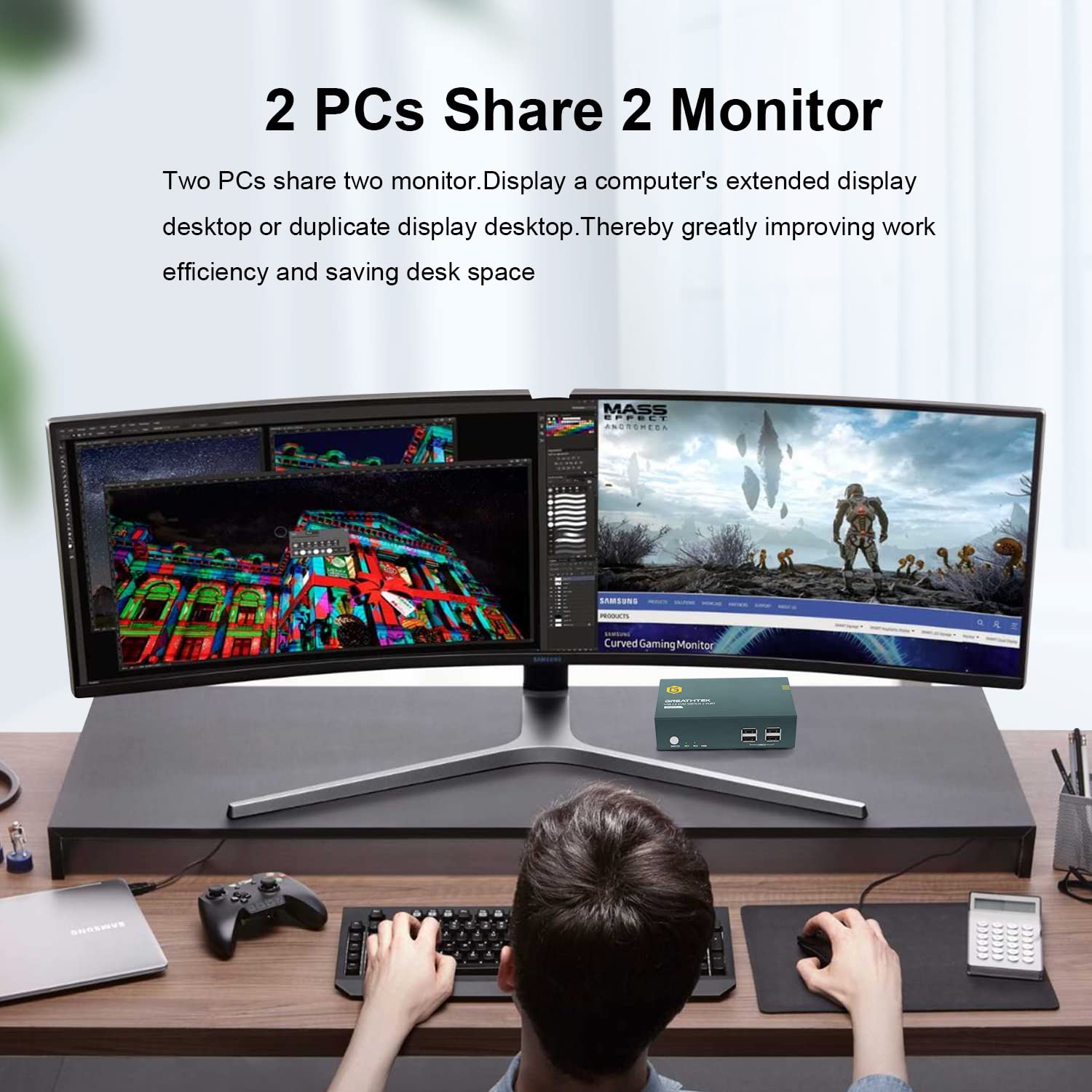

🔗 Connect. Control. Conquer your workspace like a pro.
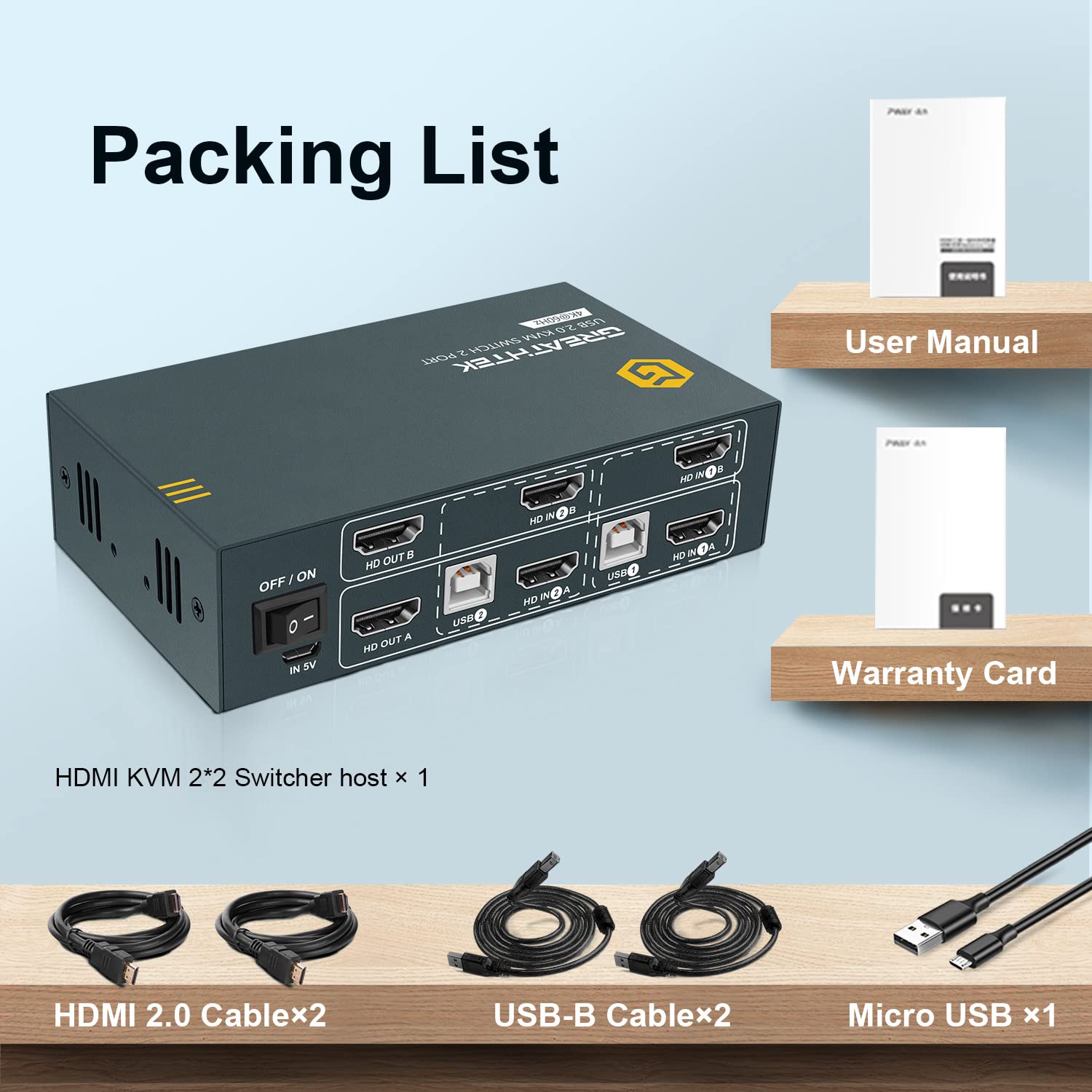
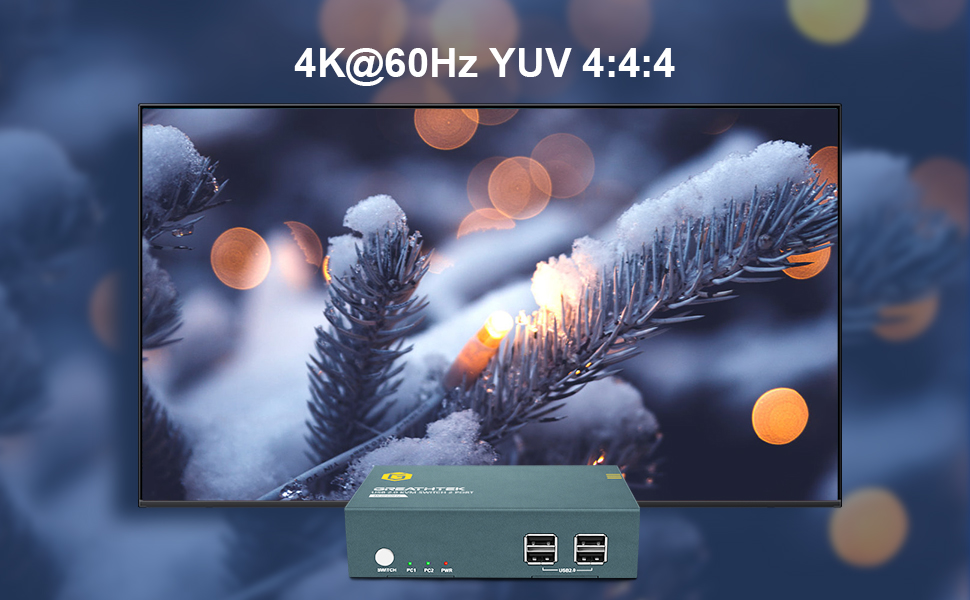
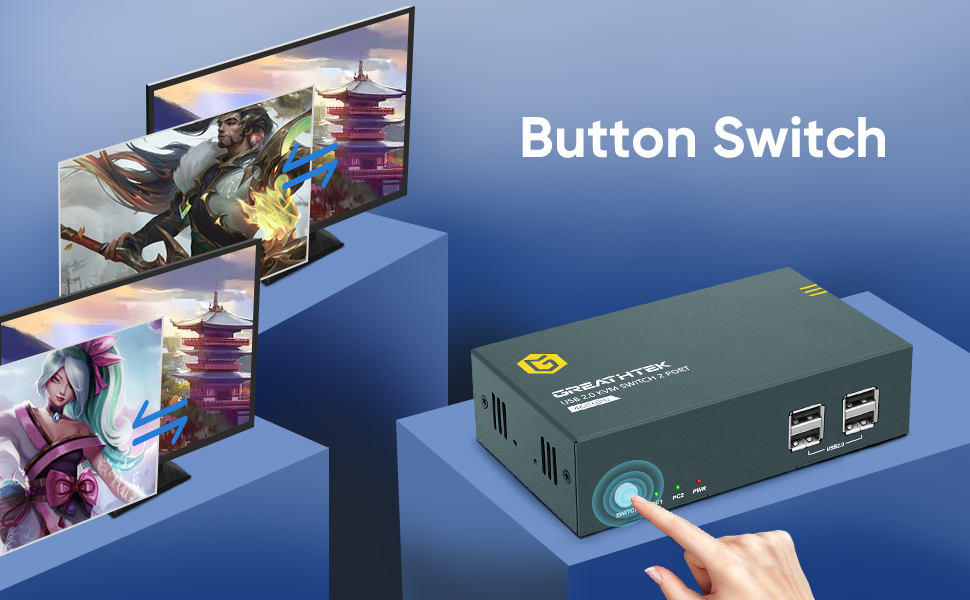
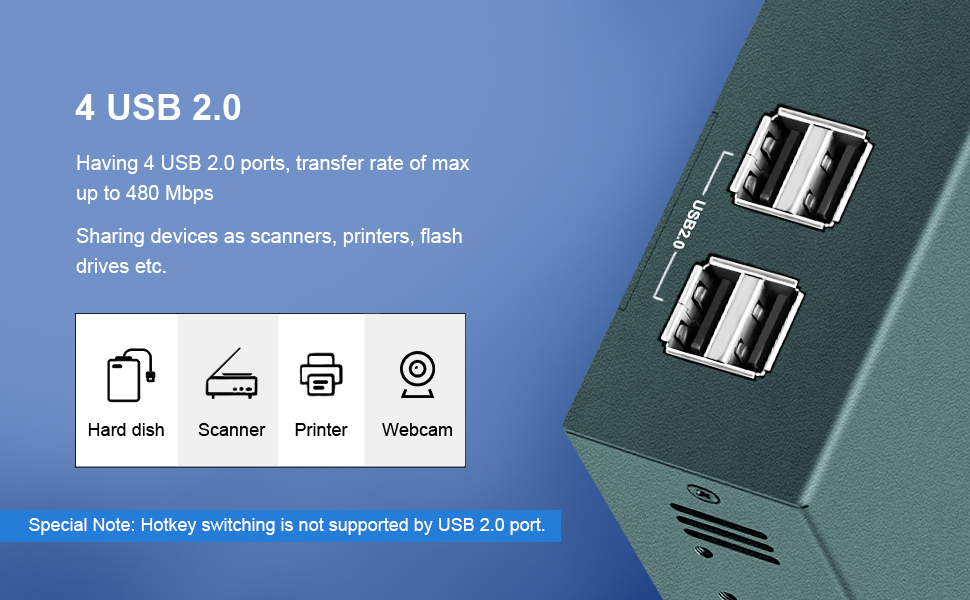
This HDMI KVM Switch enables seamless control of two computers using one keyboard and mouse, supporting dual 4K UHD monitors at 60Hz with HDMI 2.0 and HDCP 2.2 standards. Featuring 4 USB 2.0 ports for peripheral sharing and a quick 5-7 second button switch, it’s designed for efficient multitasking and professional setups.




A**R
What a great product!
I wish I had bought this when I started working from home years ago! Before today, I've had my computers using multiple inputs, switching my monitor and then moving the Logitech USB dongle (for keyboard and mouse) to one of three USB extension cables on my desk. Talk about awkward.This switch comes with all the cables you need including the HDMI cable you need from the switch to the monitor. With the click of a button or a few taps on the keyboard, you can switch computers. This is only for those with a single display... I use an ultra-wide monitor, and it works great.Took me a bit of reading the reviews to get the keyboard commands to work, as the scroll-lock key wasn't working for me. I found the Control key works, too. Three key presses... Control, Control, then the number key will switch to the computer you want. I'm using a work laptop, a personal PC desktop, and a Mac Pro laptop. It works perfectly for the Mac, too.Only a few small issues not enough to take off a star. First, the LEDs are pretty bright, particularly the red power LED. I just covered it with a piece of electrical tape. Second, my mouse or my scroll wheel stops working occasionally after switching. I simply pick up the mouse and turn it off and on, and that fixes it every time. I imagine these more designed to work with wired keyboard and mouse, so can't blame the device for that.Probably my favorite recent purchase. I had it working in minutes.
G**M
Decent price for 4 port unit
Overall the unit is good and it's nice that you do not need a separate power source. One less cable to deal with.I wish the mouse and keyboard ports were on the rear because I have a shallow desktop. That's not a problem with the KVM switch. I didn't realize it would be an issue until I set it up.I did have some initial issues with the mouse not being very responsive and the computer didn't always recognize when the cursor was over something to be selected or clicked. I had to move the cursor a millimeter or two to find the "sweet" spot.I was using a cheap wired mouse and switched it out for a Logitech M720 I had sitting around. The M720 has better tracking and the problem disappeared. Another benefit is the usb dongle eliminated another cable.
P**R
So far works perfectly - no frils but gets the job done.
My old KVM start loosing USB ports, the HDMI works but the keyboard and mouse didn't.It also didn't handle well MAC mini after reboot (did not recognize the keyboard - had to connect the keyboard directly after each reboot).I was a bit concerned that it does not use external power. But for the price I said lets give it a try.It was easy to connect and small size fits in my desk nicely, the hotkey works so I don't even need to push any buttons. Switch time is about 2.8 seconds - not instantly but not bad either. No noticeable delay while typing (but I am not using it for games - it may be different for games).It is connected to Intel NUC running Linux, Two Mac mini (Intel and M1) and a raspberry pi - and works just fine with all of them. The keyboard is basic wired keyboard - but the mouse is a Logitech wireless with dongle - which works fine as well. And which is more important - after reboot all computers recognize the keyboard without and issue.The device itself seems sturdy - metal box and well built.Now what is left to see is how long it will last until it will start loosing ports and cause problem.Hopefully few years at least. We have to wait and see.
L**J
KVM Appeared to have a bad HDMI port
What appeared to be a bad port turned out to be a lesson learned. I had two computers that I wanted to attach to two monitors. I purchased this HDMI KVM Switch because I had purchased a single monitor, dual computer switch from the same company. When I set up the KVM one of the output monitor ports seemed to be defective, as I could only get both computers to view one monitor.The computers each had an onboard HDMI connection and a separate PCIe HDMI card. I sent the company an email asking for assistance. This occurred just before midnight. When I woke up, I already had an answer from tech support with some helpful hints, including one about making sure the BIOS on my computers had multiple monitor support enabled. I checked the BIOS (Basic Input Output System) and found that neither computer had the multiple monitor support enabled.I enabled the support, but still had one issue. I had to set the primary monitor setting to look at the onboard HDMI connection first. Once I had done this for both computers, everything worked perfectly.I appreciate the fast technical support provided by GTH. It saved me a bunch of time by not having to send the product back for replacement. Considering this was an issue with my computer setup, and not the fault of the company or product, I am very appreciative.
D**E
Works great, until it doesn't
This switch was easy to set up, until it stopped working - first the webcam connection, then the external monitor connection. I believe the issue is with the ports where the inputs plug in - about three months after using it for my work and home computer setup, every two or so days I have to unplug the input cable for my webcam and re-plug it in to get it to be detected. Such a hassle that I have never had to do with my laptop. And last week, I started having issues with my external monitor not detecting any input. After cable-fiddling and troubleshooting, I realized that sometimes I can get it to detect by unplugging and re-plugging it back into this switch. But now it isn't working at all for my external monitor. The concept is good and it's so convenient when it does work. But it worked properly for just a few months, which is a huge bummer.
Trustpilot
1 month ago
3 weeks ago