Some deliveries may take a little longer than usual due to regional shipping conditions.

DOWNLOAD THE APP


Customer Services
Copyright © 2025 Desertcart Holdings Limited
DOWNLOAD THE APP


📼 Preserve the past, play it anywhere — nostalgia meets next-gen convenience!
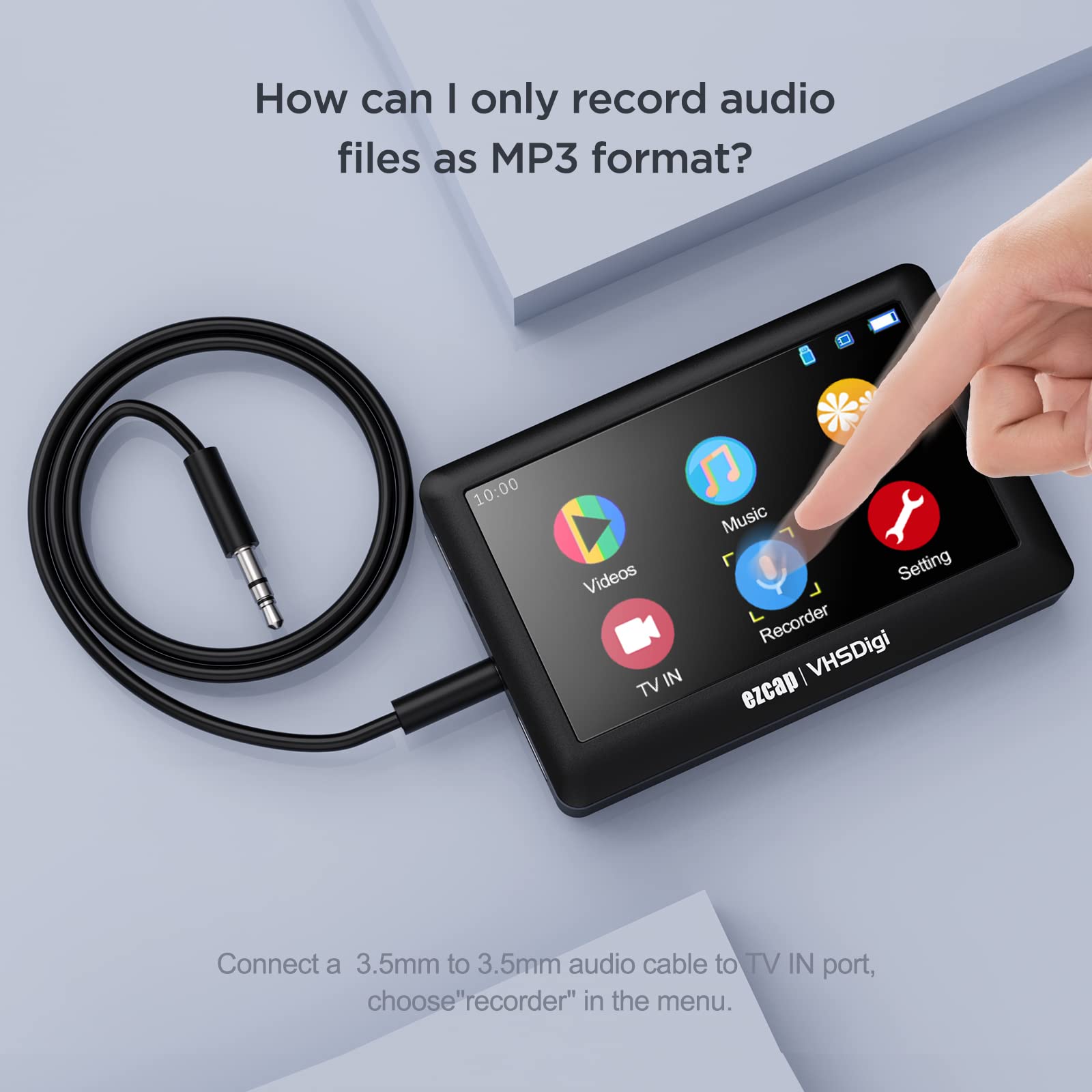
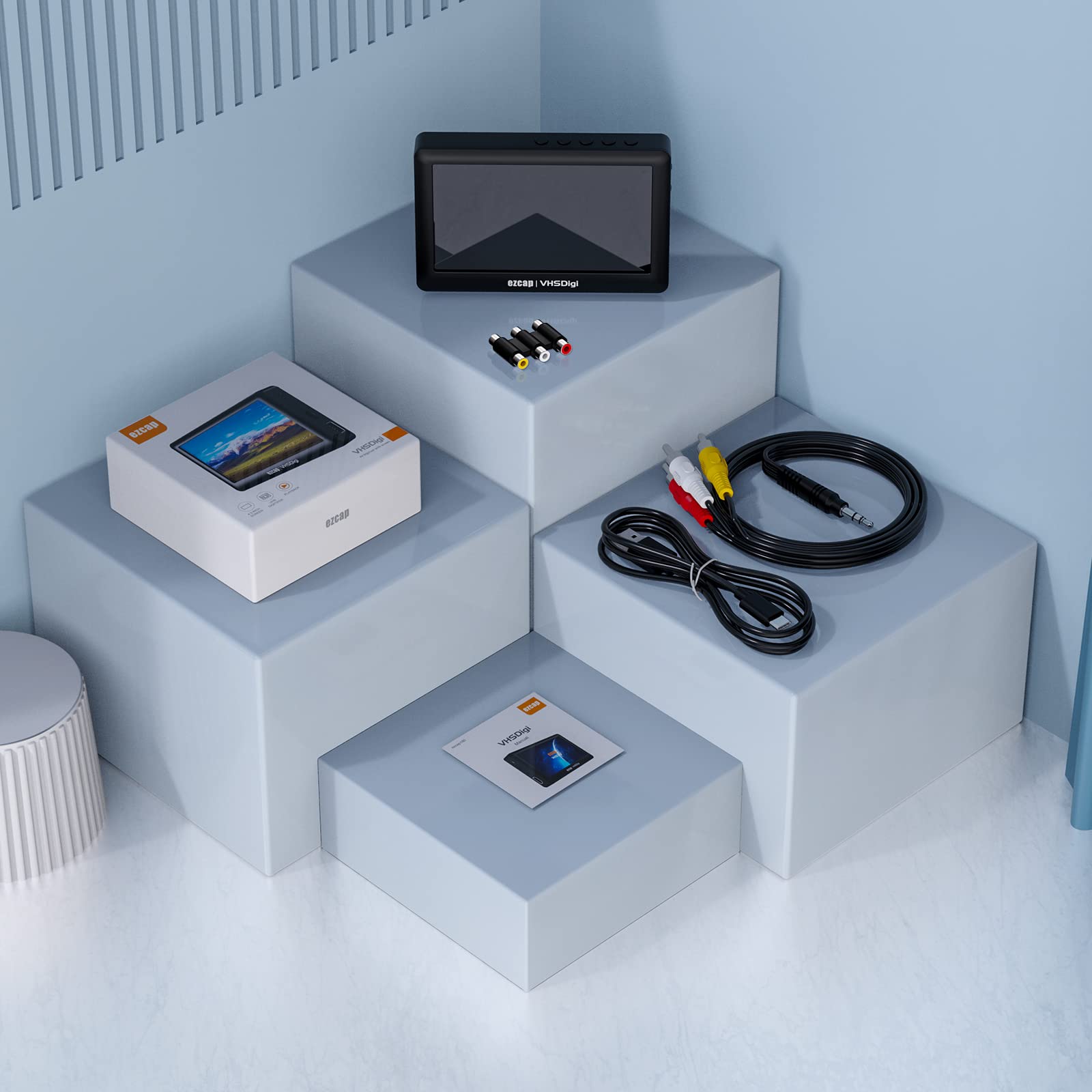
The ezcap VHSDigitizer is a portable analog-to-digital video converter featuring a 4.3-inch LCD screen, built-in speaker, and 1500mAh battery for up to 2 hours of use. It supports recording from VHS, VCR, Hi8, camcorders, and gaming systems directly to USB or microSD cards (up to 32GB) without needing a PC. With HDMI output and direct playback capabilities, it’s the ultimate tool for effortlessly digitizing and enjoying your vintage video collection.
| Brand | ezcap |
| Series | VHSDigitizer |
| Item model number | VHSDigitizer |
| Operating System | pc |
| Item Weight | 4.7 ounces |
| Package Dimensions | 5.08 x 5 x 2.32 inches |
| Manufacturer | ezcap |
| ASIN | B09Q99MGQ1 |
| Date First Available | January 12, 2022 |
N**M
Works great for tech work
Use this for my side business, very happy.
D**A
NO LO COMPREN GRABA VIDEO DE BAJA CALIDAD
NO LO COMPREN PORQUE GRABA A 15 FPS (GENERANDO UN VIDEO DE MALA CALIDAD E IMAGEN QUE TIRONEA), POR PRECIOS SIMILARES, HAY QUE GRABAN A 30 FPS EJEMPLO UNISHEEN.
A**S
Noisy video recording
In overall it is very useful but I need to use it to record PAL video and it has too much noise on the video recorded as well as color instability
A**.
Worth it!
Awesome product. Great for sharing with family!!
D**Y
Great value.
Works great and so worth the price. Love it!
A**E
Completely useless
First off let me say I don't like writing bad reviews, there is usually something good with most products if you spend enough time with them. Unfortunately, this isn't the case with the ezcap VHSdigi, I got it to try and convert my old home videos on VHS to digital format. After opening the box I plugged it in with the provided USB cable and got the charge indicator on the screen. Unfortunately, that was all the activity I was able to get from the ezcap. After a day and a half of charging it did display the splash screen for awhile but i couldn't move past it. I pressed the reset on the back of the device and the splash screen went away never to return. I'm usually pretty tenacious with getting tech stuff to work, but this thing really tried my patience. I plugged it in to 3 different Linux machines (Ubuntu and OpenSuse), 2 Windows 10 machines and straight into my VHS player and couldn't establish contact with any of them. I reformatted a USB stick to FAT32 as their instructions said just to make sure that wasn't the problem but still no help. I visited their website looking for a driver or any sort of help. I did find a thread in the FAQs about How to fix "black screen for USB VHS to DVD capture" I followed all three steps to no avail. Step 2 required me to download VHS to DVD 5.0 SE and try again. Unfortunately, the software downloaded and installed OK but the first screen required the product key which is "on the CD envelope or jewel case the software came in" surprisingly, since I downloaded it from their website I didn't have either and no product key. On a last ditch attempt I downloaded drivers and software for the EZcap159 but that didn't help either. I did e-mail their tech support but haven't heard from them in a week.To sum up:The Bads: Doesn't work, can't get it to work, shows no signs of life other than charging. The buttons on the top are labeled but you have to hold the case up to a light to see what they say or continually refer to the manual to see what their function is. The Goods: None, unless you need an expensive doorstop.
B**S
Worked well for me
I used this device to convert 25 tapes. Worked great!
D**D
Doesn't Work
In the preview mode and the record mode, the screen constantly rotates vertically and is in black and white, (the vhs tape plays fine directly on the television).
Trustpilot
5 days ago
3 weeks ago