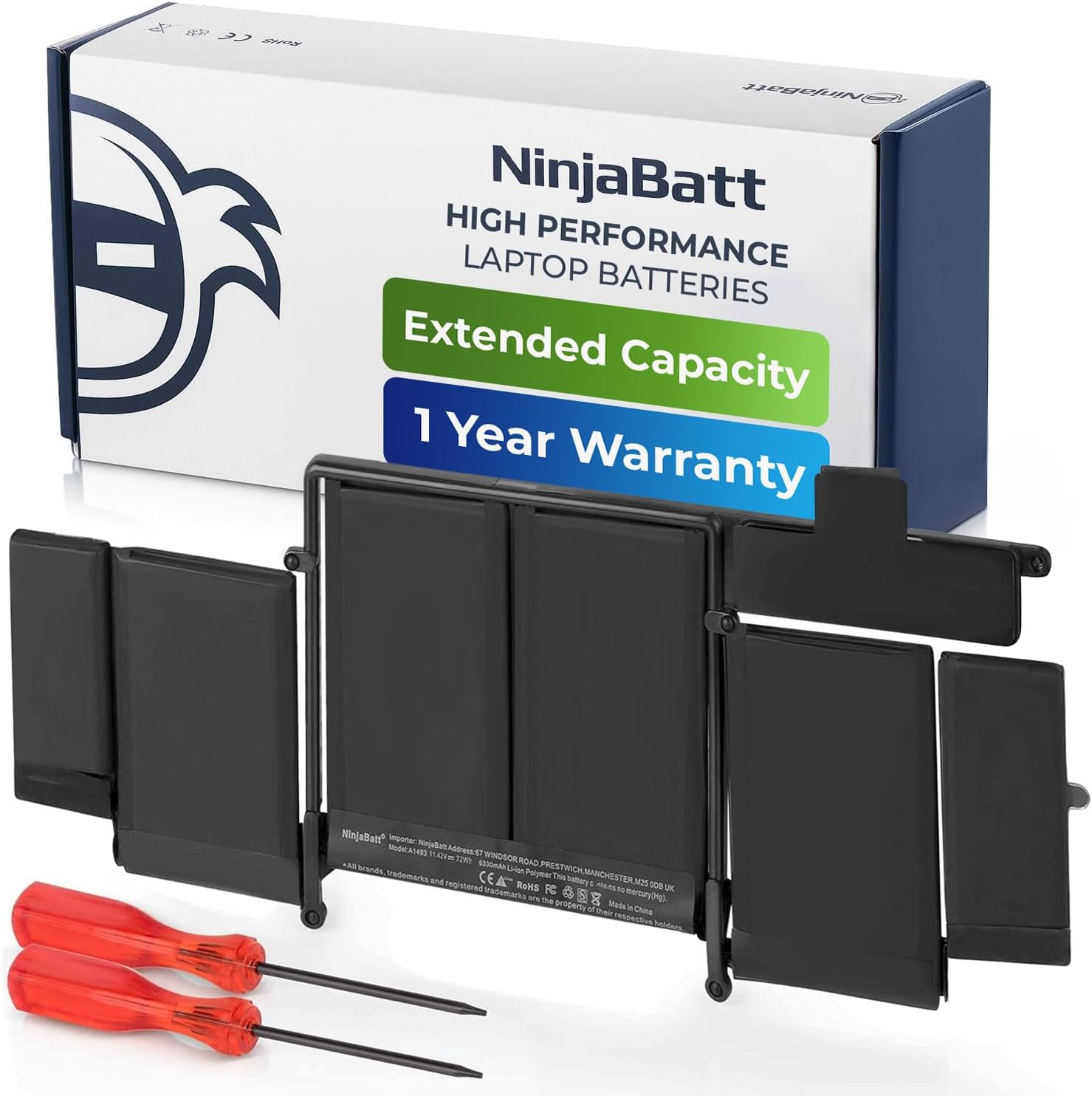
![NinjaBatt Battery A1502 A1582 for Apple MacBook Pro Retina 13” A1493 [Early 2015 - Mid 2015, Mid 2014, Early 2013 - Late 2013] - Long Lasting [72Wh/11.42V]](https://m.media-amazon.com/images/I/71OI-HcbGRL.jpg)


🔋 Recharge your hustle with power that won’t quit!
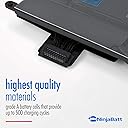
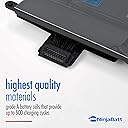
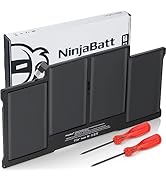
The NinjaBatt Battery A1502 A1582 is a high-quality lithium polymer replacement battery designed specifically for MacBook Pro Retina 13” models from early 2013 through mid 2015. With a true capacity of 72Wh and stable 11.42V output, it delivers reliable, long-lasting power for up to 500 recharge cycles. Assembled with premium components and backed by a 12-month warranty, it restores your MacBook’s battery life to OEM standards, ensuring peak performance and safety.


| Item Dimensions | 14.06 x 6.38 x 0.75 inches |
| Item Weight | 14.4 Ounces |
| Battery Weight | 14.4 Ounces |
| Unit Count | 1 Count |
| Battery Cell Type | Lithium Polymer |
| Recommended Uses For Product | Laptop |
| Reusability | Rechargeable |
| Amperage | 1 Amps |
| Voltage | 11.43 Volts |
B**H
Highly recommend this product!
This product was definitely well put together. The company provided everything needed plus some to make this a successful replacement! They provided all tools to do the work plus a pair of vinyl gloves and instructions with pictures. I recommend watching a youtube video on the process first and you should have no problems doing the battery replacement yourself. I highly recommend this product!!
G**O
Worked with my A1502, but be careful
This is an easy and straight forward install for a battery installment / repleacement. This was compatible with my 2015 Macbook Pro A1502. I would suggest making sure you watch a lot of install / how to videos before replacing your battery. It's common to damage the track pad / keyboard ribbon cable during this replacement. So, extra caution is needed. Make sure you're careful, cautious, and confident before proceeding.
T**L
Works fine
Works fine.
M**K
Good value for short-term fix
Good value if you need it to extend another 1-2 years. 2.5 years and just 200 cycles, I have only 3440mAh capacity out of the original 7000+. I had the SSD upgrade before I did the battery upgrade, so consumption should have been lower than when I had the OEM battery. OEM lasted me 9 years and I still had ~60% capacity.
S**I
This was a breeze to do
Perhaps 15 minutes to swap the batteries. I replaced the bottom and plugged in the charger and immediately heard the chimes. Everything you need is in the box. Be sure to wear the rubber gloves to avoid static electricity.I've been opening up Macs since the early days of converting a 512 to a Mac Plus so it might take a little longer for you.
W**E
The second time was not a charm
This was my second battery I thought that since the first battery lasted a good three years that this battery would do the same. The battery is a snap to put in anybody can put a battery in my Apple computer. It’s simple. But holding a charge it doesn’t hold one. I went to use it. 12 hours after I charged it completely totally dead no charge at all in the system. Don’t know what happened with this company, but I will never buy this kind of battery again. Do yourself a favor. Look for a different battery. Spend a couple of bucks more. It will be worth it.
O**9
Great replacement
I’m back up and running! Included everything needed and thanks to YouTube tutorials the replacement process was quick and easy. Can’t believe I waited this long to do it myself and ashamed I was going to take it to the store and be charged a lot for a fix so simple.
J**Y
Battery Ninja<>Power restored…
After searching through filtering only high review products and evaluating Overall value, quality of product, materials used, and battery type technology. I chose Battery Ninja.Worth mentioning- for the install, make sure have great lighting and pay attention to detail when disconnecting the ever so small ribbon cables for the touchpad and battery bms connections.MacBook monitors the battery's voltage, current, temperature, and state of charge (SOC).Safety and ProtectionThe BMS plays a crucial role in ensuring the safety and longevity of the battery. It prevents overcharging, over-discharging, and overheating, which can lead to battery degradation or even fire hazards.Preventing Bad Batteries from Working:If the BMS detects that a battery cell is faulty or has degraded significantly, it may prevent the battery from being used or charging completely, or it may limit the maximum charge level to protect the system.Battery Health Indicator:You can often check the battery health status in macOS by holding down the Option key and clicking on the battery icon in the menu bar.
Trustpilot
3 weeks ago
2 weeks ago