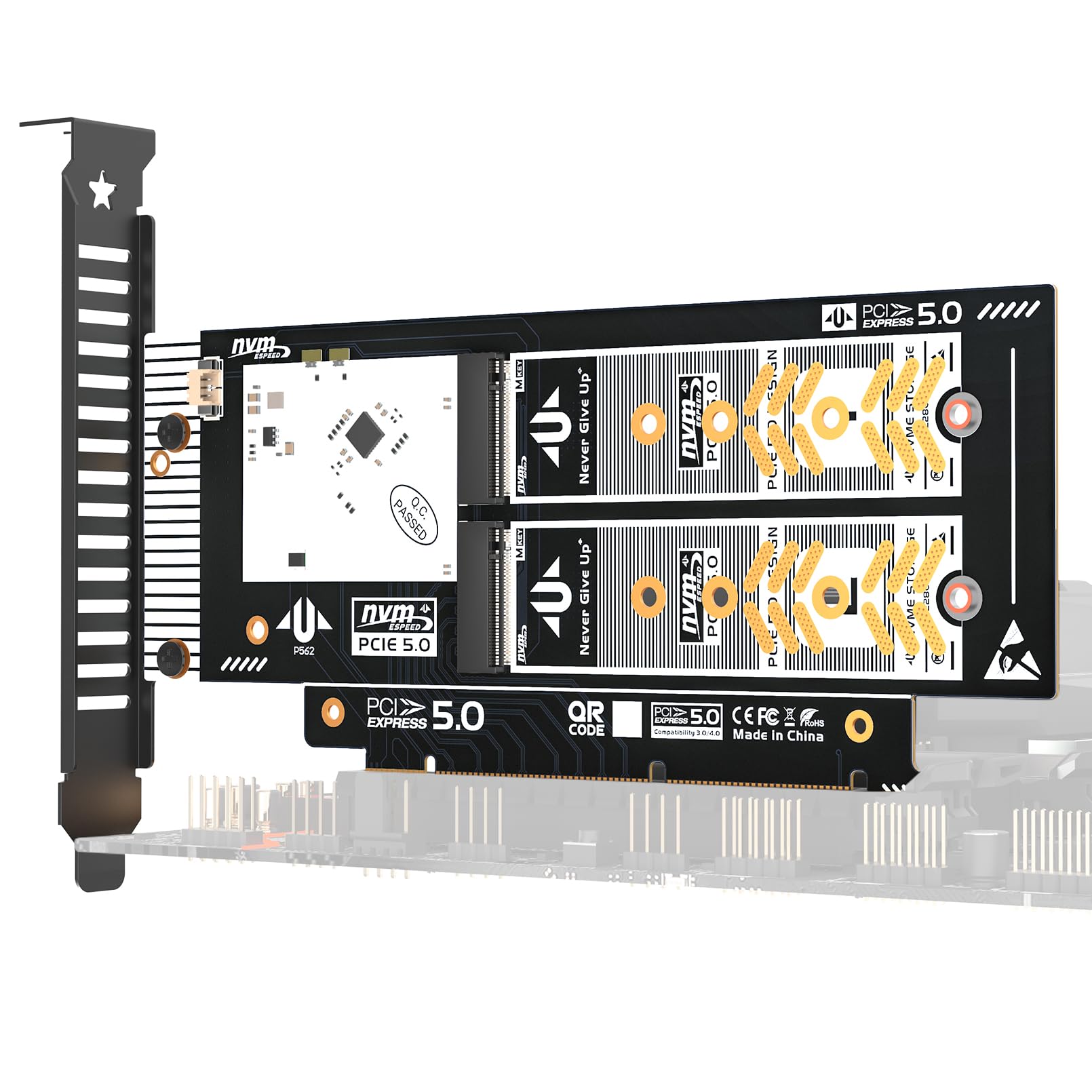
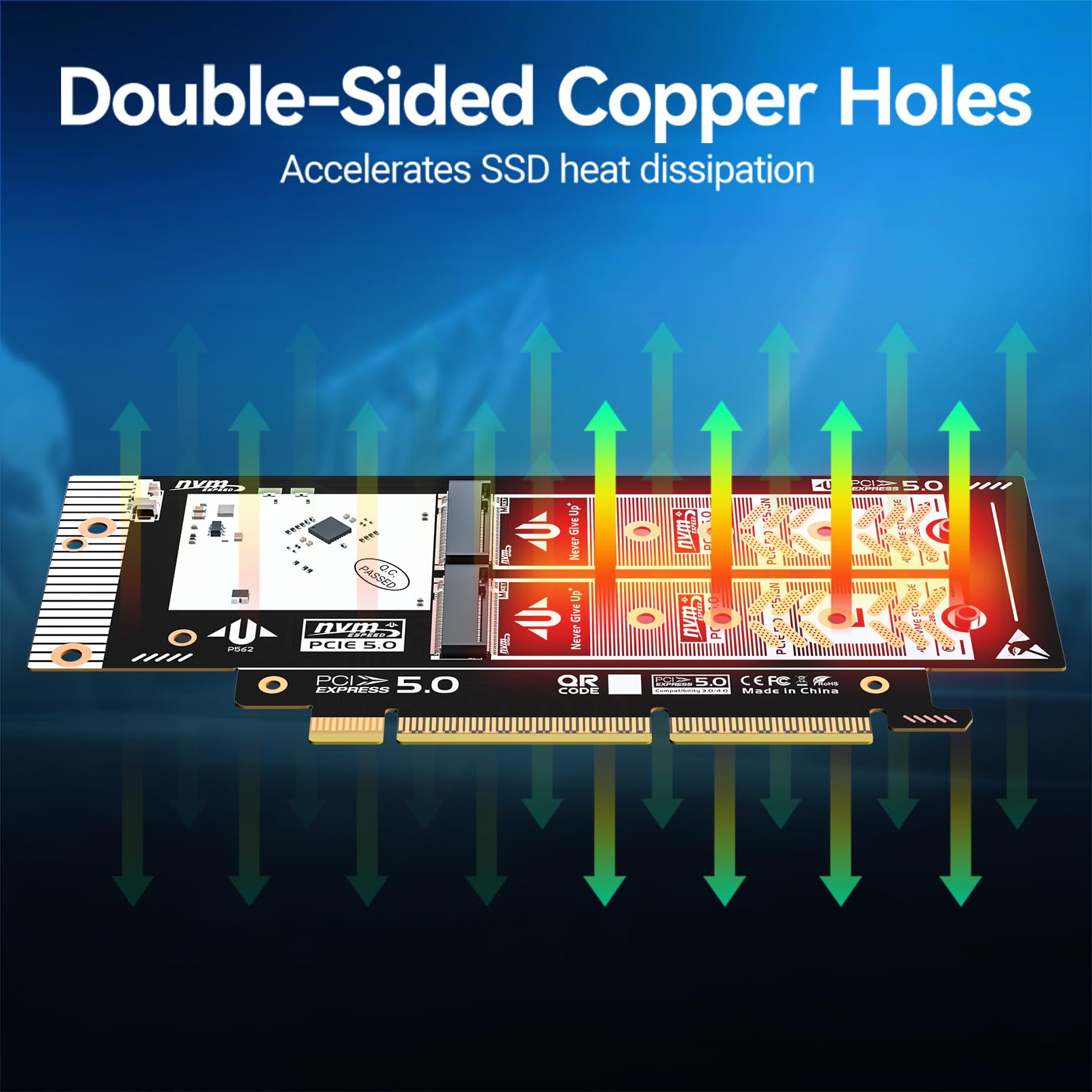
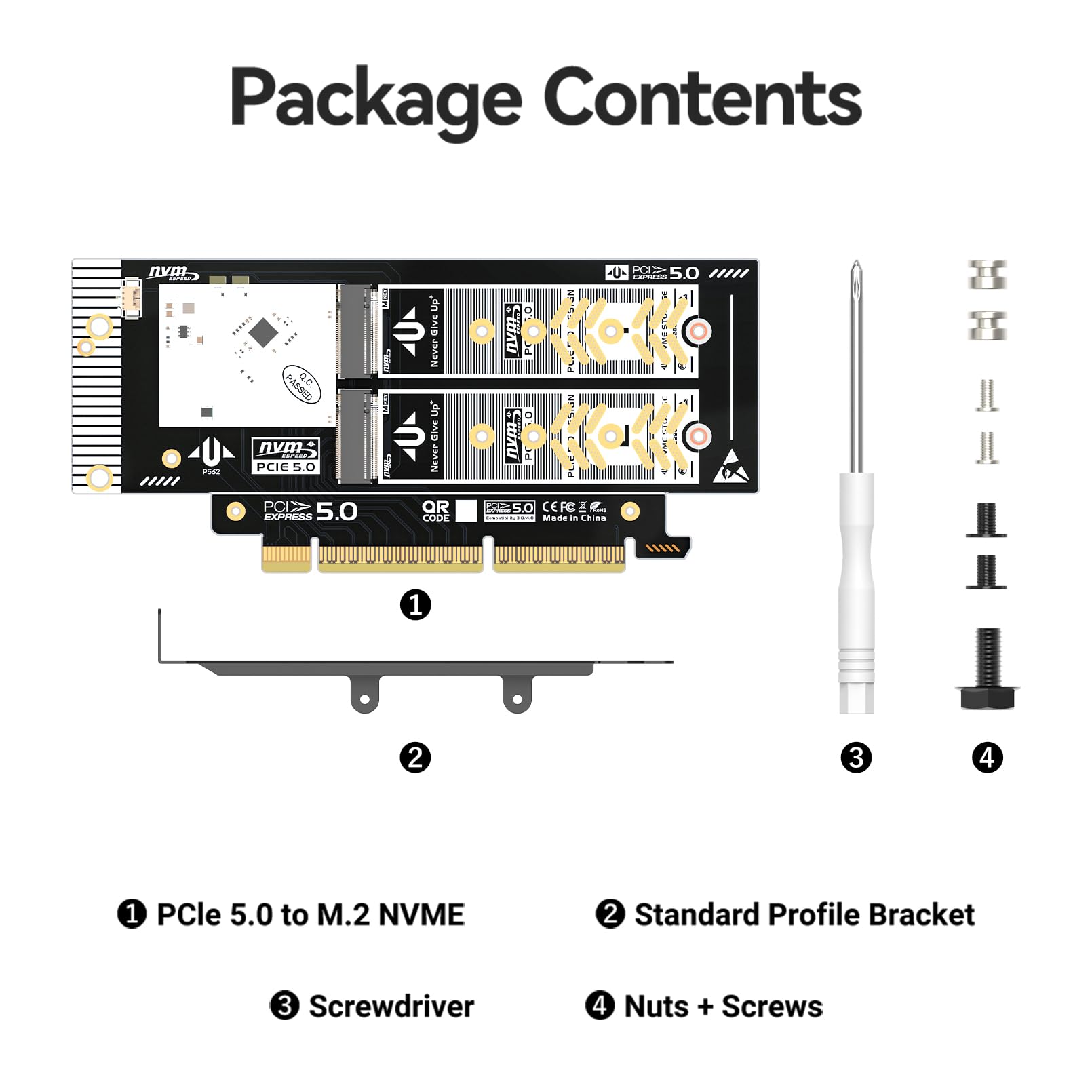
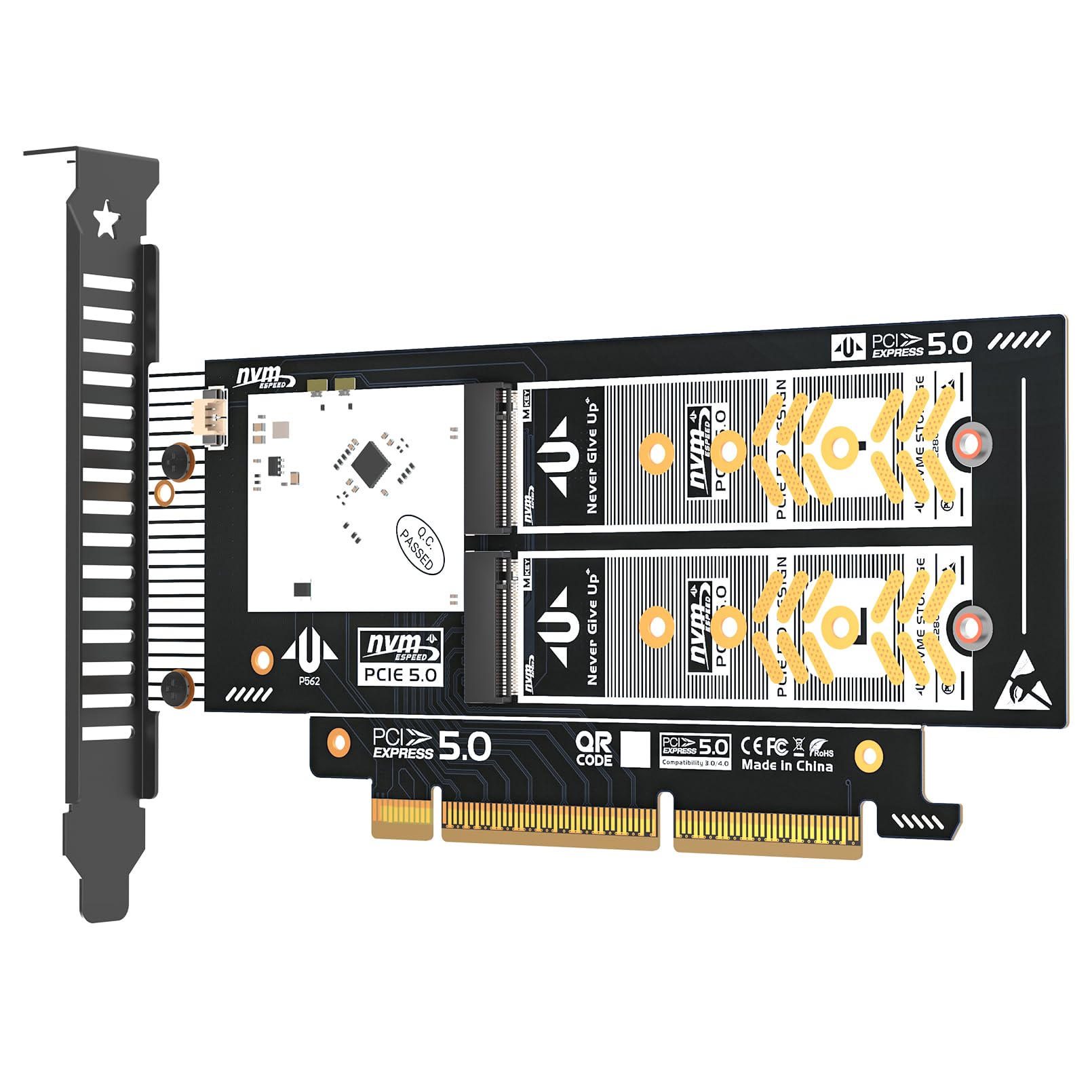
🚀 Elevate your storage game with JEYI’s dual NVMe powerhouse!
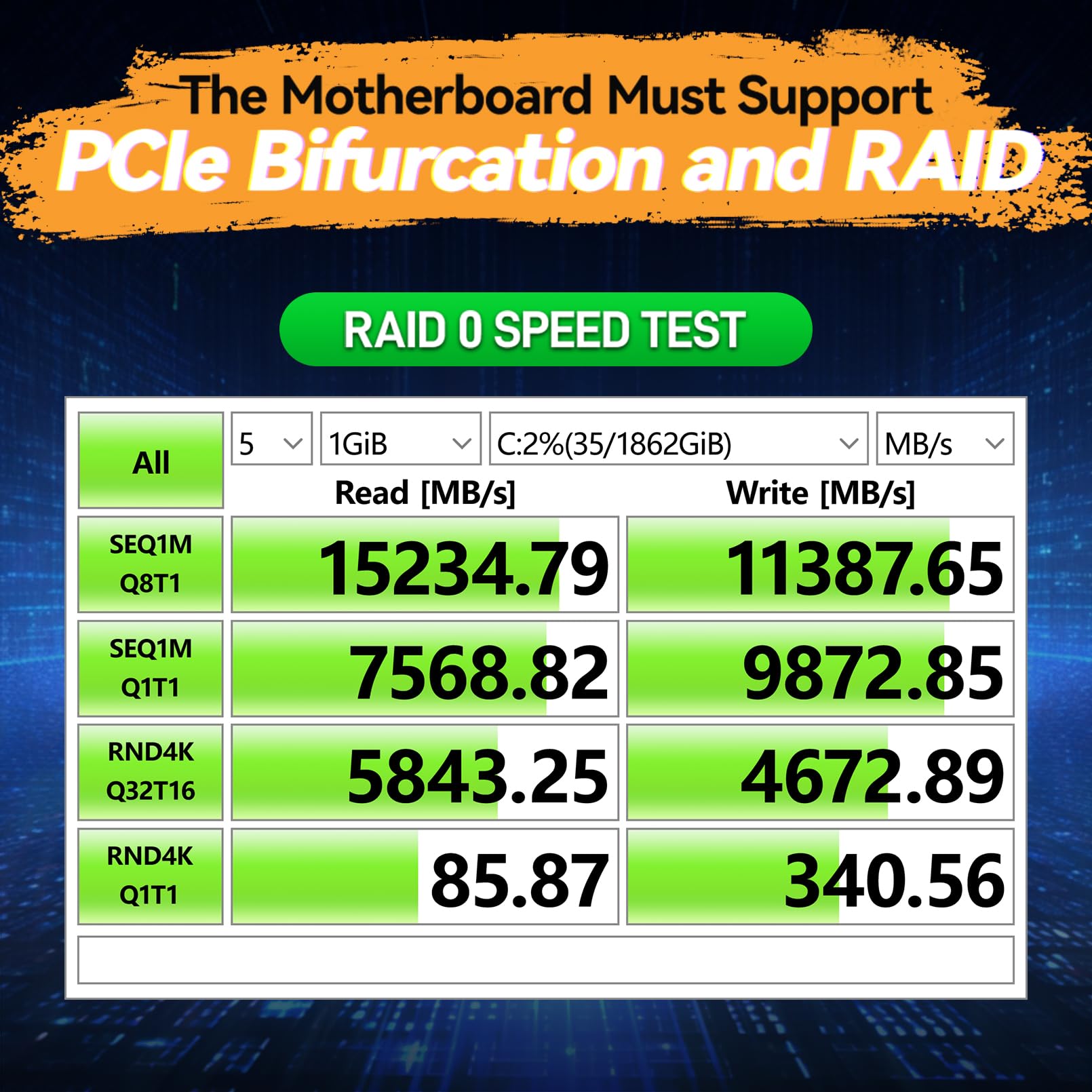
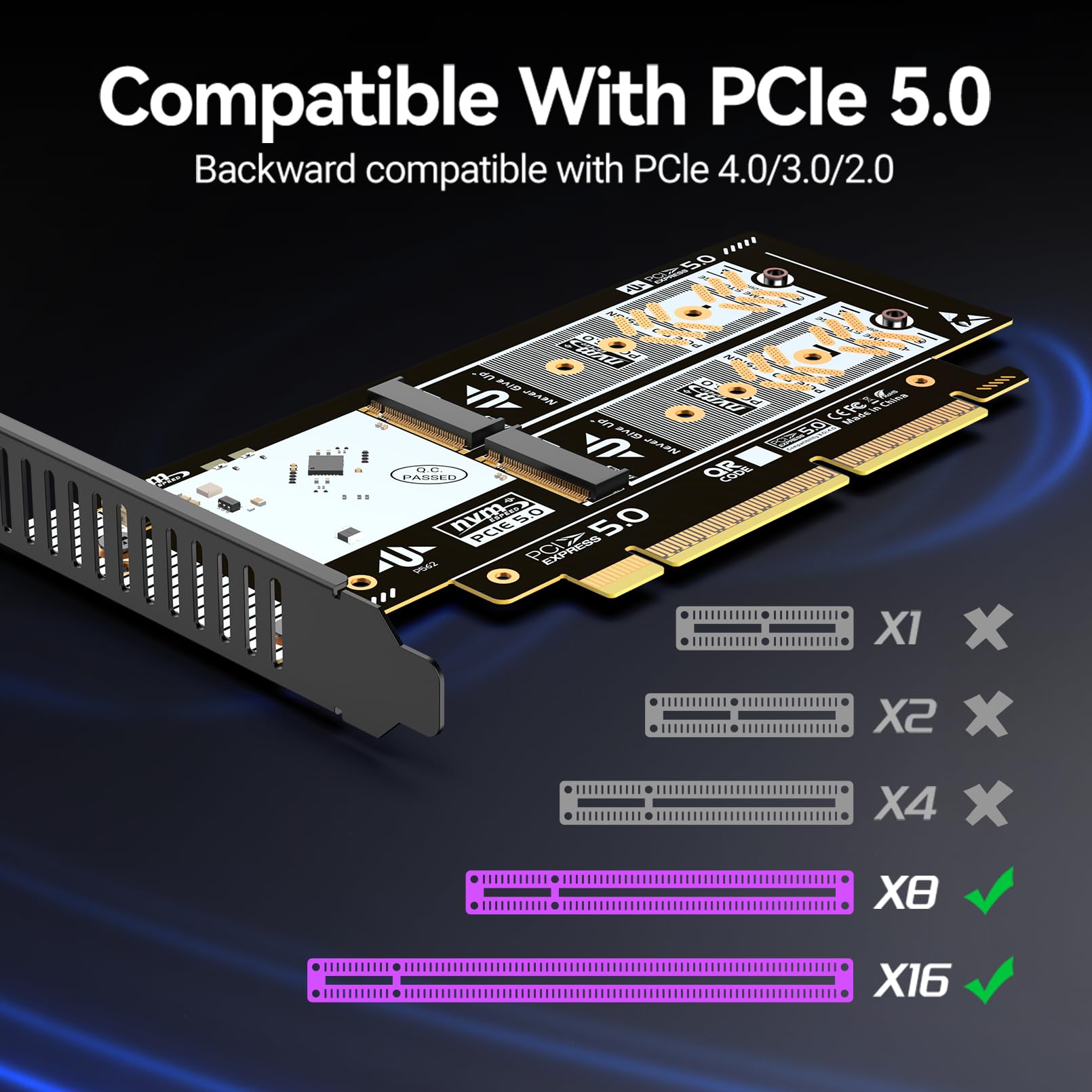
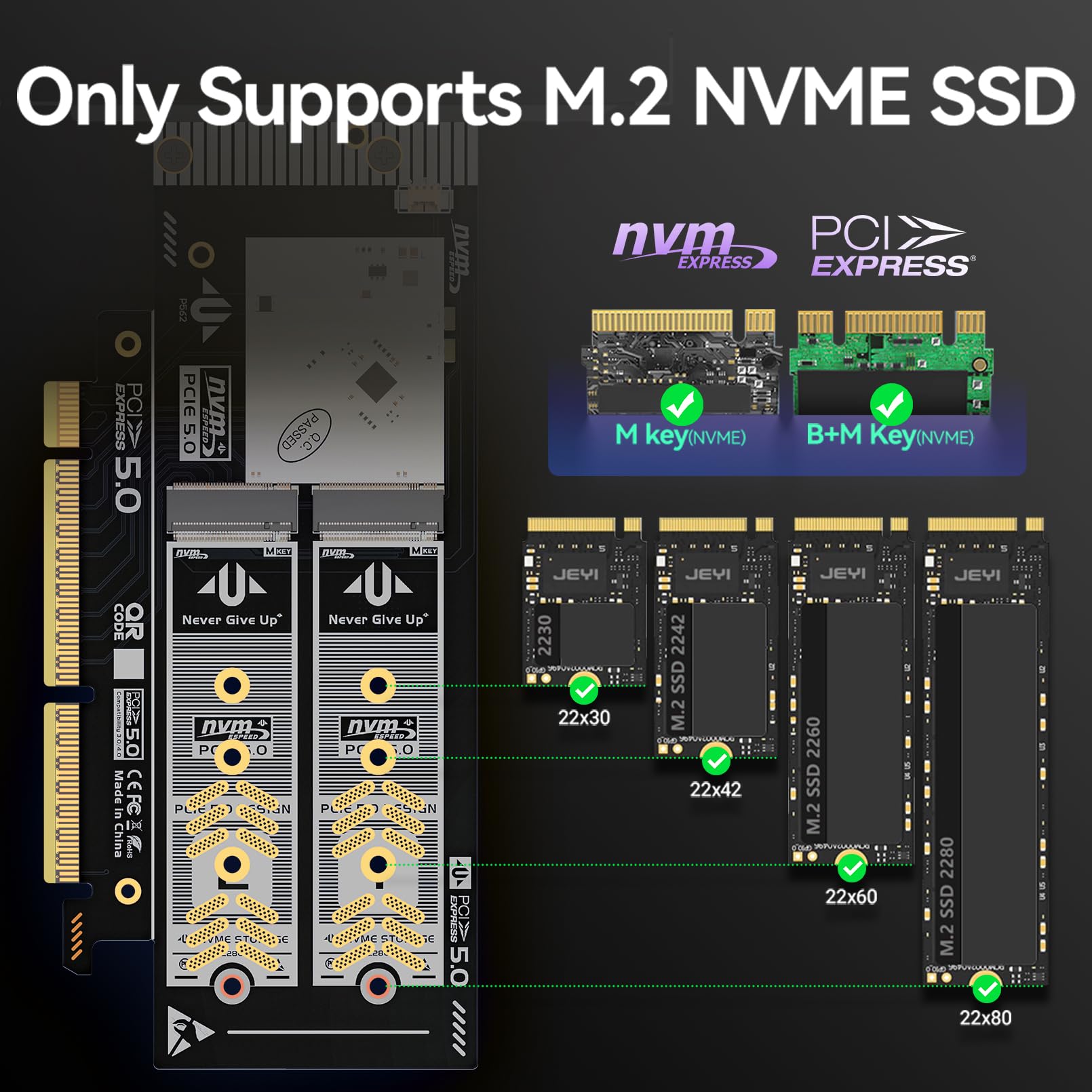
The JEYI Dual NVMe PCIe 4.0 X8 Expansion Card supports two M.2 NVMe SSDs up to 4TB each, delivering a combined bandwidth of 128Gbps via PCIe 4.0. Designed for bifurcation-enabled motherboards, it features dual voltage power modules for stable operation of high-power SSDs and supports multiple SSD sizes with flexible bracket options. Ideal for professionals seeking ultra-fast, scalable storage with RAID capabilities.


| Brand | JEYI |
| Item model number | ihyper x8 |
| Hardware Platform | Linux, Mac, PC |
| Item Weight | 2.82 ounces |
| Product Dimensions | 7.87 x 3.94 x 0.39 inches |
| Item Dimensions LxWxH | 7.87 x 3.94 x 0.39 inches |
| Color | ihyper Lite-2 NVMe |
| Flash Memory Size | 4 TB |
| Hard Drive Interface | Raid |
| Department | mens |
| Manufacturer | jeyi |
| ASIN | B09TRVHW1H |
| Date First Available | March 2, 2022 |
Z**Y
Solid Expansion Card for Low Profile
I own some Hyper M.2 cards as well. So I can confidently say. Material wise, these are on par with quality. The aluminum is machined well. Solid hefty block that should cool your drives. GEN4 drives do run hotter when pushed. So I would recommend you got good airflow over the card. Main reason to get this was low profile and fits 4 drives. I have this in a 2u chassis. Temps hit 50c on load. If I ramp my fans up 50% it will drop in low 40s. So cooling is key.Running a Supermicro X12HSSLi-i in x4x4x4x4 mode. All P44 solidigm drives showed up. No issues. Put in raid and used for SMB. I was getting 1.11 GB/s transfer speeds over a 10GbE network.
K**)
Works For Dell T7810
Purchased to create a striped array OS drive with 2 x 970 Pro's for a Dell T7810. Worked as a boot drive if I switched to Legacy Boot mode instead of UEFI, which also meant MBR instead of GPT. This is not a limitation of the product, but how you can get it to work as a boot drive if your motherboard or BIOS doesn't support bitfurcation. As a mass storage device, it showed up right away, no drivers, no problem. I installed this card in the primary PCI-E 3.0 x16 slot (75w), and my gpu in the other PCI-E 3.0 x16 slot (also 75w). Does not show up in pre-boot Intel Raid Config, but again, not a product limitation.Despite the fact no thermal pads were included with my kit, it works as advertised, especially as a mass storage device. At least in a Dell T7810.
L**I
Good, works with X9DR-iF+ in 2U server- except LP screw
Worked fine. I enabled bifurcation in bios before, installed four SSDs and was ready to go in that regard. The drives were instantly recognized and worked fine with the system. My only (small) complaint is that the included thumbscrew for attaching the bracket to the chassis doesn’t actually fit the low profile PCIe standard. Not a big deal, just something to be aware of. I plan to buy more of these. Will report back as I use them and time passes. I suspect they will perform fine because there’s very little logic onboard- it’s just a simple pass through. I guess that’s the magic of software based bifurcation. Note that I’m using PCIe Gen 3 so I can’t speak to performance on Gen 4 disks and motherboards. Might test in my Ryzen system but I can’t recall if it supports bifurcation. If your board does, this is a great product. Probably needs a good amount of airflow however so be prepared for that- this thing is barebones as indicated in the photos.
V**N
no thermal pads even though its listed as having
manufacturer or seller says they include thermal pads but there is none. i think at one time they might have included them but no longer. i may update this review if this ends up working well but i have a feeling i am going to have to return this and just get the asus again. if i have to buy my own thermal pads then it isnt such a good deal anymore. i got both asus and this because i need 2 of these for 6 nvmes. what a difference just looking at the packaging and actual product wow
P**A
Not working in Dell PowerEdge 730XD
With WD SN5000 NVMe SSD (2TB) and WD SN770 NVMe SSD (2TB), this PCIe card is not seen in the Dell PowerEdge R730xd, even with bifurcation set at x4x4x4x4 in the system BIOS. Only slots 4/6 allow setting bifurcation to this setting, so that's what I am using.
M**N
This card works great!
Used this in a 2u Supermicro server and it works great! Running 2x Sandisk Extreme 1TB drives in it now. I didn't have to change any settings or do anything special to make this work. Plugged it in and both drives were detected immediately. Would definitely purchase this again.
J**K
Needs 8x8 mode support instead of just 4x4x4x4 ...
My system supports bifurcation, but, only has 8x8 mode for an x16 slot. This card only supports a 4x4x4x4 mode which only let's me see two of the 4 NVMe modules. The advertising said nothing about the mode , so, I will tell you that with the current revision of the card, the 8x8 bifurcation mode won't be what you are looking for.
C**P
Not a low profile card, even though low profile bracket is included
This card appears to work well enough (only the top nvme slot will work, unless your motherboard supports pcie bifurcatoin), however the card is not low profile. It includes a low profile bracket but the top edge of the card is still higher than the top of the bracket. We never would have purchased if we had know it was no truly low profile.
Trustpilot
2 weeks ago
2 months ago