Buy anything from 5,000+ international stores. One checkout price. No surprise fees. Join 2M+ shoppers on Desertcart.
Desertcart purchases this item on your behalf and handles shipping, customs, and support to Japan.
🚀 Upgrade Your WiFi Game — Stay Connected, Stay Ahead!
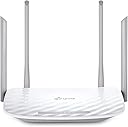
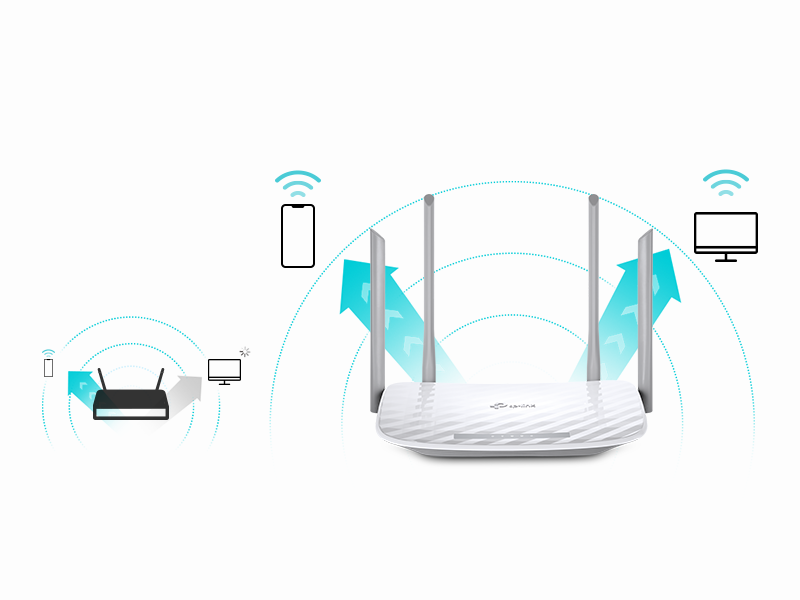
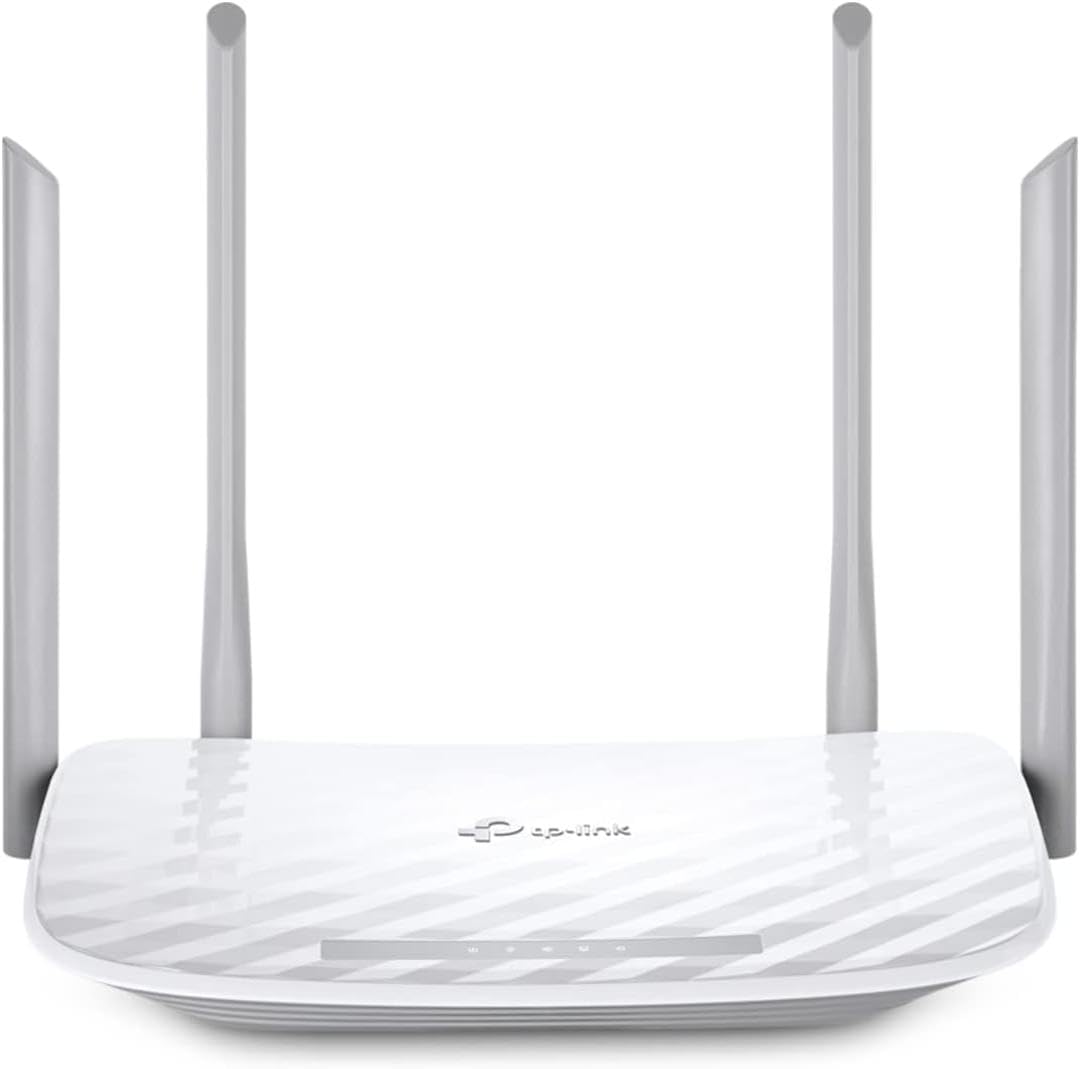
The TP-Link AC1200 Archer A54 is a dual-band WiFi 5 router delivering up to 1200 Mbps combined speed with four external antennas for extensive 1,000 sq. ft. coverage. Featuring advanced WPA3 security, EasyMesh compatibility, and user-friendly app control, it offers a reliable, secure, and scalable home network solution perfect for professionals seeking fast, stable internet without the hassle.


| ASIN | B09G5Y1HWZ |
| Antenna Location | security |
| Antenna Type | Fixed |
| Best Sellers Rank | #172 in Computers & Accessories ( See Top 100 in Computers & Accessories ) #21 in Computer Routers |
| Brand | TP-Link |
| Built-In Media | Power Adapter, Quick Installation Guide, RJ45 Ethernet Cable, Wi-Fi Router Archer A54 |
| Color | white |
| Compatible Devices | Personal Computer |
| Connectivity Protocol | Ethernet, Wi-Fi |
| Connectivity Range | 1000 Square Feet |
| Connectivity Technology | Ethernet, Wi-Fi |
| Control Method | App |
| Controller Type | App Control |
| Coverage | Extensive |
| Customer Reviews | 4.3 out of 5 stars 4,967 Reviews |
| Data Transfer Rate | 1167 Megabits Per Second |
| Frequency | 2.4 GHz |
| Frequency Band Class | Dual-Band |
| Has Internet Connectivity | Yes |
| Has Security Updates | Yes |
| Is Modem Compatible | Yes |
| Item Dimensions L x W x H | 11"L x 10"W x 3"H |
| Item Type Name | WiFi Router |
| Item Weight | 1.5 Pounds |
| LAN Port Bandwidth | 10/100 Mbps |
| Manufacturer | TP-Link |
| Maximum Upstream Data Transfer Rate | 1167 Megabits Per Second |
| Mfr Part Number | Archer A54 |
| Model Name | Archer A54 |
| Model Number | Archer A54 |
| Number of Antennas | 4 |
| Number of Ports | 5 |
| Operating System | TP-Link Proprietary OS |
| Other Special Features of the Product | Access Point ModeAccess Point Mode, Beamforming, Guest Mode, Internet Security, LED Indicator, Parental Control, WPS, Wi-Fi, Wireless |
| Router Firewall Security Level | medium |
| Router Network Type | WiFi-only |
| Security Protocol | WPA-PSK, WPA2-Enterprise, WPA2-PSK |
| Smart Home Compatibility | Smart Home Compatible |
| Special Feature | Access Point ModeAccess Point Mode, Beamforming, Guest Mode, Internet Security, LED Indicator, Parental Control, WPS, Wi-Fi, Wireless Special Feature Access Point ModeAccess Point Mode, Beamforming, Guest Mode, Internet Security, LED Indicator, Parental Control, WPS, Wi-Fi, Wireless See more |
| UPC | 840030702372 |
| Unit Count | 1.0 Count |
| Voltage | 240 Volts |
| Warranty Description | 2 year manufacturer |
| Wi-Fi Generation | Wi-Fi 5 |
| Wireless Communication Standard | 802.11a, 802.11ac, 802.11b, 802.11g, 802.11n |
| Wireless Compability | 802.11a, 802.11ac, 802.11b, 802.11g, 802.11n |
S**Y
Excellent router and price
Love it!!! This is soooo much better than my Spectrum router it's so fast, dependable and reliable ..I never get any lagging or buffering. It was extremely easy to connect and I'm not that tech savvy at all. I had it up and working in about 10 minutes. Although, what made me choose to purchase a router and this particular router is because of the excellent price point, I was familiar with this brand but the main reason is because Spectrum for over 6 years was charging me $10/month to rent their router....which I had NO clue!!!!!! So if you renting your router...return it and buy your own.... you won't regret it especially for the price and savings. You can thank me later.
J**N
Great value
Works great and easy to install
D**Y
Wifi Router Review
Definitely worth the money! Very inexpensive but works as well as the expensive ones. I really recommend.
R**R
Easy to set up & use, not 300mbps though
For a pretty low price, this is a great wifi router and does exactly what I need it to. Setup is frictionless, you can just plug it in and use it as is, or configure settings on the TP-Link site to change the SSID and password, operation mode, and even set up different networks. The wireless network range is good too, covering my whole apartment with strong signal strength. My only criticism is that the internet speeds that are claimed aren’t quite the reality: the claim is 300mbps on 2.4ghz and 800mbps on 5ghz, and the reality isn’t close to that. On my phone and computer which automatically connect to the 5g band, I get at most 100mbps. That is still a fairly good speed, but only around a third of even the lower estimate.
P**I
Great 2.4Ghz Choice!
Compatible with my AARIS Surfboard cable modem. For faster Ethernet speed i recommend connecting this router to a gig switch (and not using the routers 300Mbps port) which isn't fast enough if your service goes beyond that speed. the wifi is about 100mbps which is plenty fast for my phone and smart TVs needs. The GUI has all the standard and advanced settings. if you have no interest or need for 5g this is a good wifi router with great range.
A**R
Beware if you live on the West Coast - Glitchy Clock set up in Wi-Fi Schedules!
Beware if you live on the West Coast - Glitchy Clock Ruins Wi-Fi Schedules! I just bought this TP-Link Archer A54 router and it has been a total headache. First of all, the setup was not as easy as it was advertised. Then, I ran into a major software glitch with the clock. I live in California (Pacific Time Zone, -8). When the router sets its clock automatically from the internet, it forces the time one hour ahead. I even updated the firmware to the newest version but it did not fix the problem. To make things worse, the router is completely missing the -9 time zone option, so you cannot even trick it to show the right time. Unchecking the "Daylight Saving Time" box does absolutely nothing. This bug is a huge issue because I am trying to use the wireless options page to schedule my Wi-Fi to turn on and off. Because the clock is wrong, the Wi-Fi schedule is completely messed up. The only workaround is to turn off automatic time and set the clock manually. TP-Link needs to fix this lazy software bug. Save your money and buy a different brand!
F**N
Ease of Installation for those that are clueless to network connectivity.
25 years ago, I installed server systems, terminals, printers, and network routers. All that networking equipment had to be set up with laptops directly connected to the routers' ports. Nothing was autosensing. I enjoyed it, but I knew what I was doing. Fast forward to today. I had to replace my own 25-year-old router because new laptops would not connect to it due to upgraded security software. I thought, Oh boy. I bet this is going to be a trip. I had forgotten most of what I knew; besides, I knew nothing about this new stuff. I picked this TP-Link AC1200. It was inexpensive, but we didn't need anything robust since we are not gamers. First of all, I ordered it on Amazon at about 3 pm. 8:30 pm, a car backs into my driveway. They delivered the router in less than 6 hours. Incredible! Today I went to install it. I was expecting a bit of a hassle with configuring this thing. After physically connecting the two cables —the power cord and the network cable —I powered it on. I went to my PC. The TP-Link showed up in my available networks. I click on it. Put in the password supplied. Got connected, but I had no internet connectivity. Ahh! I had to disconnect a cable from my MAIN in-house router, then reconnect it so that the router ID would be discovered. I went back out to the shop, clicked on Safari (I have an Apple MacBook). Wala, I'm IN. I could NOT believe how easy the installation went. No glitches, smooth operation, and my network is all updated. I know how networking operates, but I am clueless about all the newer equipment since I've been out of the field for almost 15 years. So, even a stupid person like me can set up this equipment that used to take a lot of training 25 years ago. This inexpensive wireless router is absolutely outstanding. I usually do not write such long reviews, but I could not let this pass without adding my thoughts about the TP-Link AC1200 WiFi Router. I'm so glad these routers were not around when I was in the field. If they had been, my great-paying job would not have existed. Now that I am retired, I'm happy for them, so I can still dabble on the Internet.
T**C
Exactly what I needed
I was having issues with my work VPN blocking my internet when hooked to the T-Mobile router. I added this router to the T-Mobile 5G as an additional router. It gives me flexibility of what devices connect where. I saw many recommendations not to use both of them as routers, but did and it works perfectly. The coverage is excellent and fit nicely on top of a bookshelf along with the T-Mobile router. I love the ability to separate out my smart devices into a network dedicated solely to them, which the TP-Link is easily setup to do. I have a network setup for work on this router and generally use the T-Mobile router for anything other than the smart home devices.
E**O
Buen router pero
Excelente router, tiene 1 red de invitados y 1 para IoT ademas de la principal por supuesto. Yo lo compré esperando que tuviera varias redes de invitados como lo tenía un router muy similar a este. Funciona perfectamente bien pero siento que es información útil si lo estás comprando para hacer subredes.
J**.
Cumple su función
Super facil de instalar... Tiré un cable de utp cat 6 de 120 metros hasta llegar al router TP-LINK y funcionó perfectamente, la señal es de calidad y de buen rango.
M**Z
Excelente producto!!
Es un buen producto, llegó a tiempo y tiene una excelente emisión lo recomiendo totalmente
E**.
Bueno
Lo uso como repetidor WiFi, la señal es estable. La instalación es compleja, recomiendo usar una PC.
L**.
Bueno y facil de usar
Anteriormente tuve uno de 1 banda de la misma marca grande negro y la verdad me decepciono, me anime a comprar este y esta muy bien no hay q desarmarlo para guardarlo lo uso para operar una consola digital y ha salido muy bueno, mas o menos facil de configurar pero todo bien
Trustpilot
1 week ago
1 month ago