

Desert Online General Trading LLC
Dubai, United Arab Emirates
Desert Online General Trading LLC
Dubai, United Arab Emirates


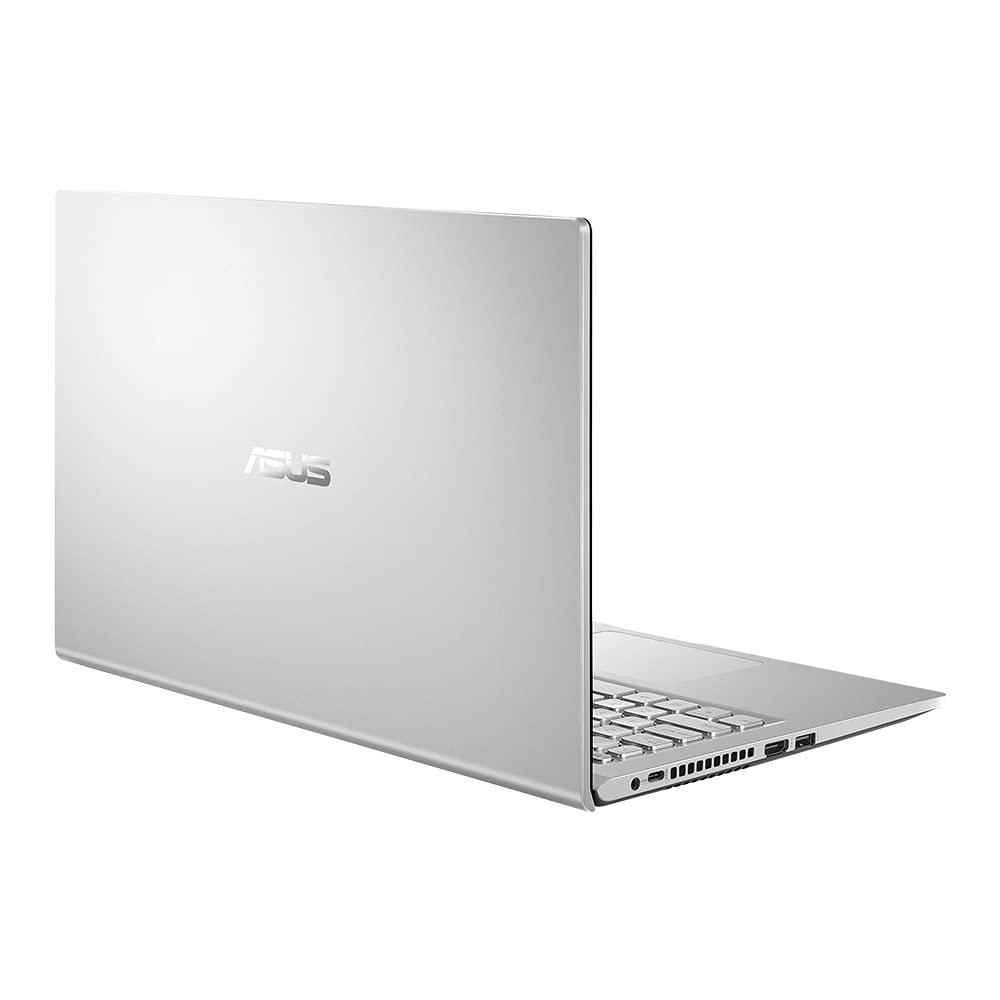


🚀 Elevate Your Work Game with ASUS VivoBook!
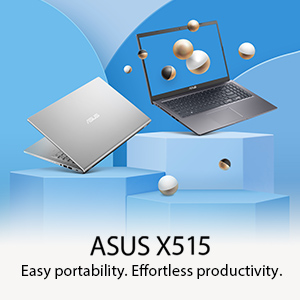
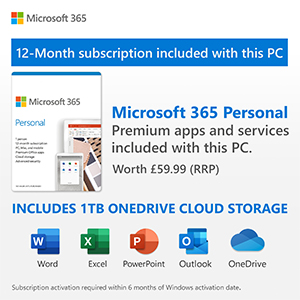
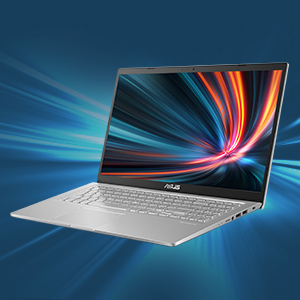
The ASUS VivoBook X515EA is a sleek and lightweight laptop featuring a 15.6-inch Full HD display, powered by an Intel Core i3-1115G4 processor, 4GB of RAM, and a speedy 128GB SSD. It comes pre-installed with Windows 10 and includes a 1-year subscription to Microsoft Office 365, making it an ideal choice for professionals on the go.


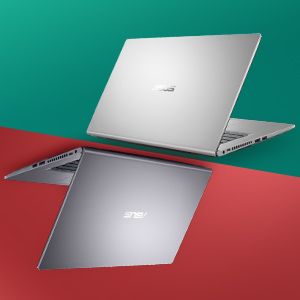


| Brand | ASUS |
| Package Dimensions | 47.9 x 29.2 x 6.4 cm; 1.7 kg |
| Batteries | 1 Lithium Ion batteries required. (included) |
| Item model number | X515EA-BQ371TS |
| Manufacturer | Asus |
| Series | Asus X515EA-BQ371TS |
| Colour | Silver |
| Form Factor | Laptop |
| Standing screen display size | 15.6 Inches |
| Screen Resolution | 1920 x 1080 pixels |
| Resolution | 1920x1080 Pixels |
| Processor Brand | Intel |
| Processor Type | Core i3 |
| Processor Speed | 3 GHz |
| Processor Count | 2 |
| RAM Size | 4 GB |
| Memory Technology | DDR4 |
| Computer Memory Type | DDR4 SDRAM |
| Maximum Memory Supported | 4 GB |
| Hard Disk Description | SSD |
| Hard Drive Interface | eSATA |
| Graphics Chipset Brand | Intel |
| Graphics Card Description | Integrated |
| Graphics RAM Type | SODIMM |
| Graphics Card Ram Size | 4 GB |
| Graphics Card Interface | Integrated |
| Connectivity Type | Wi-Fi |
| Wireless Type | 802.11a/b/g/n/ac, Bluetooth |
| Number of USB 2.0 Ports | 2 |
| Number of USB 3.0 Ports | 2 |
| Number of HDMI Ports | 1 |
| Voltage | 240 Volts |
| Optical Drive Type | No Optical Drive |
| Operating System | Windows 10 Home |
| Are Batteries Included | Yes |
| Lithium Battery Energy Content | 37 Watt Hours |
| Lithium Battery Packaging | Batteries contained in equipment |
| Number Of Lithium Ion Cells | 2 |
| Item Weight | 1.7 kg |
| Guaranteed software updates until | unknown |
A**Y
Excellent
Excellent item very good performance laptop
B**B
Unreliable
Purchased in Nov. Keyboard unresponsive in that space bar works now and again. Trying to drive to Excel cell is sometimes impossible in that it highlights a cell above or below the chosen cell - drives me crazy. Assume that touch pad is the problem as right click options such as copy and paste are also a pain.Final issue tonight is failure of Intel 9461 device during Teams meeting that can’t be fixed (despite following youtube tips) - no network connection - no use. but i’ve ordered a non-Asusreplacement as i now hate the product.Amazon saved the day with a full refund
S**.
Lasted Only a Year and a Half Then Bricked Itself
Wi-Fi stopped working, couldn't detect any networks when all my other devices could. A huge problem since there is no ethernet socket on this thing. Tried everything, resetting, reinstalling drivers, every 'fix' and troubleshoot I could find online, nothing worked. Finally tried to reinstall Windows and am now stuck in a infinite loop because there is apparently an error in the installation and I need to restart, but get the same error every time.
C**S
Does not work properly
Generally ok but the microphone has a fault meaning that I cannot use video calls / zoom. I'd send it back but I need to use it every day and cant do without it. I'd recommend that you go elsewhere if video calls are important to your work.
R**S
cursor stops working suddenly and start working again after few hours for no reason.
This laptop is no better than rubbish. Very slow. Takes ages to start. cursor stops working suddenly and starts working again after few hours for no reason.
Trustpilot
1 day ago
1 month ago