We remain fully operational. Our teams are working around the clock to ensure your deliveries continue safely.

DOWNLOAD THE APP


Customer Services
Copyright © 2025 Desertcart Holdings Limited
DOWNLOAD THE APP


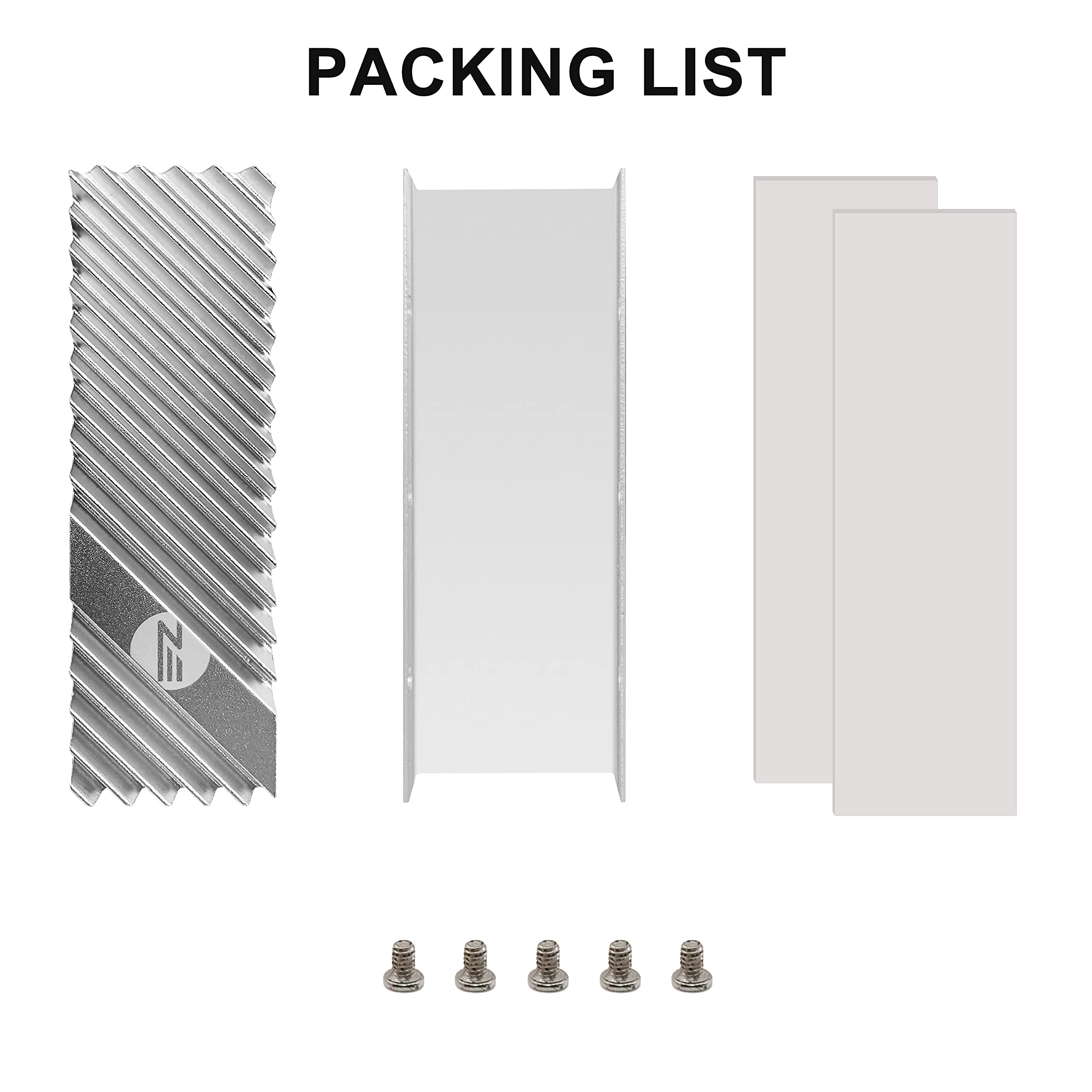


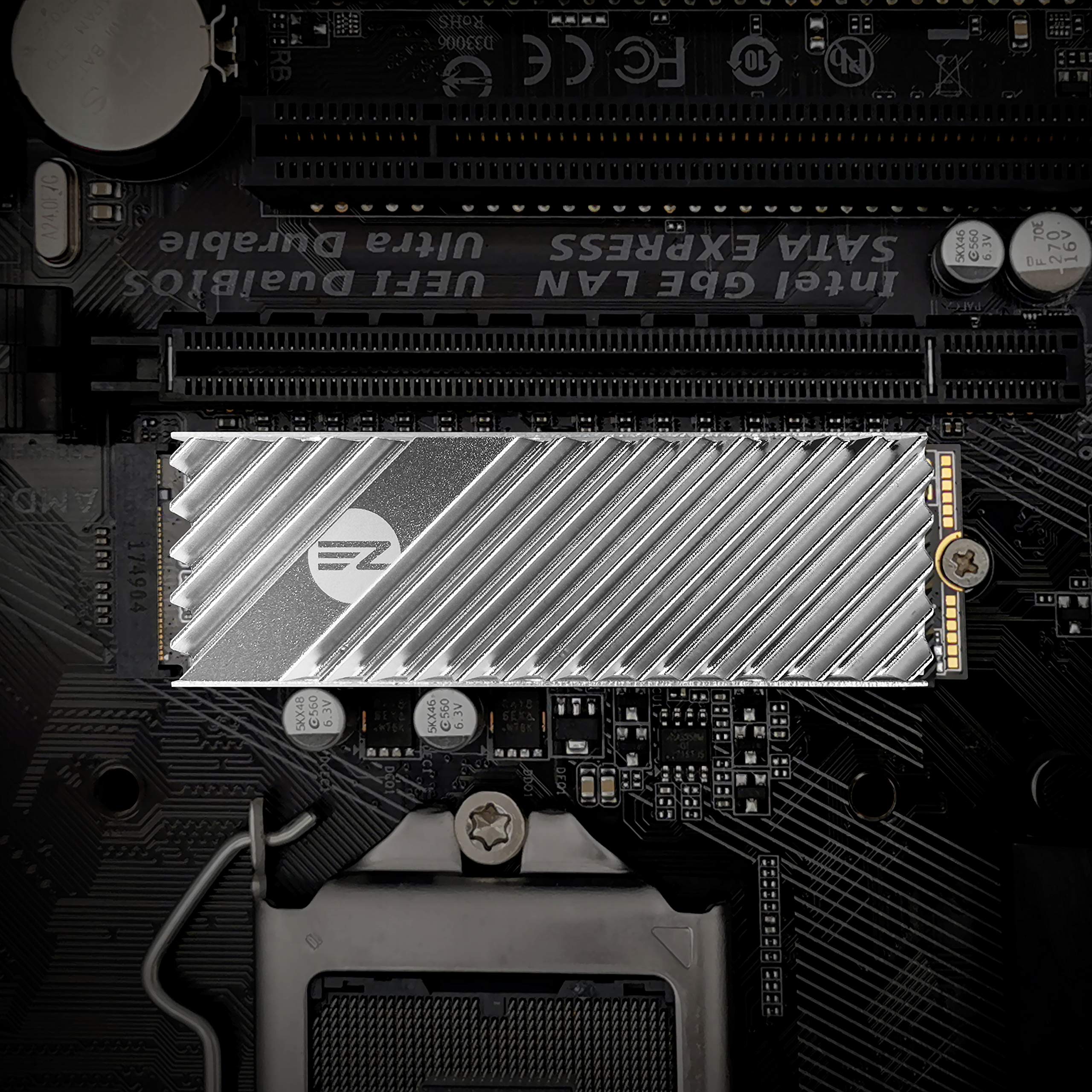
Full description not available
H**R
Great heatsink for new PS5 Nvme/SSD expansion
I bought this heatsink to install a Samsung 980 Pro into a PlayStation 5. And, it fit like a glove. I was able to screw the metal plate back ontop of the M.2 drive bay. (One of the few that does) So far the the heatsink is doing its job and keeping temps down. No alerts and my M.2 drive is working as designed. The thermal pads have also held up. I highly recommend this heatsink versus paying extra for heatsinks that come with most SSDs.
J**N
Good build quality, looks, and cooling!
It does help with temperatures by a couple degrees Celsius at best. What it does do even better for me is aesthetics. I have an Intel 660p M.2 that is 1980's green and sticks out like a sore thumb on an all-black theme build. So this did the job masking that green and gives a clean look. Design is fits well with my motherboard. Build quality, instructions, and packaging was good. Comes with an extra screw in a small bag in case you lose one during installation. Now my PC looks more uniform and clean!
C**N
Hard to install with supplied pads and doesn't cool that well
I have multiple double sided M.2 2280 NVME SSD's (one Gen 4x4... one Gen 3x4) The Gen 4 is running the Sabrent Heatsink, the Gen 3 is running this heatsink at the moment. Both have good airflow so that should not be an issue. When doing benchmarking, the Sabrent maxes out at about 48C, The EZDIY-FAB maxes out at 55C (and that is with a super high performance thermal pad I had to use, not the stock one). So about a 7 degree gradient in temps... but since the Sabrent is Gen 4 and runs much faster, it also generates more heat... so not the best comparison.The EZDIY-FAB came with two 1 mil thermal pad, and that made it impossible for it to be installed on a standard double sided NVME, so I replaced one side (top) with a .5 mil pad (expensive high performance pads that I have on hand, and probably should have replaced the bottom pad too.) But with the .5 mil pad on top, I could get the screws in to hold it together ( just barely). Unacceptable that this heatsink only comes with 1 mil thermal pads!There are better heatsinks out there... look for the ones that have deeper cuts on the fins, and get fins that match the airflow patterns in your case. If you have a double sided NVME, look for the ones that come with both .5 and 1 mil pads... it makes a huge difference in the install and the heat transfer.Other than that, it is low profile, fits very well on the motherboard (Asus X570 TUF) in either location.While the temps the EZDIY produced are with spec for what is required for NVME SSDs, why not get one that keeps the temp even lower... if the same price or lower?
M**T
The pads are a bit of a pain, but definitely works
First the only negative is that the pads are stretchy but very fragile. If you pull just a tiny bit too much as you're separating them from the plastic film, they CAN break. So be careful.Now the positive... it works. I just bought a Samsung 980 Pro which DEFINITELY heats up during stress testing. I ran the userbenchmark test yesterday and it came in at 65 degrees Celsius at its peak. Today ran the same test again and highest it reached was 45 degrees Celsius. I think if the stress test were to go on for more than just a few minutes, you'd definitely get to the danger zone of 70+ degrees which would both dethrottle the SSD and risk damage. For $10, this is a great addition.
M**D
Perfect fit in a Mac Pro 2013 Cylinder
It was a bit difficult in getting it to fit around the 2TB ADATA XTG SX8200 NVMe SSD, but I was able to squeeze it in to get that last top left screw in. However, it’s a perfect fit inside my Mac Pro 2013 Cylinder. It also brought the temperature down about 7-14˚C less than what it was previously at 46-55˚C
J**N
Helps to bring Controller Temps Down
It works great under heavy load. I tested by using Crystal Disk Mark with and without the heatsink on. Drive Temperature 5 (which I believe is the controller) showed a dramatic decrease in temperature from 89c without the HS, compared to 71c with the HS. However, with the HS on, I did notice the idle temperatures remained a bit higher compared to using no heatsink after several test runs. The idle temperatures aren’t bad though, so I’ll keep it on since it works great when I put the drive under load and it no longer approaches 90c without a HS.
D**E
Does What It’s Supposed to Do
This product effectively kept my ADATA XPG SX8100 2TB NVMe M.2 drive cool. The ADATA XPG includes a heatsink, however, it’s just a piece of plastic (as far as I can tell) with some double sided tape attached to it. This poor heatsink resulted in my drive throttling with temperatures rising above 70c. The drive temperatures dropped significantly after installation of this new EZDIY-FAB heatsink. I am consistently getting temperatures of 30c-45c. Installation of this heatsink was a breeze. I got it installed within 5 minutes. The most annoying part is peeling the sticker off both sides of the thermal pads, but that’s to be expected. I highly recommend this heatsink for the price. $10 is a steal considering my computer would be a paperweight without a properly functioning drive!
D**S
Very tight fit on a 4 TB M2
Pretty tight squeeze to get this onto my Sabrent 4TB Rocket NVMe. I had to use my channel locks to gently squeeze to get the bolts into their holes, and part of the thermal tape was squeezing out. But, I got it on and my NVMe is running below 50C
Trustpilot
1 month ago
3 days ago