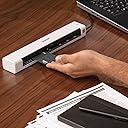
🚀 Scan Fast, Scan Smart, Scan Anywhere!
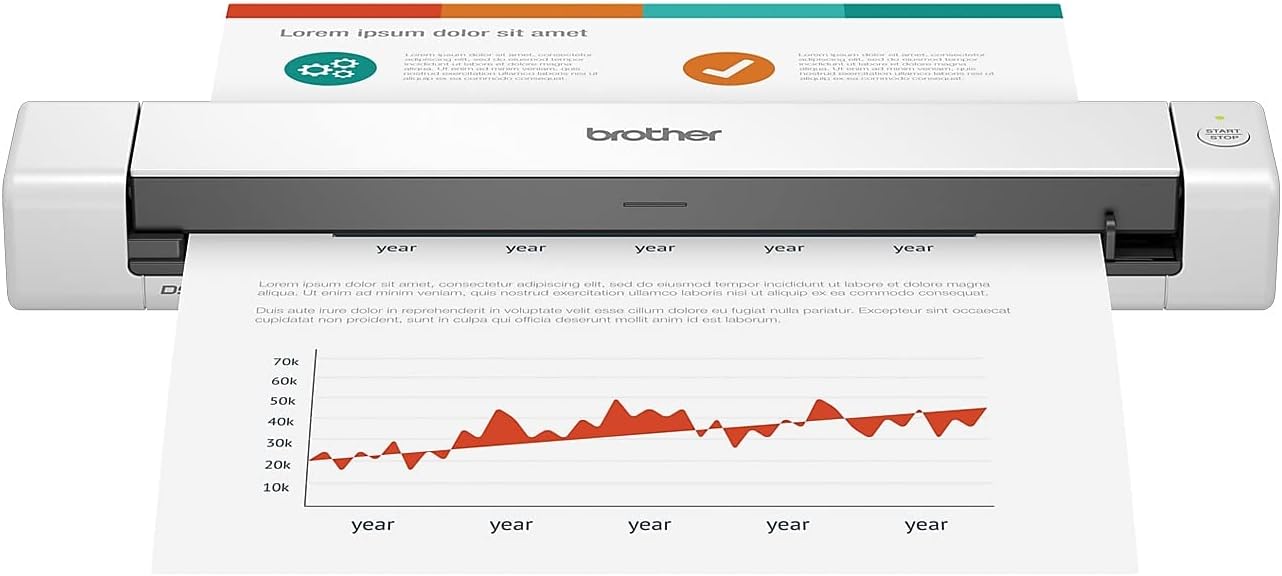
The Brother DS-640 is a sleek, ultra-portable mobile scanner delivering fast 16ppm color and B&W scans. Powered by USB 3.0, it offers true on-the-go convenience without sacrificing image quality. Compatible across major OS platforms and equipped with advanced image optimization and OCR software, it transforms your documents into editable, shareable digital files—perfect for busy professionals who demand speed, portability, and versatility.


| ASIN | B083R36CY4 |
| Best Sellers Rank | 214,069 in Computers & Accessories ( See Top 100 in Computers & Accessories ) 235 in Document Scanners |
| Brand | Brother |
| Colour | white |
| Customer Reviews | 4.3 4.3 out of 5 stars (6,028) |
| Date First Available | 2 Mar. 2020 |
| Item Weight | 467 g |
| Model Number | DS640 |
| Power / Wattage | 2.5 watts |
| Product Dimensions | 30.23 x 5.59 x 3.56 cm; 466.75 g |
R**U
DO NOT BUY FOR RECEIPTS ON MAC
I bought DS-640 specifically for its ability to scan receipts up to 72" and compatibility with macos. It was a mistake. This scanner is what's known as "abandonware". Brother's entire software support for it consists of a driver, firmware update and a 2019 version of their iPrint&Scan software. Driver is not an issue, you can just plug it in and use macos' own scanner soft in System Preferences. But as you know macos built in scanner soft only goes up to A4. To scan receipts longer than A4 you need Brother's iPrint&Scan software to work. And that's where things fall apart. It's October 2022 and two years on Brother still haven't released iPrint&Scan that works with Apple Silicon USB port structure. If you're on M1, M1 Pro, M1 Ultra or M2 you're in 99% cases out of luck as these are USB4/Thunderbolt ports. So although firmware update dmg and iPrint&Scan will open on Apple Silicon machines, it won't detect the scanner connected to USB to update or scan anything. You're stuck with macos builtin scanner support and maximum A4 size because Brother just keeps releasing scanners and printers and then abandon any software updates within months...
D**S
Su relación calidad - precio es muy buena. Por lo que se paga no se puede exigir más. Es un buen escaner, lo hace a color y con buena resolución. Es un poco incómodo tener que escanear hoja por hoja y no poder tener un alimentador que permita escanear varias hojas al mismo tiempo, pero al final cumple con su función. Es muy ligero, no pesa mucho. Muy practico de transportar y muy fácil de usar. Para trabajos sencillos, muy bueno
S**C
Good replacement for my flat bed scanner. Easy to setup (just connect cable) and takes very little space on my desktop. Document feeding takes a bit of practice and can be difficult if the document is not flat.
L**I
Ótimo e prático
L**Y
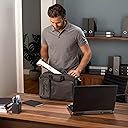
This is a great little compact scanner. Great for when your on a business trip and you need to scan something quick for a meeting. Highly recommend this product and seller. Great vaue
D**N
Assumes that power from your notebook is only located on the left side of the computer. USB is on the right side of the device. Aside from that, it is quick, responsive and the one tap shortcuts to folders on your computer are a dream to set up and operate. Recommended.
Trustpilot
1 week ago
3 weeks ago