
DOWNLOAD THE APP


Customer Services
Copyright © 2025 Desertcart Holdings Limited
DOWNLOAD THE APP
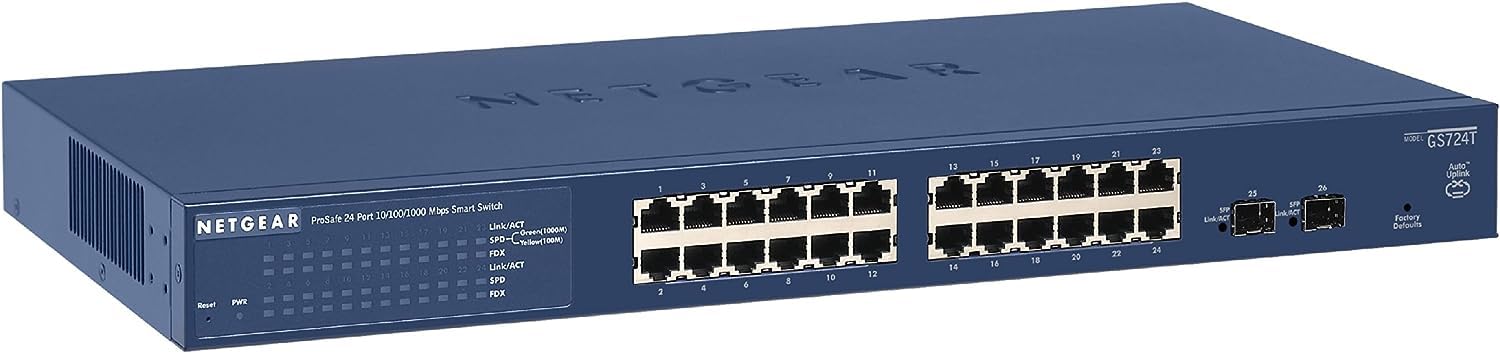
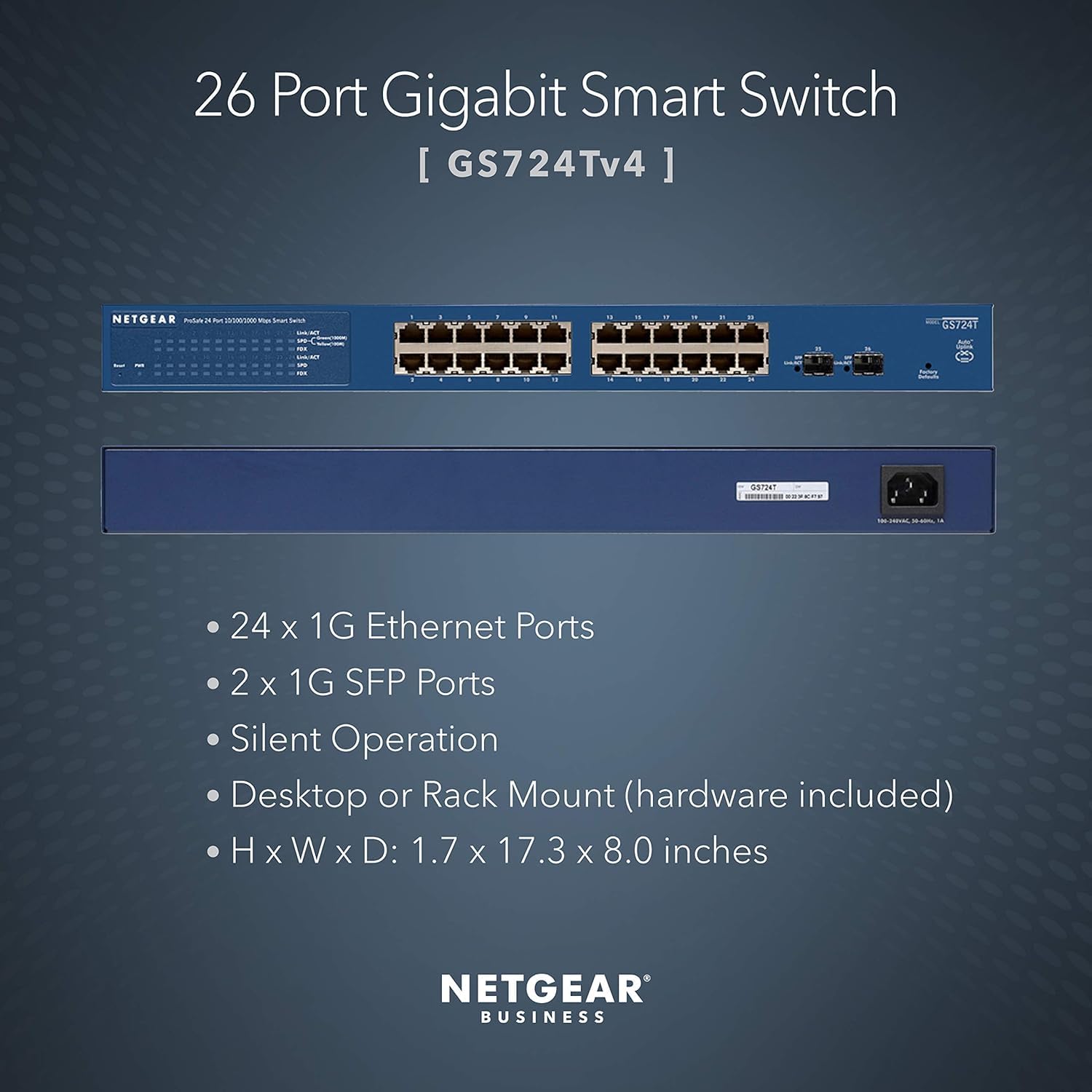


🚀 Elevate Your Network Game with Silent, Scalable Power!
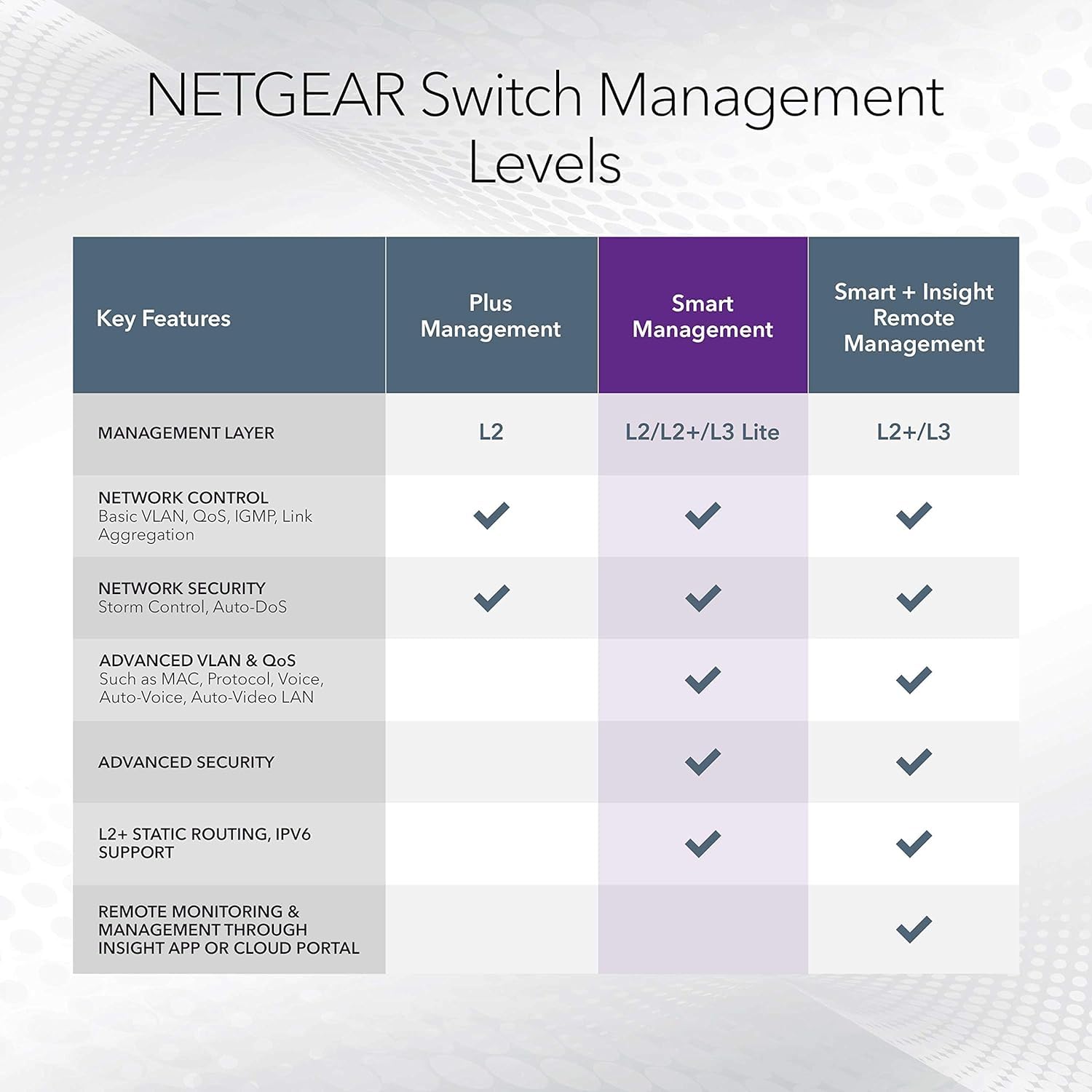
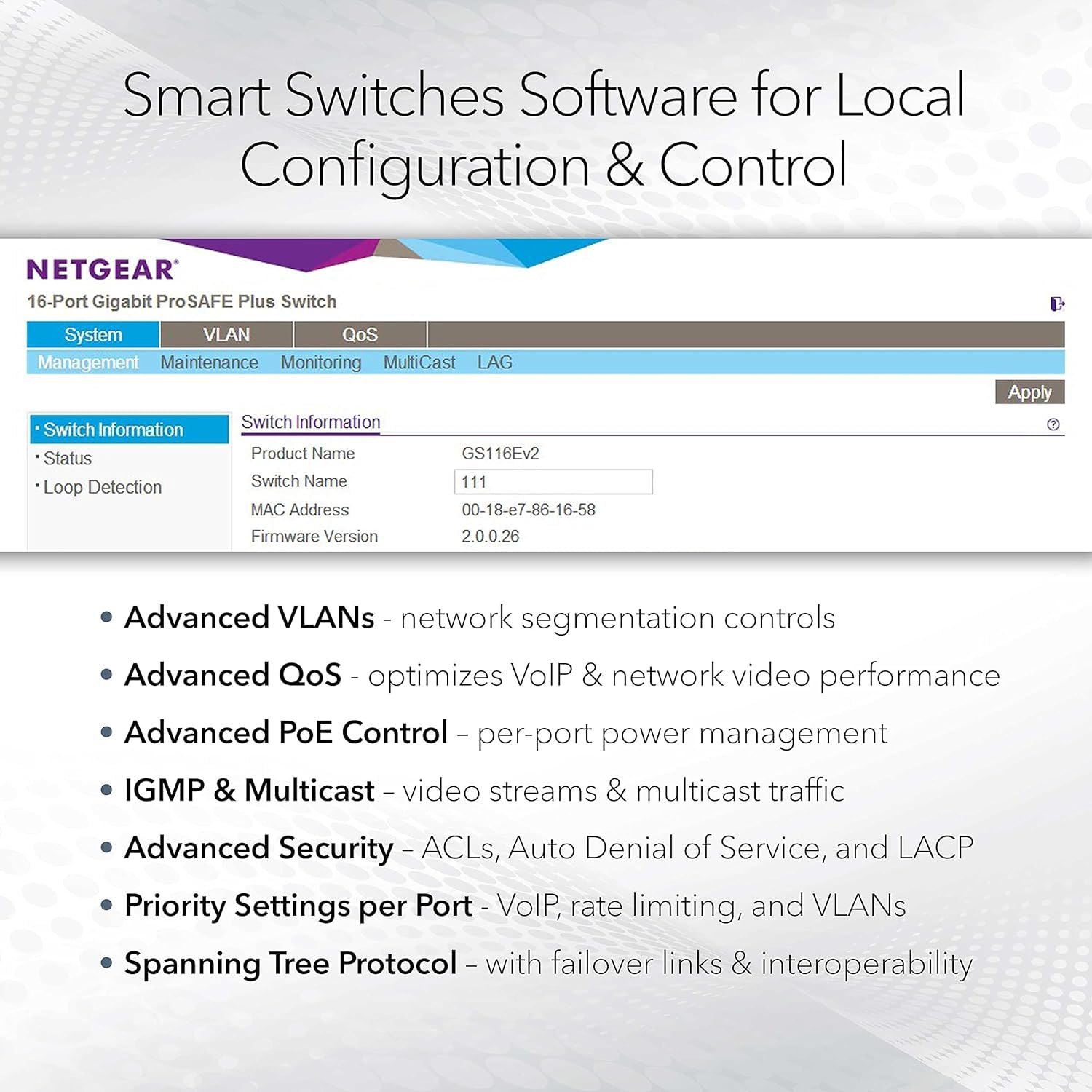
The NETGEAR GS724Tv4 is a robust 24-port Gigabit Ethernet smart managed switch featuring 2 x 1G SFP uplink ports, silent fanless design, and versatile mounting options. Designed for professional environments, it offers advanced management via an intuitive GUI, energy-efficient operation, and is backed by NETGEAR’s ProSAFE Limited Lifetime Protection with next-business-day replacement and 24/7 expert support.



| ASIN | B00I5W5EGA |
| Best Sellers Rank | #152,141 in Computers ( See Top 100 in Computers ) #980 in Network Switches |
| Brand | NETGEAR |
| Built-In Media | Network Switches |
| Case Material Type | Plastic |
| Color | blue |
| Colour | blue |
| Compatible Devices | Desktop |
| Compatible devices | Desktop |
| Customer Reviews | 4.5 out of 5 stars 407 Reviews |
| Data Transfer Rate | 1000 Megabits Per Second |
| Global Trade Identification Number | 00606449098327, 00606449110685, 06064490983278, 10606449098324 |
| Included components | Network Switches |
| Interface | Gigabit Ethernet, SFP 1G |
| Item Weight | 7.87 Pounds |
| Item height | 4.21 inches |
| Item weight | 7.87 Pounds |
| Manufacturer | Netgear |
| Number of Ports | 26 |
| Number of ports | 26 |
| Platform | Not Machine Specific |
| Switch Type | Temperature Switch |
| UPC | 827026896215 606449110685 718004593489 606449098327 809392593684 088022164634 |
| Unit Count | 1 Count |
| Voltage | 240 Volts |
S**.
Just do it job
I been using Netgear for switches and NAS for many years and never let me down. The GUI is a bit complicated and outdated compared to other brand (more industrial style). The most important is that it need to work and once you figure out to set the parameters you don't have to change anything much often in the settings after unless you change a few thing in your home network. I din't use their Netgear Insight and bypass this process.
A**R
its good.
Works great as expected. I faced some challenges in resetting factory defaults but it worked after initial hiccups.
T**I
Requires Registration and other issues...
The reason for a lot of one star reviews is that when you first log onto this switch it asks your for a registration code or you can only access "limited features". As per another reviewer's guide, I suggest updating the firmware before proceeding. If you wish, you can then register at their website and get a short character code to unlock the device This is really a sad "feature" that Netgear has created. Customers who buy this "smart managed" switch are probably going to be familiar with other switches which don't have such a registration requirement. They may also experience some level of misrepresentation on the part of the manufacturer from the "register or we'll only let you have a subset of what we said you were buying" ultimatum when you first log onto the switch. For myself, I just needed a 8 port switch that was powered by POE, so this was not an issue for me. As I was curious, I went through the registration process and it was not too difficult. Got the code and keyed it in and it all the "features" seem to be available FWIW. They try to sell you their "Insight" subscription mumbo jumbo, but I'm not sure who needs it for this sort of switch. Also note that this switch takes a bit of time to become ready from the application of power as compared to a unmanaged switch. Another point to note for non-US customers, the wall power supply is fitted with two flat pins (US/NEMA) and has the following ratings: Input: 100-120V 0.35A Output:12V 1A Connector is a barrel plug with a positive centre. Note that the centre pin is a bit smaller than usual. If you power the switch via the POE port 1, then this is not applicable. In summary, this device appears to be able to operate as a "smart managed switch" but the need to register the switch and attempts to try to get customer on a subscription software is odious. If this registration requirement is unpalatable and/or the POE powering is not useful, you should give this a miss.
S**N
Reliable, Manageable, Wire-Speed 24 Port Switch
I got the NETGEAR ProSAFE GS724T Gigabit Smart Switch to replace a failing old SMC SMC8126L2 Gigabit Smart switch at a client of my IT Practice. It is operating perfectly including one VLAN in the client's configuration as their primary switch. Bottom Line: this is a dependable switch that handles all the clients throws at it. The main switch specs/features that matter for my client are: • User Friendly Management GUI (consistent with other Netgear Smart switches) • VLAN support • 24 Gigabit copper Ports run at wire-speed • 2 dedicated SFP ports • Fanless Cooling for quiet operation The switch come with a CD including documentation and Smart Control Center software. I only use the Smart Control Center software for initial setup of the IP address and changing the default passwords (a very good idea if you care about security). After that I use the built-in web GUI. A set of rack mount ears and hardware are also included in the box. These can be attached to the sides of the switch to facilitate wall or panel mounting. I usually check for updated firmware as one of the first steps when setting up new equipment. Often hardware comes with older firmware, so it's good to bring things up to date. The GS724T had current firmware when I purchased it: still worth checking! The web management GUI is consistent in layout and organization with other Netgear smart switches. Experience with other Netgear smart switches made setup and configuration of this one a snap. The client has another Netgear smart switch at this client in place for to provide Power-over-Ethernet (PoE) for their IP phone system on a separate sub-net making a consistent management experience for both switches. Netgear is confident about reliability offering a lifetime warranty for the GS724T. I also like the fanless design. Not only does it make a quiet switch for in office use (not a factor for this client) but without a fan there is one less mechanical part to fail. Switches are usually a mission-critical component and being able to depend on them matters to me and my clients. I think the GS724T qualifies. Switches are not usually very glamorous parts of a computing infrastructure but they are critical. Add dependability and performance are you have the 3 legs that make a good switch choice. Because of a consistently good performance at a very reasonable price the GS724T gets 5 stars from me. Hope this helps someone!
D**E
Pas PoE
Ne prend pas en charge le PoE
Trustpilot
1 month ago
1 week ago