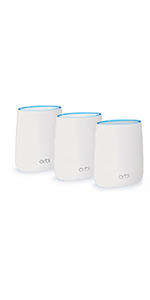
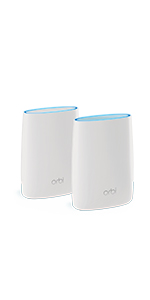
🚀 Mesh WiFi that covers your whole life, not just your home.
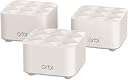
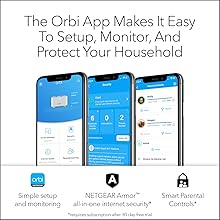
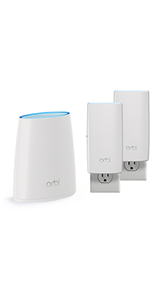
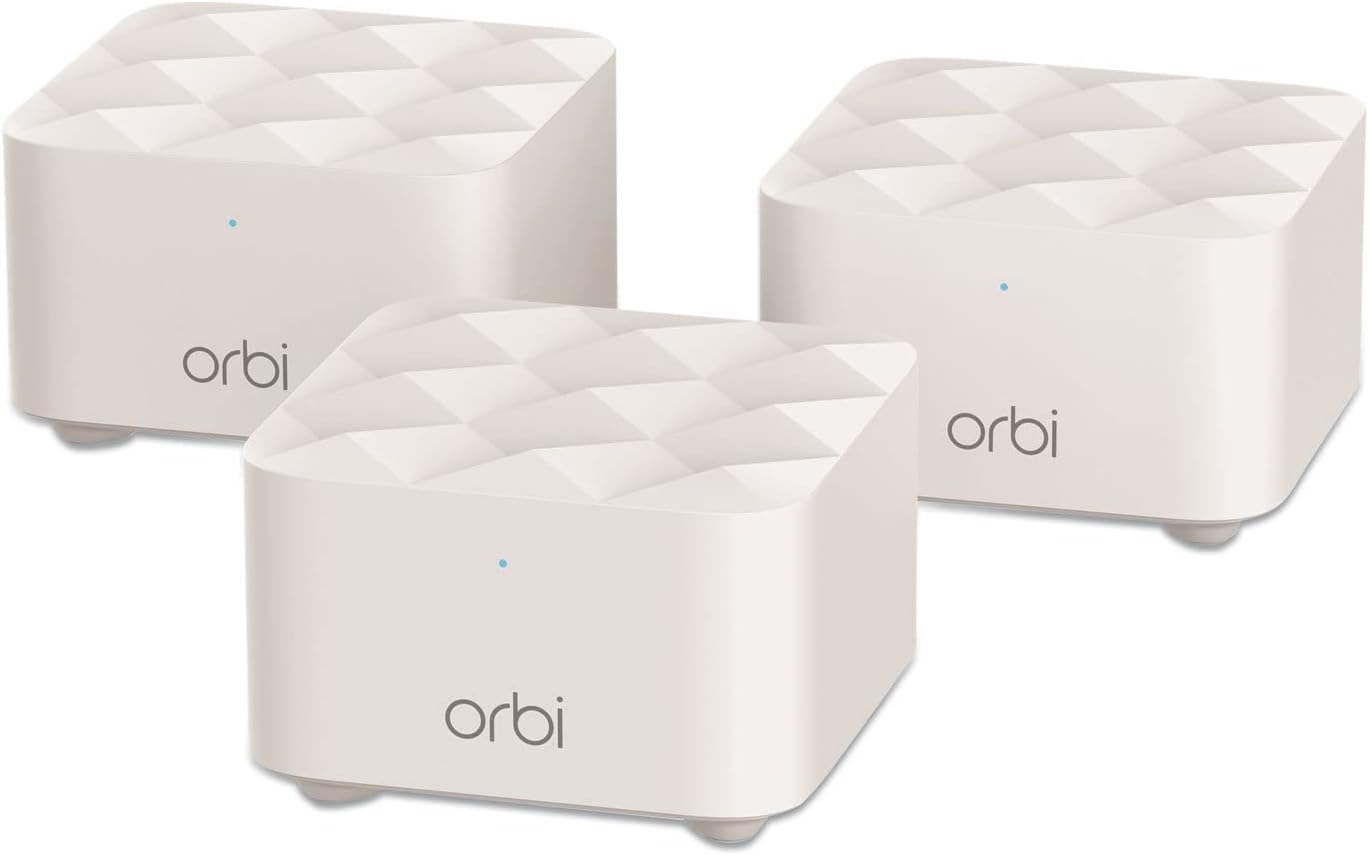
The NETGEAR Orbi RBK13 Mesh WiFi System delivers robust, high-speed AC1200 WiFi coverage up to 4,500 sq.ft with one router and two satellites. Designed for seamless roaming on a single network name, it supports all internet providers and includes a 1 Gbps Ethernet port for wired devices. Enhanced with NETGEAR Armor security and smart parental controls, it offers easy setup and management through the Orbi app and voice assistants, making it a powerful solution for modern connected homes.


| ASIN | B07WTXG3XW |
| Antenna Location | Gaming, Home |
| Antenna Type | Internal |
| Best Sellers Rank | #157,348 in Computers ( See Top 100 in Computers ) #1,788 in Routers |
| Brand | NETGEAR |
| Built-In Media | One (1) Orbi Router (RBR10), Two (2) Orbi Satellites (RBS10), One (1) 2m Ethernet cable, Three (3) 12V/1A power adapters, Quick start guide |
| Color | White |
| Compatible Devices | Gaming Console, Smart Television, iPhone |
| Compatible devices | Gaming Console, Smart Television, iPhone |
| Connectivity Protocol | Wi-Fi, Ethernet |
| Connectivity Range | 4500 Square Feet |
| Connectivity Technology | Ethernet, Wi-Fi |
| Control Method | App |
| Controller Type | Google Assistant |
| Coverage | Up to 4,500 square feet |
| Customer Reviews | 4.3 out of 5 stars 2,723 Reviews |
| Data Transfer Rate | 1.2 Gigabits Per Second |
| Frequency | 5 GHz |
| Frequency Band Class | Dual-Band |
| Frequency band class | Dual-Band |
| Global Trade Identification Number | 00606449144055 |
| Has Internet Connectivity | Yes |
| Has Security Updates | Yes |
| Is Electric | Yes |
| Is Modem Compatible | No |
| Item Dimensions L x W x H | 20.4L x 14W x 13.1H centimeters |
| Item Weight | 1.29 kg |
| LAN Port Bandwidth | 1 Gbps |
| Manufacturer | Netgear |
| Maximum Upstream Data Transfer Rate | 1200 Megabits Per Second |
| Mfr Part Number | RBK13-100NAS |
| Model Name | RBK13 |
| Model Number | RBK13-100NAS |
| Model name | RBK13 |
| Number of Antennas | 2 |
| Number of Items | 1 |
| Number of Packs | 3 |
| Number of Ports | 1 |
| Operating System | Netgear OS |
| Other Special Features of the Product | Guest Mode, Internet Security, LED Indicator, Parental Control |
| Router Firewall Security Level | Advanced |
| Router Network Type | mesh |
| Security Protocol | Comprehensive anti-virus & data theft protection for your PC, Mac® and mobile devices with NETGEAR Armor™ |
| Special features | Guest Mode , Internet Security, LED Indicator, Parental Control |
| UPC | 606449144055 |
| Unit Count | 1 Count |
| Voltage | 100240 Volts |
| Wi-Fi Generation | Wi-Fi AC |
| Wireless Compability | 802.11ac |
| Wireless communication standard | 802.11ac |
M**H
K. S. A
المنتج مقبول. يفصل بشكل دائم للنقاط البعيدة.
N**L
Impressive value for an entry level mesh router
I got the Orbi RBK13 as a solution for a family member who has experienced frequent problems maintaining a wifi connection throughout their home. They don't have the high end devices or a fast Internet connection so maximum speed was not a concern. They just wanted an economical solution that provided a solid wifi connection throughout their house. This Orbi does just that. Setup was a breeze although I chose to use the router's embedded web interface instead of the Orbi app. Kudos to Netgear for continuing to provide this option even though they don't mention it in the quick setup instructions. Download the owner's manual for all the details. You shouldn't have to install an app to setup your router and with this device, you don't. The satellites were pre-paired so it's as easy as logging into the router, going through the step-by-step setup process, and then turning on the satellites within range of the router. The web interface will show you when everything is connected. I was impressed by the range from the router to the satellites. The furthest satellite connected directly to the router without having to daisy chain through the nearer satellite. There are a couple of features that have caused confusion which has led to some bad reviews. First, during setup you'll be offered to setup Netgear's "Circle" Parental Controls. You have to use the app to do this, but you are not required to enable it if you don't need it. Second, you will be encouraged to activate a free trial of Netgear's "Armor" cyber-security suite. This is an optional free trial for a paid subscription service. If you do not want a comprehensive security suite you can simply decline to activate this service and use your Orbi like any other router. Demerits to Netgear for not making it more clear that you're not required to subscribe to this service. Finally, some users are confused about the nature of this device. By default, Orbi functions as an Internet router and completely replaces your existing router. Install Orbi in place of your router and recycle the old router. It is just as suited to that task as most consumer routers and it adds a very good mesh wifi on top of it. If you already have an advanced router and you want to keep it and add mesh wifi then you can put Orbi on your network behind your router and configure it as just a mesh wifi access point for your home network and Internet. In the Orbi menus, select "Advanced Setup" and then "Router/AP Mode" and select "AP Mode" instead of "Router." Disable the wifi on your existing router to avoid interference and connect to the Orbi access point instead.
A**R
Most likely will NEVER buy another Netgear product
The product started out good for the first year or so.. but after the warranty period ended nothing but trouble. the product keeps asking to reset the password to remote in to see wifi status via the app constantly dropping.. I had to create a backup SSID on my main router due to this dropping issue (what's the point of doing this when you have a Mesh!!!! :( ) overall experience is not good... Going to try one of these others - Dlink, TP-Link or Linksys... buyer beware......
C**S
i bought 2 Cameras from u one is not working
Why is this item taking so long is it cause that its out stock
A**O
A very good system
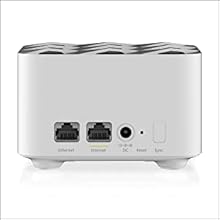
We've had this Netgear Orbi Mesh system installed for more than six weeks in a 3200 sq ft, 2 story house. The router module is next to the computer and internet cable modem at one extreme end of the first floor and next to the back wall of the house.. The 1st satellite is in the middle front of the house about 30ft straight line away through 4 walls including a laundry room and kitchen and the related metal appliances. The 2nd satellite is nearly straight above the 1st on the 2nd floor but against the front house wall. After having to work through the install and syncing procedure a few times, the Orbi performs quite well. Wifi strength is greatly improved upstairs where we had very noticeable problems previously. On some devices the signal was almost non-existent. This mesh system now seems to provide as strong a signal upstairs as we previously had downstairs. We are happy. Definitely a good buy. And, to avoid confusion, it appears that the Orbi RBK-13, as advertised, is the same as the Orbi AC-1200. Don't ask why. Interestingly, we did have two instances where one or the other satellite lost it's good connection (status light turned yellow) but that was quickly resolved by re-syncing (pressing the router sync button on the back, then press the sync button on the back of the satellite, and then wait several minutes for the blue light to re-establish. Maybe similarly, we also had two instances of lost power for which the system re-established itself without human help. Great. Humans get worn out. Lastly, tech support did not respond to the only email I sent. Eventually found the answer needed in the manual. The mobile app is ok and since we've so far chosen to keep it simple, we've really not needed it nor the Amour protection they hope to sell you.
Trustpilot
1 day ago
1 month ago