
DOWNLOAD THE APP


Customer Services
Copyright © 2025 Desertcart Holdings Limited
DOWNLOAD THE APP
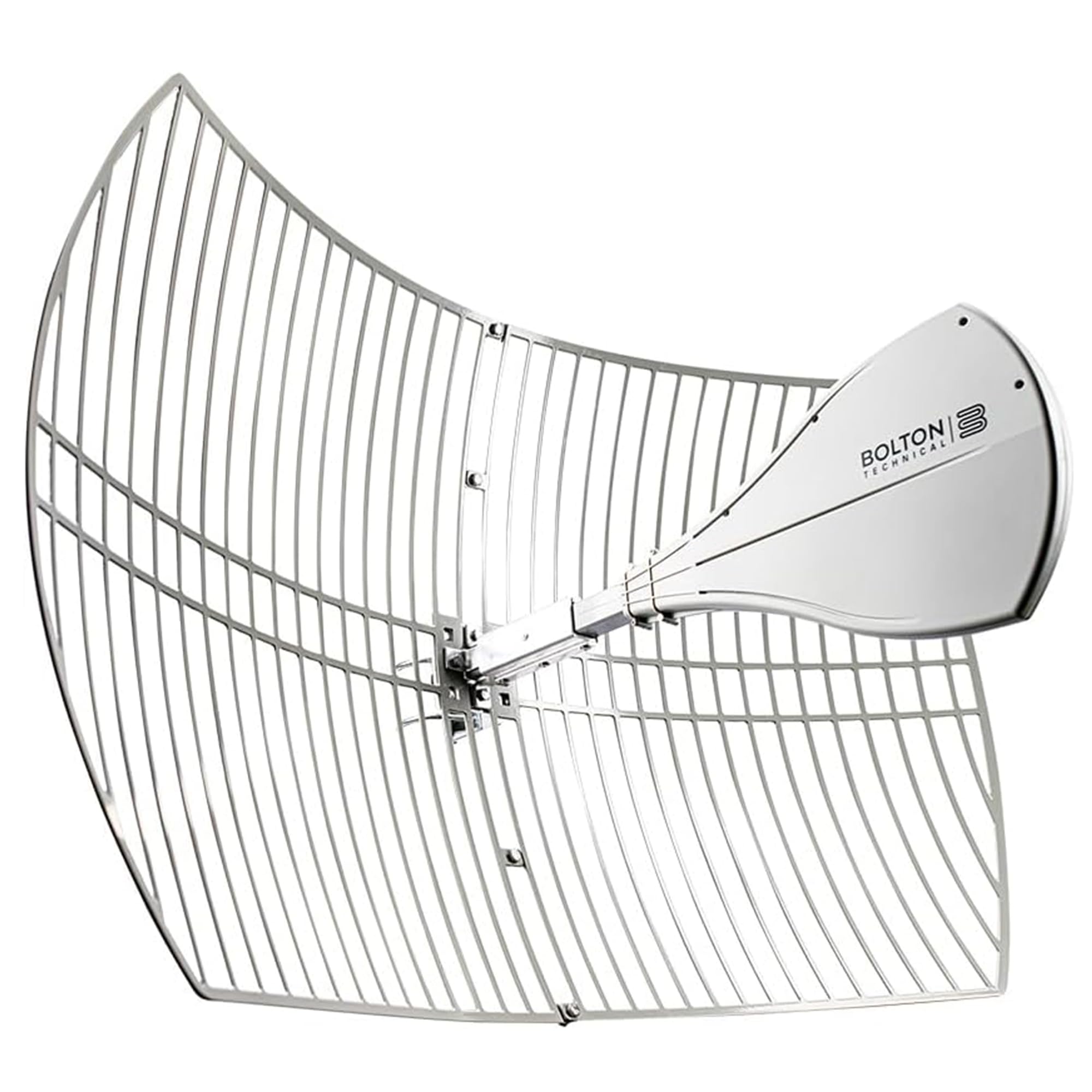
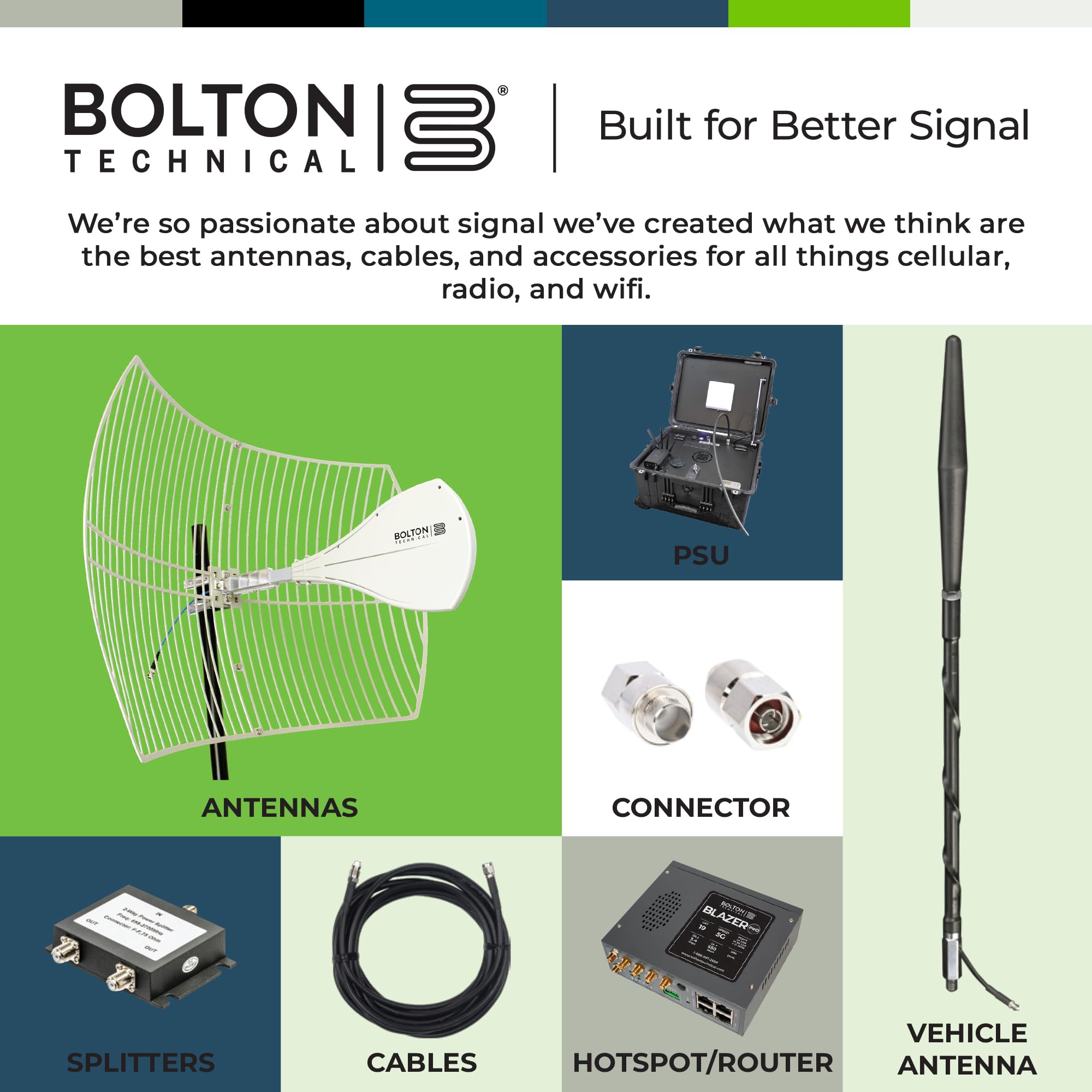
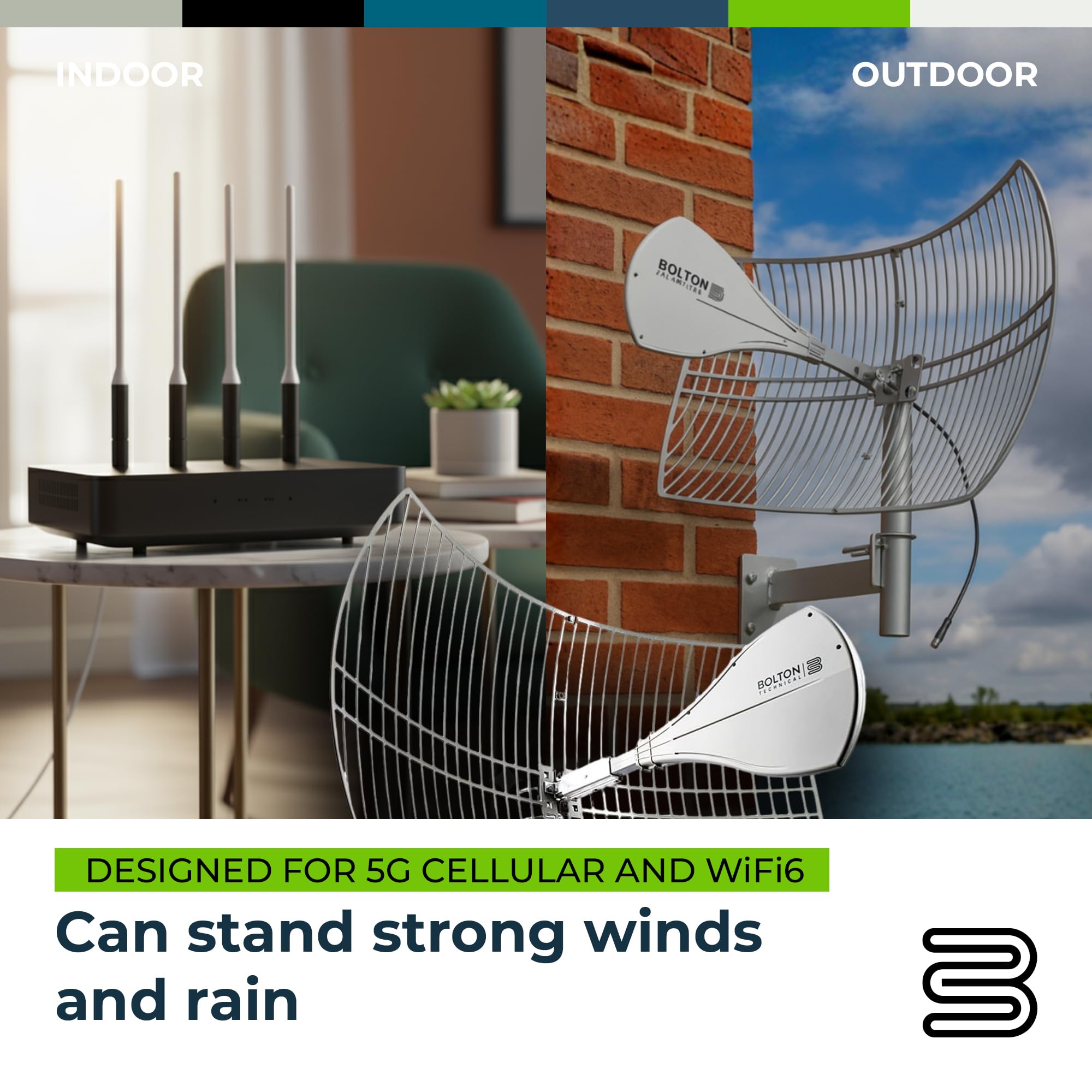
📶 Dominate your dead zones with Bolton’s Long Ranger — because buffering is so last decade.
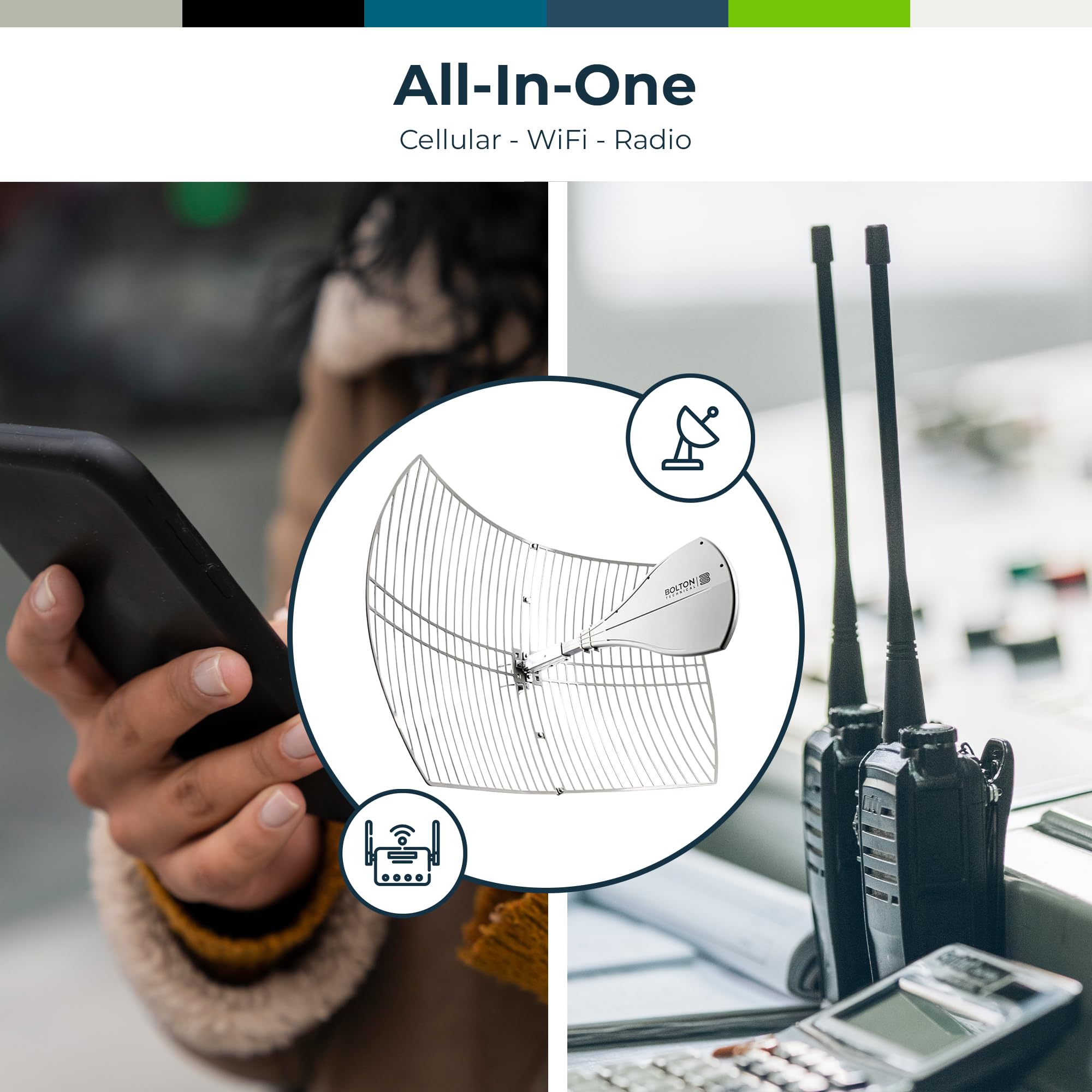
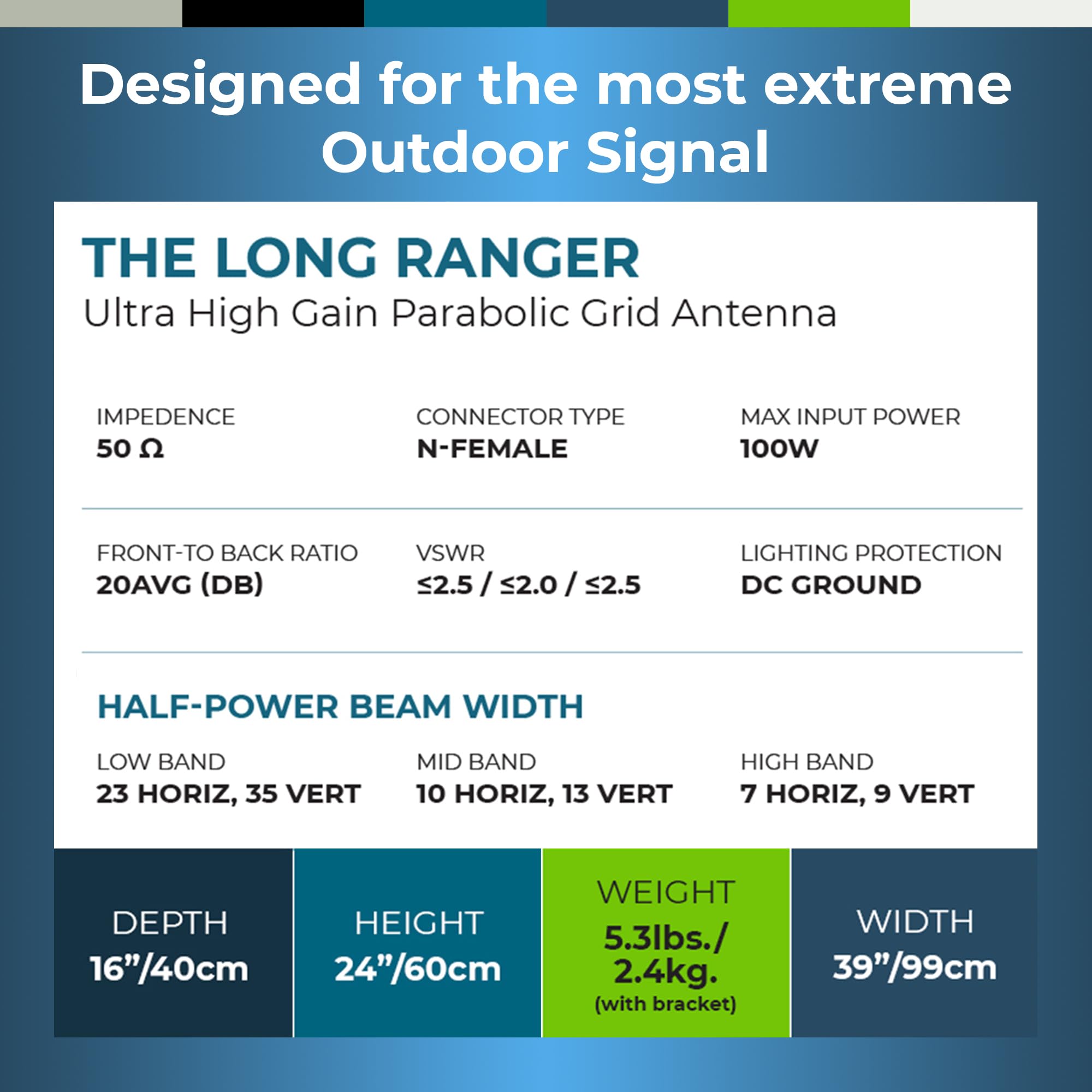
The Bolton Technical Long Ranger Antenna (BT974822) is a professional-grade parabolic antenna designed for ultra-long-range connectivity, delivering over 20 miles of reliable signal reach. With an industry-leading +28 dB gain, it supports all major cellular bands including 5G, 4G, LTE, and dual-band WiFi 6, ensuring seamless high-speed internet and clear calls even in remote or challenging environments. Weatherproof and engineered for precision directional tuning, it’s the ultimate solution for professionals demanding stable, high-quality connectivity anywhere.


| ASIN | B08FBN5LJ7 |
| Antenna | Radio |
| AntennaDescription | Radio |
| Best Sellers Rank | #257 in Computer Networking Antennas |
| Brand | Bolton Technical |
| Color | Gray |
| Customer Reviews | 4.1 out of 5 stars 208 Reviews |
| Impedance | 50 Ohms |
| Item Dimensions L x W x H | 16"L x 39"W x 24"H |
| Manufacturer | Bolton Technical |
| Maximum Range | 20 Miles |
| Number of Channels | 600 |
| UPC | 850016974822 |
N**N
Perfect complement to Celfi Go X signal booster on Verizon in very rural area. (Updated 06AUG2023)
It is worth mentioning that I live very rural in the agricultural deep south US. Cell towers with Verizon antennas are 4.9 and 6.9 miles from me. There is no wired internet in my area, the latency on the satellite internet is very high, I was on the waiting list for Starlink for a year before this solved my problem. Inside my house I have zero bars on Samsung Galaxy phones. Outside I can occasionally get enough service for a voice call and SMS, but MMS and the internet was largely unusable except under ideal conditions. I am a techy and I approach things in a logical manner to troubleshoot and tune. I have been working with this setup for over a year and I am quite comfortable with it. I installed my Celfi Go X system with the included plastic covered Yagi antenna and I was able to successfully hit the tower without a good line of sight. There are some far away trees on the horizon that make it tricky to hit this tower at 4.9 miles. After running the system the same way and tuning things in to get the best carrier frequency I ultimately found that while my signal strength was good, my signal quality was so low that operation became unstable. Signal quality is king. Testing proved that I could get better internet throughput when I used a carrier frequency with higher quality even with little to no signal strength. Armed with the above I present the Celfi Go app dashboard as evidence. The first 3 images are snapshots of the old antenna showing the fluctuations in strength and quality. This did allow for a good amount of online gaming when paired with my Cudy LT500 router and Verizon SIM card. (Update: Ditched the CUDY LT 500 for a Taktikal 1600 to allow for some nerd level customization. I still use the CUDY but for running cameras not facing the internet.) The most annoying thing with the fluctuations was the constant disconnecting and reconnecting of the phones switching frequencies. The Cudy router allowed me to select and lock onto a band and channel. The final image with signal quality in the 80% range is with the Long Ranger installed. This translates into a reliable 14 mbps down and 4 mbps up. (Update: Depending on time of day I have hit peaks of 25 mbps with 19 mbps sustained. I can download many GB games in just a few hours.) It seldom deviates from this even in nasty rainy weather. This allows for VOIP, video calling, Netflix, Amazon Prime Video and gaming with no buffering or excessive lag. My kids do homeschooling without issue and we have made our neighbors jealous with our ability to rent movies online and watch them instantly in 4k. Needless to say, movie night is at our house. As far as the installation goes, I have this antenna mounted above my roofline on a metal pipe. There are some trees in the way, but they are off in the distance by about a mile. Once beyond them it is relatively clear to the tower. For $200 you cannot go wrong adding this to your system, but you need to be patient. The farther the tower the more sensitive direction is. I have roughly 8 degrees of movement before the signal is affected. I spun it to hit a farther tower as an experiment and it is tighter, around 5 degrees of movement before signal is affected. The important part is that I can hit another tower if I want to or need to. I ran for about a month on another tower at 751 mhz and it was solid and reliable until some network changes took place. I suddenly started having quality issues. I spun back to my original tower and everything was back to normal with 80% quality. I will update this as necessary. Update 06AUG2023! Had an issue with a cable that had a bad crimp. I do not think it came with the antenna though so no product issues there. I ordered a new one and everything got back to normal. This antenna does catch a little bit of wind so I have had it get spun on my antenna holder I made. I would recommend that you mount this to something pretty stout. Also, lightning took out a local tower. The generator failed so the tower was just out. I was able to re-aim it and hit the farther 7 mile tower with ease and continue on as normal. This really is a killer antenna. If you cannot hit what you need to with this I am not sure where to go from here. Bonus points, I have seen this exact antenna being used in Florida that appears to be a point to point communication system having to do with weigh stations or agriculture inspection stations at the state lines. It is nice to know this is a commercial level antenna .
C**T
Perfect for hitting a specific tower at long distance.
I have been using this dish for about 8 months now for my primary internet connection. Some details about my situation: I live in a remote area where the nearest cell tower is about 5 miles away. My booster is a cell fi go X. My carrier is Verizon. I have mounted the dish on the side of my house high up near the roof line. Note: parabolic antenna is really suited to the application I mention above, you have one particular tower you are trying to hit at great distance. This antenna will pretty much not pick up any other towers in the area. If you want general directionality at a lesser distance a yagi style antenna is better. If you want to pick up all signals in an area of pretty good coverage (maybe a metal roof scenario) you will want an Omni directional antenna. Ok, so how does it work: to put in perspective, without any booster I get just about 1 bar, and almost no internet data and frequent dropped calls. With the yagi that my booster came with I was getting up to 2-3 bars but crucially data remained at a max of 10 mb down and only 1 up. With this parabolic antenna I now get a pretty solid 30 mega down and up to 6 up. Calls are much clearer with only the occasional drop. The thing I am most impressed with is that it has been pretty stable, you can expect some variability in cell signal and with weather. But this was much more stable than the yagi. Tips for installation. You will need to hit the tower pretty dead on and have it just about perfectly level. Being off just a few degrees will dramatically effect performance. In my case just between some trees I can actually see the tower so I know I am right on target. If you have really dense tree cover this antenna may not boost as much. One tip about the booster, this may be specific to cel fi go. It sweeps a bunch of different bands and frequencies, you can specify up front which band and frequencies to disable, if you look up what your tower uses it can save you a lot of time trying to figure out if you are connecting. Trust me you are going to be moving it slightly scanning, moving it scanning again. Another pro tip. I’ll often switch airplane mode on and off when I get home to make sure I’m tuned in to my booster perfectly. When you are out and about your phone may jump to some other frequencies and toggling that forces it to sweep for the strong signal again. At the end of the day I was able to get this combo of booster and antenna configured such that I have a usable internet connection through my cell hotspot of around 30mb down and 6mb up, contrasted to my max through dsl of 10/1 (wonderful American internet). It also makes phone calls easier to hear and rarely drops.
S**U
great antenna
We live in rural Maryland. Our metal roof combined with cell phone tower being more than 5 miles away completely prevented us from using our cellphones in our house. We had a standard yagi antenna connected to a Proutone/weboost cell repeater. It worked ok. We could mostly get acceptable cell signals in some parts of our house. No 3G, or 4G. could not send text messsages with pictures or emogies. After installing, and properly aiming this antenna we now get great 2G, good 3G, and some 4G service in most places in our house. The antenna is very large, but light weight. I installed it on an under eve mount with and antenna extender to get it well above my roof. The connector is "N" type. You will need to see what connector is on your repeater. Mine was "SMA". In my case i got one with a Male N type on one end, and a male SMA on the other end. Below is what i used for instillation: -Ambient Weather EZ-HD-PTP Heavy Duty Mast to Mast Mounting Kit -DirecTV Under Eave Mount 2" O.D. SlimeLine SLMTUE -Solid Signal Heavy Duty Grade 1.25 Inch TV Antenna Mast (SSMAST) -XRDS -RF KMR400 SMA to N Cable 25ft, N-Male to SMA-Male Connector Low Loss Extension Cable 50 Ohm SMA Cable for 3G/4G/5G/LTE/ADS-B/Ham/GPS/WiFi/RF Radio to Antenna Use (Not for TV) -White silicone caulk.
J**G
Went from 5 MBPS to 50+ MBPS down
We use this at a remote cabin in the mountains, no line of sight to the tower, approximately 7 miles away. I used a Wilson signal meter to aim the dish. Works great as long as you calibrate it properly. The only unknown is that we don't have summer foliage yet, so I cannot vouch for the performance with leaves on the trees. Edit: With summer foliage I get about 10-30MBPS down and 0.6 MBPS up alternating between Verizon bands 2 and 66; not ideal but better than nothing. Still way better than Hughesnet!
A**F
Waste of time and money
Purchased this setup to solve my weak cell issue...if there is a 0 star, I would pick that : 1. In assembling the 2 half's, had major issues with aligning the 4 bolts. This unit was not made to specs and wa sonly able to align 2 botls..in addition, the metal had sharp, very sharp edges on the inside runs, so i cut my finger because if this...... 2. After all that and connecting to my booster, I got the same more or least as I have with my old small antenna...no long range gain ? 3. I called Bolton tech support and the call was s joke, after they took all my info, he then said he can't help with the item as ot was purchased from Amazon and Amazon should solve my technical problems. Hmm? As such I am returning this thing and wasted so much time and money to setup up ( cable, adapters and the pole to install we're items i bought )
N**L
Great Antenna- But Do Your Homework
Pros: Narrow beam increases signal stability Well constructed Higher gain then yagi on high frequencies New design set apart from last gen copycats Cons: Expensive Much heavier than yagi Catches more wind than yagi Required extensive testing to see if it would be useful My personal findings: My pole is only 20 feet tall just peaking over my hill, no direct line of sight since I live in the woods surrounded by 60 foot trees on the back side of a hill. I had to do extensive testing and research to feel confident this setup would work with my weboost. I only have att and there are 3 towers within about 7 miles of me that cellmapper.net showed overlapped my area. But only 1 really ever comes through with a decent signal and speed on bands 5 or 66. My problem with my yagi was that even though my decibels were in the mid to high 80s my RSSNR was almost always in the negative or just pop into 1-3 range and my RSRQ was 12-15 most of the time. Bad signal quality, so sometimes my speed would be 10 to 15 mps and then I would have next to nothing. I got this antenna because the yagi is only about 10db across the board. I figured if this can get closer to 15db gain on band 5 or even 20db on band 66, the least that could happen is better stability. After install my signal strength is about the same but my RSSNR IS 6-12 and my RSRQ is 6-8 even in bad weather. My speed is consistently 20 to 25 mps now too. I can only chalk that up to the narrow beam of this antenna. My uploads are much more stable now too at 3mps. I can only advise you to do your homework, test, research, and test again especially since this cost almost as much as my booster kit. Network Cell Info Lite on the play store is a super helpful tool for free. Also make sure your setup will support the 5-6 lb antenna, it catches a bunch of wind and before I clamped it into the desired direction, the wind blew it off point and my speed plummeted until I realized what happened. Hope this helps!
C**Y
Works great with T-Mobile Home Internet gateway
We have T-Mobile Home Internet and actually live in an area where it is not officially supported but can still technically hit the towers. We have the Nokia 5G21 model gateway and did the external antenna mod, running U.FL pigtails out through the bottom and adapting to SMA and then to N type cables. We have only installed two of these so far, utilizing a 2x2 setup from the first two U.FL spots in the gateway. I plan to purchase two more of these for a full 4x4 MIMO setup. We live about 5 miles (in straight line) from the nearest T-Mobile tower, in a dense forest and so far with two antennas, we get pretty good reception but it could definitely be better utilizing all 4 antenna ports. We're probably seeing 70Mbps on average for download and 10Mbps upload. This is an improvement over the just 10Mbps down and 3Mbps up that we see with just the gateway's internal antennas. Ping is about 43ms. On signal, primary signal is -107dbm. Secondary signal is -106dbm. With proper tuning and the addition of 2 more of these, I expect to see speeds upward of around 100Mbps down when it'd all said and done. We just have a makeshift setup.. a galvanized fence post in a patio umbrella base with both antennas bolted to that. I'll be doing a more permanent setup soon, adding a second string of pipe to the pipe already being used so that the antennas can go higher. We'll also turn the antennas at an angle for cross polarization, as to improve signal quality a little more.
L**2
Expected better speed
The first antenna arrived with a broken tab on the left half. The screws were also loose throughout the box. Amazon had a replacement sent; however, the screws were loose throughout the box again and a set (screw, nut and two washers) were missing. This antenna is allowing slightly a higher speed than the MIMO Log Periodic Antennas that I had connected. However, I'm thinking of buying another to put in a MIMO configuration to try to get a much higher speed. I am concerned about receiving another damage antenna or receiving one with missing screws, nuts or washers, though.
Trustpilot
2 months ago
1 week ago