Desertcart purchases this item on your behalf and handles shipping, customs, and support to Japan.
🚀 Upgrade your Mac, upgrade your hustle — don’t get left behind!
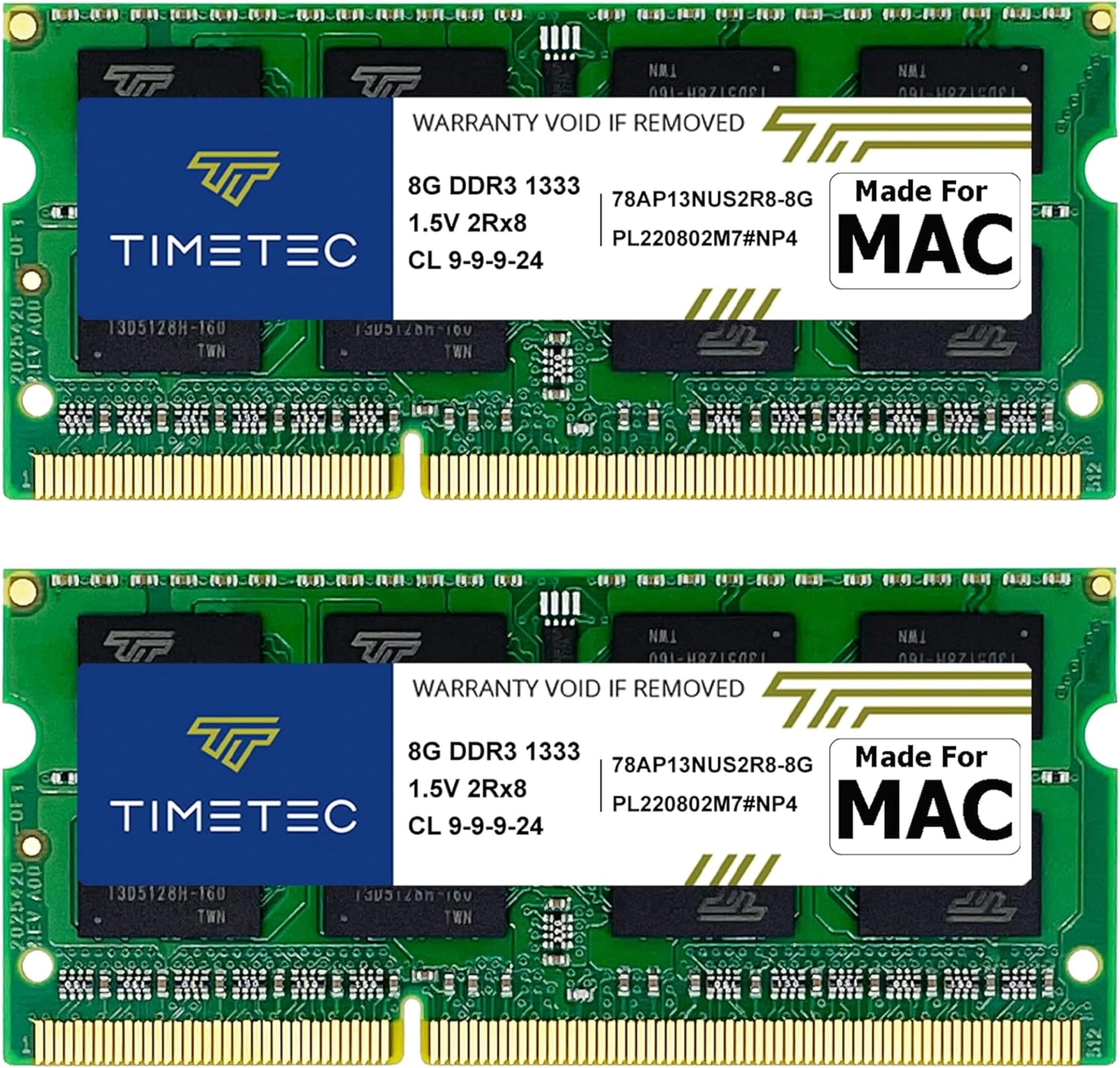
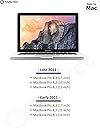
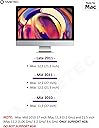
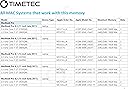
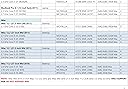
The Timetec 16GB KIT (2x8GB) DDR3 1333MHz PC3-10600 RAM is a premium, Apple-compatible memory upgrade designed specifically for MacBook Pro (2011), iMac (2010-2011), and Mac Mini (2011) models. Featuring dual-channel 16GB capacity, low 1.5V power consumption, and CL9 latency, it delivers reliable, high-speed performance to breathe new life into aging Macs. With lifetime warranty and free technical support, it’s the smart choice for professionals seeking to extend their Mac’s productivity and compatibility with modern software.


| ASIN | B00SNM1LHS |
| Additional Features | For MAC |
| Best Sellers Rank | #225 in Computer Memory |
| Brand | Timetec |
| Column Address Strobe Latency | 9 |
| Compatible Devices | For MAC |
| Computer Memory Size | 16 GB |
| Customer Reviews | 4.7 out of 5 stars 3,204 Reviews |
| Data Transfer Rate | 1333 MHz |
| Form Factor | 204 |
| Manufacturer | Timetec |
| Memory Form Factor | DIMM |
| Memory Generation | DDR3 |
| Memory Speed | 1333 microhertz |
| Mfr Part Number | 78AP13NUS2R8 |
| Model Name | Timetec 16GB KIT(2x8GB) |
| Model Number | 4328490918 |
| Number of Items | 2 |
| Number of Pins | 204 |
| RAM Memory Technology | DDR3 |
| RAM Size | 16 GB |
| Special Feature | For MAC |
| UPC | 765441333994 |
| Voltage | 1.5 volts_of_alternating_current |
| Warranty Description | Lifetime |
C**C
Works in iMac
I used this to upgrade my late 2009 27 inch iMac which really needed the boost when I decide to upgrade the OS beyond what Apple normally allows. The install was simple on an iMac and they were recognized by the OS without issue. Doing some checking, it seems the specs are exactly as advertised and when I did a complete memory test I had no errors of any kind. Like most memory for computers you can usually get it to fail by hitting it hard right out of the gate if there is anything wrong with it. No matter what I threw at it, it kept going and didn’t crash meaning that it will probably last a good long time. At this price, it’s well worth it to bring some life to an old system. If you want to upgrade your old Mac to a newer OS, you can look up OpenCore Legacy Patcher and that will get you on the right track.
E**A
Excellent bang for your buck
Easy to install and a fantastic upgrade to my early 2011 MacBook Pro, which was slow as heck even when I bought it newly refurbished from Apple in 2012 (2+2 GB RAM and a dual core i5). It can actually handle running multiple applications now as well as multiple tabs and windows in Chrome. I was originally going to buy OWC branded RAM, but this was cheaper and was reviewed just as well. In conjunction with upgrading the hard disk drive to a solid state drive, my computer feels much more stable and quick. While macOS support for this model ended with High Sierra (the last before Mojave), it's still useable today thanks to this upgrade, and I can keep it running for another year or two before I can afford a new model. Like other reviewers have mentioned, certain older MacBook Pro models like mine can unofficially handle up to 16 GB of RAM (Google the year and model to find out), despite Apple saying they're capped at 8 GB. It's worth the extra cost to go whole hog even if you don't think you'll need it.
L**E
New Life for an Old Mac
Bought these to upgrade an older (late 2011) Macbook Pro that came with 4Gb of total RAM. Owner manual for the computer says it can be upgraded to 8Gb. Online blogs suggested the computer would recognize 16Gb. So it was an experiment. RAM modules came nicely packaged and the URL timetecinc.com on the package label takes you to their web site where they include some installation tips and guides. Install was easy. Keep track of the tiny screws for the Mac case. DDR memory is stacked one over the other and are truly plug and play to replace. My mac is noticeably faster booting and recognizes the full 16Gb I installed.
L**R
Perfect for iMac (21.5-inch, Mid 2011) w/ 2.8 GHz Intel Core i7!
Installed this in iMac (21.5-inch, Mid 2011) w/ 2.8 GHz Intel Core i7 and AMD Radeon HD 6770M 512 MB. Had this computer for more than 10yrs, but hadn't started it up 2019. It powered up just fine at first, then it shut off suddenly and started the 3-beep sequence. I looked it up and was surprised it had to do with memory since I've worked on computers for a while and never heard of that being an issue, especially for Mac. I accessed the memory and shuffled it around a couple times, but the error persisted. These were just a couple of 4gb Hynix modules that had to of been original to the computer. Saw that many were upgrading in excess of the 16gb recommended by Apple, so decided I would try the 8gb stick to see if they did the trick, and OH YEAH they make a huge difference. Even though Apple's not allowing any more upgrades, this thing is blazing with High Sierra. Will be adding another 16gb soon to max it out at 32gb. For about $20 it's a no brainer! If they're compatible with your model I would advise you to grab them ASAP to breath some new life into your old iMac. Next I'm going to work on upgrading the video card and display because this i7 is working like a champ!
J**E
Upgrading wife's MAC
MY wife has had her MAC since 2011. I noticed it was slow - checked the memory and saw that it had only 4 GB. I'm a Windows 10 guy so I went online to find out the inner workings of her MAC. Came across some info that said the PC could handle double the memory stated by Apple. Her MAC 12,1 2011 was supposed to handle only 16 GB. I ordered the Timetec ram (two 8 GB sticks) - installed it in her MAC and now she has 20GB of ram (the 4 that came with the MAC plus the 16 I ordered) She's so happy I think I'll replace the original 4 GB with two more 8GB sticks at a later date. Installing the RAM is easy with the MAC so don't let it put you off adding more RAM. If a 75 year old senior citizen can do it, so can you. Again, my wife is happy so I'm over the moon. Will buy again.
I**N
Easy to install and immediate improvement
I upgraded an old laptops ram from 4 gb total to 16 with this and it made a huge difference. Especially in start up alone. While the computer has other struggles the ram made vast strides towards making it modern computing.
J**.
Great, inexpensive performance upgrade
My 6-year old iMac is thanking me for upgrading the memory. It is now much more responsive and should keep going for at least a few more years. One thing I would suggest that everyone do when upgrading the memory is to run a hardware test before and after the upgrade. On my iMac, you get the hardware test by pressing "D" while starting up (you have to be connected to the internet, though). In my case, I started getting kernel panics after the upgrade and one thing I read was that bad memory can cause this. I tried the hardware test and sure enough, there was a memory error. I put the original memory back to check there was no error in the original memory sticks. I then tried various combinations of different memory sticks and different memory slots (the memory slot can also cause a problem) and the only thing that was consistent was that I would get an error with one particular memory stick. The return process with Amazon was seamless and I ordered another pair of memory sticks. No memory errors with those sticks, so I'm assuming that the bad stick was just a glitch (I've had one other time with a memory stick going bad after a few years). I'm not going to fault the company for what I think was a minor glitch.
M**P
Works in MacBook Pro 2011 - Make sure you perform a full Shutdown and Reboot
I am an EE/COMP Engineer so it was trivial to install this. However, the extra memory was not recognized when my computer rebooted. I realized that my battery had likely died before I did the install and I needed to perform a *full* cold reboot. I also reset my PRAM (probably unnecessary). This resets some of the parameters of your Mac if there are some issues or corruption. It is done during a cold boot up cycle via CMD-OPTION-P-R (four keys held simultaneously during the initial boot sequence). In any case, the MacBook Pro (Early 2011) recognized it as a full 16 GB (2 x 8 GB) when it came back up. Note that Apple officially only recognizes 8 GB in this model, but that was because when they last tested it the newer modules were likely not available. To utilize larger memory, designers have to make accommodations to support additional memory module address lines. Each additional address line doubles the supported memory. Fortunately, the Mac hardware designers did the the right thing and added the necessary address line support so we could utilize the larger memory sizes. Hope this helps someone and thanks for reading.
A**A
Really easy and works well
Installed into a Macbook Pro late 2011, 13" laptop with 4GB RAM. The improvement to the speed of the laptop is huge. Really easy to instal. Highly recommend.
P**G
Run well after installation to Apple Mini
R**.
Good product! Fast Delivery! My Mac Mini is like new machine now.
I've bought it for my Mac Mini Server mid 2011 with 2 GHz 4 core i7 and Intel HD Graphics 3000 512 MB graphics. This Mac had 8GB of RAM but it was not enough for me because I was doing some Linux virtualization on it. So I've decided to expand the memory to 16 GB and bought this product. The delivery was fast as usual with Amazon. Item has arrived exactly as advertised. Replacement was very easy. I've run Mac memory tests for 2 days and all tests were positive. I am working for already 1 month with this 16GB upgraded memory doing Java, Angular, Mobile development and some big data as well as regular emails and Safari internet browsing. And everything works perfectly and I can load a lot of applications at one time without been worried Mac became slow. So good product and I highly recommend it.
A**.
Excelente!
A entrega foi rápida. Produto bem embalado e de excelente qualidade!
F**E
Compatible con macbook late 2011
Funciona perfecto con una MacBook late 2011
Trustpilot
3 weeks ago
2 months ago