Some deliveries may take a little longer than usual due to regional shipping conditions.

DOWNLOAD THE APP


Customer Services
Copyright © 2025 Desertcart Holdings Limited
DOWNLOAD THE APP
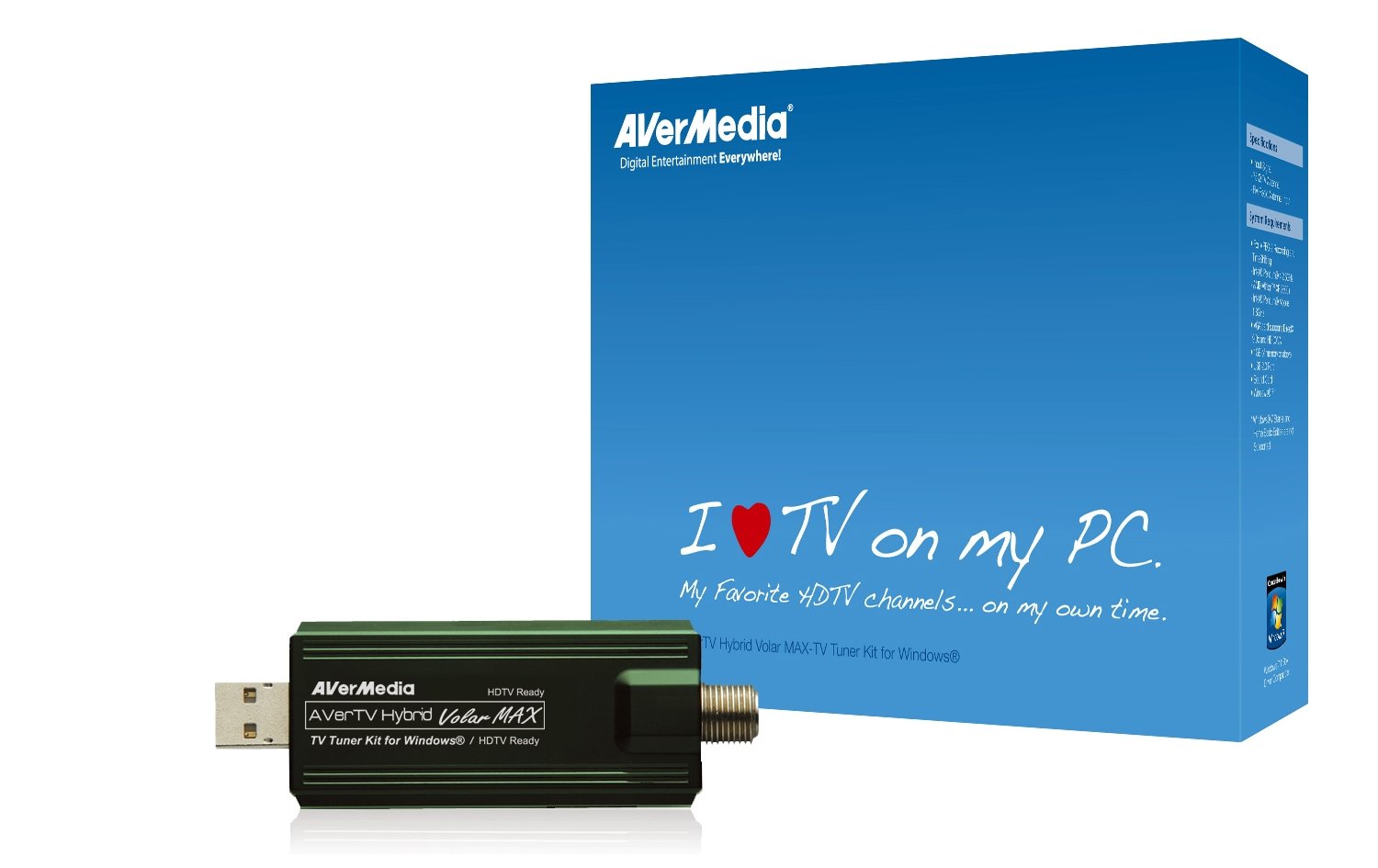
📡 Turn your PC into a powerhouse TV hub—because missing out on live HD is so last season!
The AVerTV Hybrid Volar Max TV Tuner Kit transforms your Windows 7 PC into a versatile HDTV and analog TV receiver with 1080i resolution support. Compatible with Windows Media Center, it supports multi-card recording and both analog (NTSC) and digital (ATSC/ClearQAM) signals, delivering a seamless, portable TV viewing and recording experience ideal for professionals seeking entertainment flexibility on the go.
| ASIN | B002U6KT8U |
| Best Sellers Rank | #860,685 in Electronics ( See Top 100 in Electronics ) |
| Customer Reviews | 3.8 3.8 out of 5 stars (467) |
| Date First Available | October 24, 2009 |
| Is Discontinued By Manufacturer | No |
| Item Weight | 5.6 ounces |
| Item model number | MTVHVMXSK |
| Manufacturer | AVERMEDIA |
| Package Dimensions | 8.1 x 6 x 2.1 inches |
A**K
Super easy set-up, works as described for Windows 7 PC - UPDATED 10/8/13
After having installed several internal TV tuner cards in various PC's over the years, and spending way too much money on mediocre performance, I purchased the Avertv Hybrid Volar Max TV Tuner Kit for Windows. My new PC (XPS 8300 with i7 Core processor, Windows 7 Premium, 8GB memory, and 1GB video card with HDMI) probably didn't hurt the whole equation, but I think any PC matching the basic system requirements: Pentium 4 processor 2.6Ghz or more, Athlon XP 2600+, or Pentium Mobile 1.8Ghz, VGA card supporting DirectX 9.0c and HD DXVA, 1GB memory or more, USB 2.0 port, Sound card and Windows 7 - Windows 7 Starter and Home Basic are NOT suppported - will work with this tuner using Windows Media Player. That's the kicker - make sure your system supports the tuner AND you have a working Windows Media Player installed. If you system is a healthy one, with working usb port - you will get good to great results using this device. Installation was a breeze and simple instructions are included. I attached a cable feed, but you could use a TV antenna instead to grab signals. Basically, it's plug n' play. My installation prompts did ask if I wanted to update to current versions of the drivers, which I accepted and they installed very quickly on my PC. The tuner was immediately recognized by Windows 7 Premium and the tuner went to work in finding channels when Windows Media Center was opened. 45 channels were discovered after a scan for channels that took about 5 minutes. Some channels were recognized, but later in the guide 'no information' was given. Some were premium channels that I can get via my cable box, but since the feed to the tuner isn't through the box, they are scrambled. When a free preview for HBO or similar is up, those channels would be available through this tuner. Both analog and HD channels were picked up. I receive all the major local channels, which is great for recording local news to an external hard drive for viewing later. Some that were picked up and available for viewing didn't register programs in the Electronic Program Guide of the Windows Media Player. I found the channels were active though, and simply went through the found channels to make sure they had content, with scrambled or bad channels being 'deactivated' in the settings of Windows Media (right click on the channels to have this option). Parental controls and Closed Captioning are available with this device too - set up through Windows Media Center. Overall this is a great TV tuner for any Windows 7 supported PC. It's easy to install, a breeze to use and it works to pull in both analog and digital (HD) unencrypted TV programming. It scans and locks in local channels as well as most of the others offered in a basic cable subscription. An inexpensive, easy upgrade to your Windows PC that will give you tons of quality entertainment options with little effort or expense. "Buy one! This is great stuff." UPDATE: 10/8/13 I'm still using this tuner, and considering an upgrade to the SiliconDust HDHomeRun DUAL High Definition Digital TV Tuner HDHR3-US (Black) for its ability to pull in HD at 1080i, although when I've attached a Mohu Leaf Ultimate Amplified Indoor HDTV Antenna to the tuner versus using my direct cable line I can pull in HD channels. I still have a Windows 7 PC (Core i7, 16GB memory), and the Avertv-Hybrid Volar Max still works, so I'm wondering if it's really worth the switch? Maybe just get a splitter so I can hook up the Mohu too and see if that gives me what I want? The nice part... this tuner STILL works well, and I STILL recommend it!
D**R
If you are running the Windows 10 OS, read this review...
I purchased this device back in December 2014 to enable me to access respective cable news stations from my office PC without having to buy a separation television. It worked like a charm under Windows 7 using Windows Media Center as "tuner" for cable television channel selection. However, I recently upgraded from Windows 7 to Windows 10. Much to my chagrin, Microsoft, in their infinite wisdom, decided to no longer provide Windows Media Center for Windows 10, which immediately fouled up my "watching TV from within my PC" capability. I wrote Avermedia to see whether they had any solutions. No luck; I was informed by email that they're not supporting Windows 10 for this product. Fortunately, I finally found an alternative to Windows Media Center (after trying several different alternatives) called ArcSoft Total Media (http://arcsoft-totalmedia-tv.software.informer.com/). The setup after installation was just as easy as the setup had been using Windows Media Center. In 4 minutes, I was able to watch various cable news channels from my PC again under Windows 10. Ordinarily, I'd give the AverTV product 5 stars; however, their email advising me of no support for Windows 10 merits them 3 stars.
I**I
Plug and ALMOST play
I got this TV tuner so I could watch TV from my computer and use computer as a DVR. Installation: ------------- Installation was very easy. Pluged in and windows 7 automatically detected the device and installed the right drivers. At this point (before I know what is coming) I was very impressed. As soon as that happened I was able to turn on windows media center and have it scan for channels. Performance: ------------ 1. This tuner detected significantly less channels then the built in TV tuner (in my TV). when I connect the cable to the TV I get dozens of channels. When I connected the tuner to the computer, the computer detects very little channels. I also tried using an amplifier splitter, but that didn't make it any better. This is a major problem... since if you don't get all channels - this thing doesn't make much sense - does it? 2. The channels that it does detect, it gives different names. For example, I do get ABC, but it detects is as a different channel (so the guide is wrong etc.) Support: -------- This is really what took the stars down to a single star :( I tried contacting the support for this product. NO RESPONSE. It is completely non-existing. So I guess it is a good product when it works, but when it doesn't, no one to discuss it with. Good luck! HTH
Trustpilot
5 days ago
1 day ago